142
9-2-2. Auto Video Optimizer (AVO)
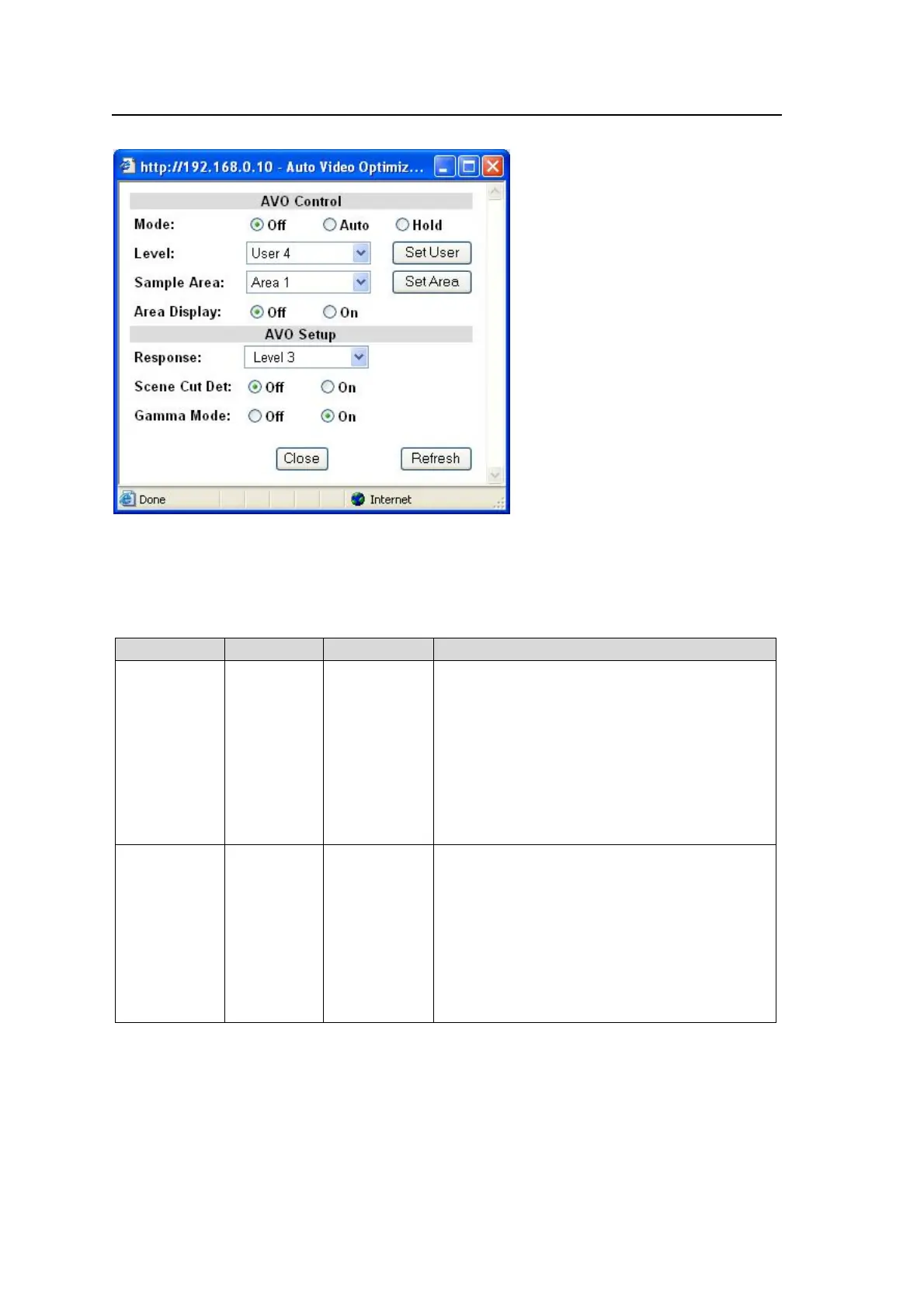
Clicking block (2) on the video block diagram opens the Auto Video Optimizer dialog box.
After completing the settings, click Close to close the dialog box.
Click Refresh to update the settings.
AVO Control
Parameter Default Setting range Description
Mode
Off
Off
Auto
*1
Hold
*2
Auto: Enables automatic level adjustment.
Hold: Stops auto level adjustment. When
MODE selection is changed from AUTO to
HOLD, the signal levels stop and remain as they
are.
Off: Disables automatic level adjustment. When
MODE selection is changed from AUTO to Off,
the signal levels return to their state before auto
level adjustment is applied. When set to Off, the
signal levels can be manually adjusted. See
section 9-2-8 “Color Corrector” for details.
Level
(Adjustment
level)
Standard
Darker
Dark
Standard
Bright
Brighter
User1
User2
User3
User4
User5
Selects a type of signal level adjustment.
10 options are available: Five fixed options and
five custom options.
Darker < Dark < Standard < Bright < Brighter
User1 - User5 : Customizable
Clicking Set User opens the USER1 - 5 LEVE
SET dialog box. See section9-2-2-2 “User 1 - 5
LEVEL SET” for details.
*1 Selecting Auto disables the Color Corrector menu (9-2-8).
*2 Selecting Hold disables the Correction Mode and Gamma Curve settings in the Color
Corrector (9-2-8).



 To Next Page