161
9-2-10. YPbPr/RGB Clip
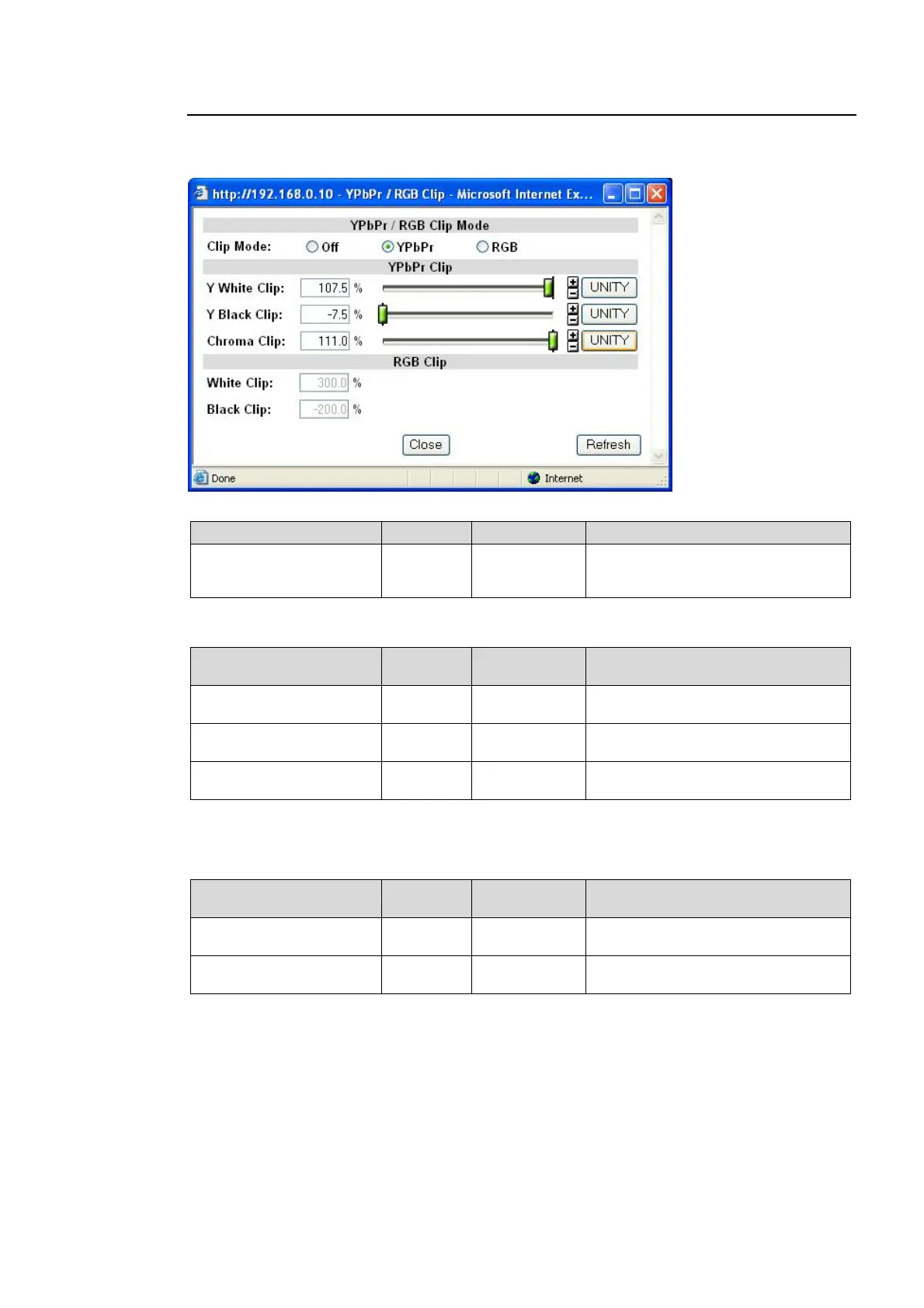
Clicking block (11) on the video block diagram opens the YPbPr/RGB setting dialog box.
See section 5-6-3 “VIDEO CLIPSetting range” for details.
YPbPr / RGB Clip Mode
Parameter Default Setting range Description
Clip Mode Off
Off
YPbPr
RGB
Selects a mode whether to clip
signals in the YPbPr or RGB color
space.
YPbPr Clip
Parameter Default
Setting range
(Steps)
Description
Y White Clip
(Y White Clip)
109.0%
50.0 - 109.0%
(0.5%)
Sets the Y signal upper threshold.
Y Black Clip
(Y Black Clip)
-7.5%
-7.5 - 50.0%
(0.5%)
Sets the Y signal lower threshold.
Chroma Clip
(PbPr Chroma Clip)
111.0%
50.0 - 111.0%
(0.5%)
Sets both the upper and lower
thresholds of PbPr signals.
Selectable when Clip Mode is set to YPbPr.
RGB Clip
Parameter Default
Setting range
(Steps)
Description
White Clip
(RGB White Clip)
300.0%
50 - 300%
(0.5%)
Sets the upper RGB color space
threshold.
Black Clip
(RGB Black Clip)
-200.0%
-200 - 50%
(0.5%)
Sets the lower RGB color space
threshold.
Selectable when Clip Mode is set to RGB.



 To Next Page