17
4-2-4. Consecutive Viewing of Settings
While a menu button is turned on, the menu display will be in consecutive display mode when
both single (up and down) arrow buttons are pressed simultaneously. Both single arrow
buttons blink when they are in consecutive display mode. To exit the mode, simultaneously
press both arrow buttons again. Then arrow buttons will stop blinking.
The single down and up arrow buttons, while in consecutive display mode, can consecutively
display all menus in which menu list settings can be changed, from the first to last or last to
first menu item. Meanwhile, holding down the single down or up arrow button also allows you
to consecutively view menus.
Order of Consecutive Menu Display
VIDEO Menus (Lit green)
The single down-arrow button consecutively displays menu pages from VIDEO PROC AMP
of PROCESS to CONV2 ANC OUT1 of STATUS in the menu list in section 4-2-2. On the other
hand, the single up-arrow button consecutively displays menu pages from CONV2 ANC
OUT1 of STATUS to VIDEO PROC AMP of PROCESS in the menu list.
AUDIO Menus (Lit orange)
The single down-arrow button consecutively displays menu pages from SDI AUDIO GAIN of
SDI AUDIO to SOFT OPTION2 of OTHER in the menu list in section 4-2-2. On the other hand,
the single up-arrow button consecutively displays menu pages from SOFT OPTION2 of
OTHER to SDI AUDIO GAIN of SDI AUDIO in the menu list.
* The EVENT button-assigned menus cannot be consecutively viewed. The consecutive
display mode is not suppported for EVENT menus.
* While the menu display is in consecutive display mode, pressing the EVENT button
cancels the mode.
4-2-5. Page Jump Feature
Some menu buttons allow you to directly go to specific menus when they are held down for at
least 1 second. This feature helps you quickly check the state of specific settings.
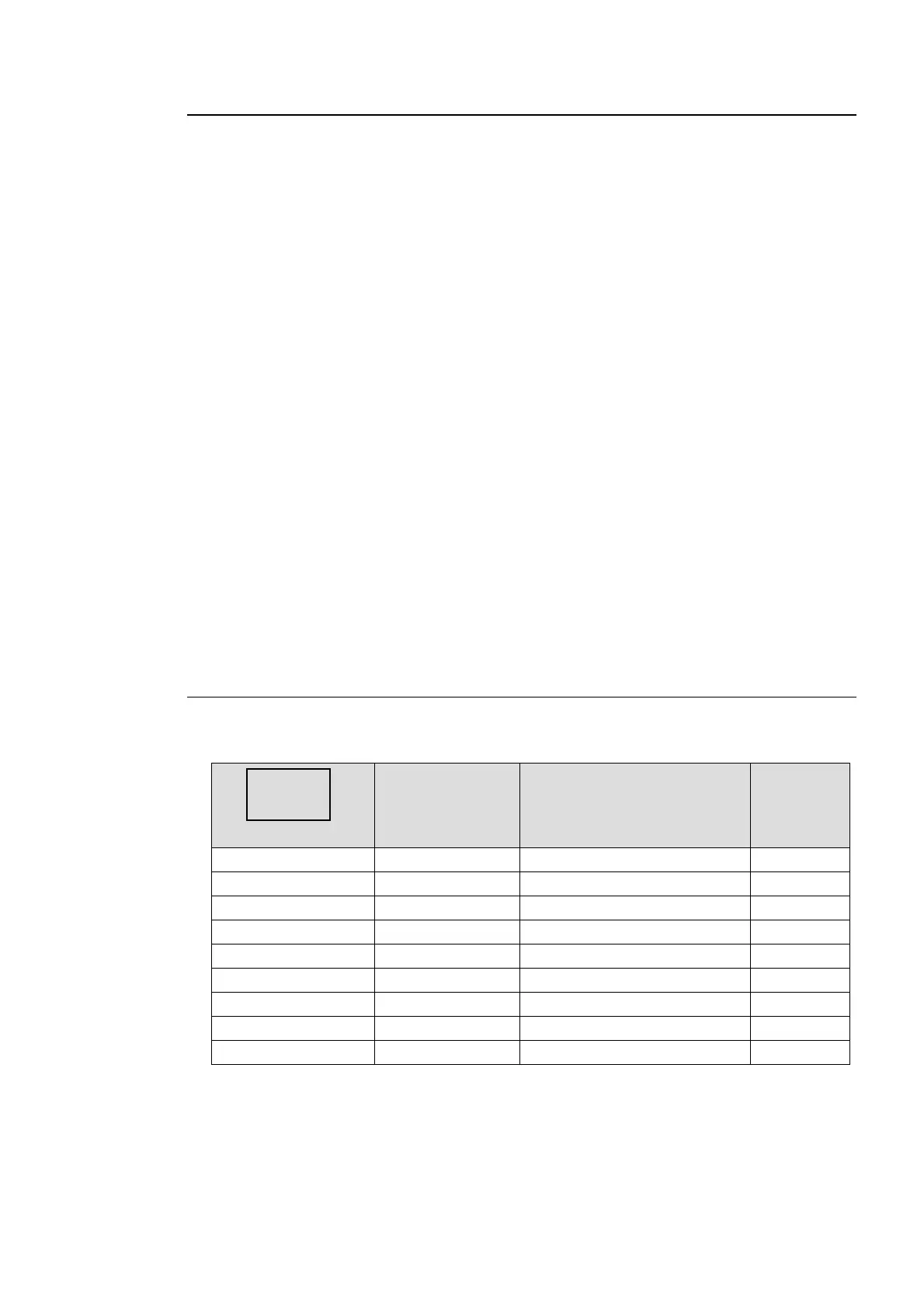
Button mode
Button Destination Reference
VIDEO CONV1 CONV1 ANC SET (99) 5-10-9
VIDEO CONV2 AFD IN STATUS (641) 5-13-16
VIDEO IN SEL VIDEO IN STATUS (502) 5-13-2
VIDEO OUT SEL VIDEO OUT STATUS (511) 5-13-4
AUDIO SDI AUDIO SDI 1/2 OUT AUDIO (561) 5-13-11
AUDIO AES AUDIO AES OUT AUDIO (569) 5-13-13
AUDIO ANALOG ANALOG OUT AUDIO (571) 5-13-14
AUDIO MAPPING SOURCE AUDIO (531) 5-13-6
AUDIO AUDIO OP
*1
Dolby AUX STATUS (573)
*1
5-13-15
*1 The Dolby AUX STATUS(573) menu is available only if the FA-95D-D option is
installed.
VIDEO
AUDIO



 To Next Page