48
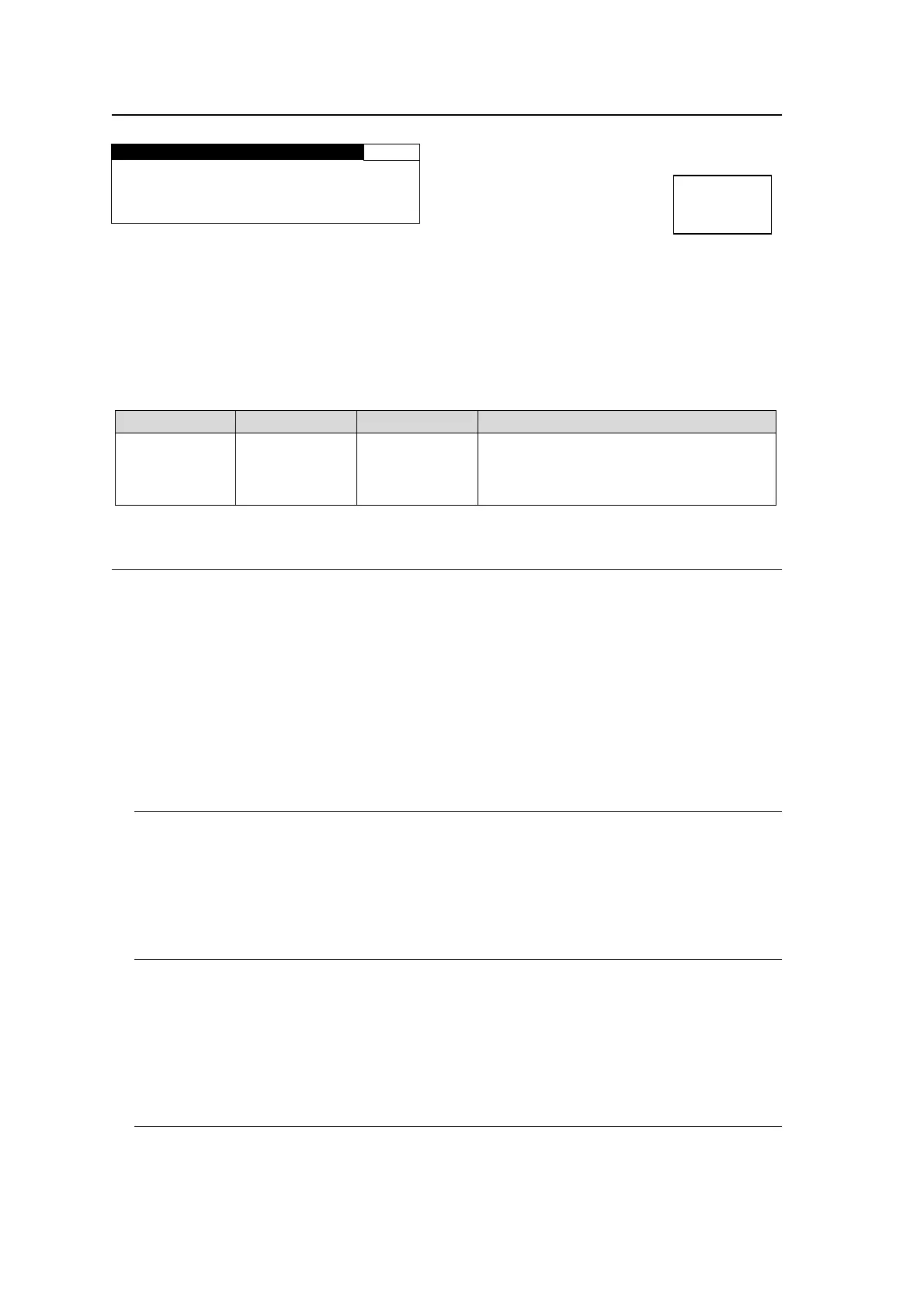
5-7-2. SD INPUT ASPECT
SD INPUT ASPECT 48
ASPECT:4:3
Allows you to specify the SD input signal aspect ratio.
CONV1 and 2 process specified aspect conversions (4:3 L 16:9 T to 16:9 F ALT4:3) according
to this input signal aspect ratio.
This setting is effective under the following conditions:
“CONV1 U/D MODE” (Sec. 5-3-1) ASPECT is set to other than AFD(4:3), AFD-ALT(4:3),
AFD(16:9), AFD-ALT(16:9), AFD, and AFD-ALT.
And, “CONV2 U/D MODE” (Sec. 5-4-1) ASPECT is set to other than AFD(4:3),
AFD-ALT(4:3), AFD(16:9), AFD-ALT(16:9), AFD, and AFD-ALT.
Parameter Default Setting range Description
ASPECT 4:3
4:3
16:9
Select the aspect ratio of the SD input
signals in CONV1 and CONV2.
Select 16:9 for horizontally squeezed
(anamorphic) images.
5-7-3. About Changeover
The Changeover function is supported for the main input, SDI 1. If the SDII 1 input
encounters a problem, Changeover switches the input to input SDI 2. However, if SDI 2
also encounters the same problem, a changeover will not occur. Conditions to determine
problem occurrence can be selected in menus 5-7-4 CHGOV (CHANGEOVER) MODE
SET through 5-7-11 SILENCE TRG. Input selection under IN SEL cannot be changed
while Changeover is enabled. Also, IN SEL must be set to SDI 1 to enable Changeover.
Whether a changeover has been performed can be checked in menus 5-7-12 CHGOV
STATUS through 5-7-17 SILENCE STATUS, which allow you to know what caused the
changeover. To reset the status menus, set Changeover to Disable.
5-7-3-1. Changeover and Loss Operation
Changeover has priority over Loss operation. However, if neither an SDI 1 or SDI 2 input
signal exists, the FA-9500 performs LOSS according to the selection made under LOSS in
the VIDEO INPUT SET (5-7-1) menu. If both SDI 1 and 2 inputs encounter the same
problem and the problem is not signal loss, the FA-9500 will output the SDI 1 input signal.
5-7-3-2. Changeover and Input Switchover Using a Router
An SDI 1 input signal switchover conducted via router will be detected as an error by the
CRC ERROR TRG (5-7-7) and AUDIO ERR TRG (5-7-10) functions. If either trigger has
been enabled for a short duration, a changeover will occur. To avoid such input
switchover-triggered changeovers, set DURATION under CRC ERROR TRG to longer
than 2 frames, and DURATION under AUDIO ERR TRG to longer than 0.2 sec..
5-7-3-3. How to Reset to SDI 1 (Main Input)
This section describes how to reset input to SDI 1 after a Changeover.
1) Check menus 5-7-12 CHGOV STATUS through 5-7-17 SILENCE STATUS to verify
what caused the changeover.
Menu bottun
IN SEL
DOWNMIX



 To Next Page