213
IMPORTANT
Some version of Internet Explorer may not download MIB files having a long file name
properly. In such case, download data in Internet Explorer using a short file name, then
rename the file in Windows Explorer. A data file can also be downloaded under its
default file name in any version of Internet Explorer.
NOTE
See section 18. “About SNMP (Simple Network Management Protocol)” for details on
MIB.
9-6-4. Backup Event Data
The Event Memory data (Events1 through 100 and the event data for each video format) can
be saved in a file on the computer as a backup. You can also move the data to another
FA-9500.
Save File
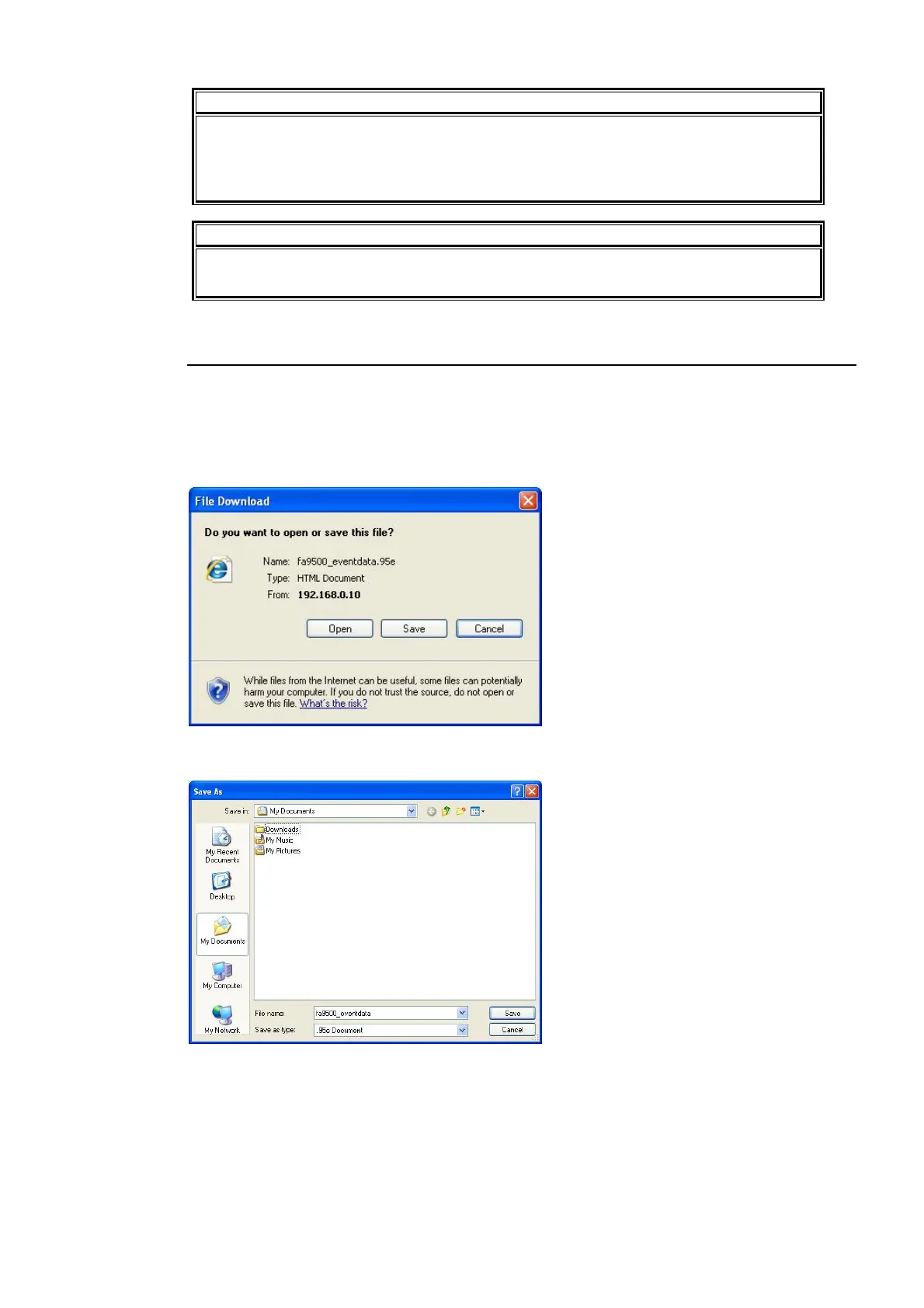
Click Save.
Click Save.
The Save As dialog appears. Specify the destination directory and the file name.
Click Save. Once the data is saved, click Close.



 To Next Page