44
5-6. CLIP (VIDEO CLIP)
5-6-1. YPbPr/RGB CLIP
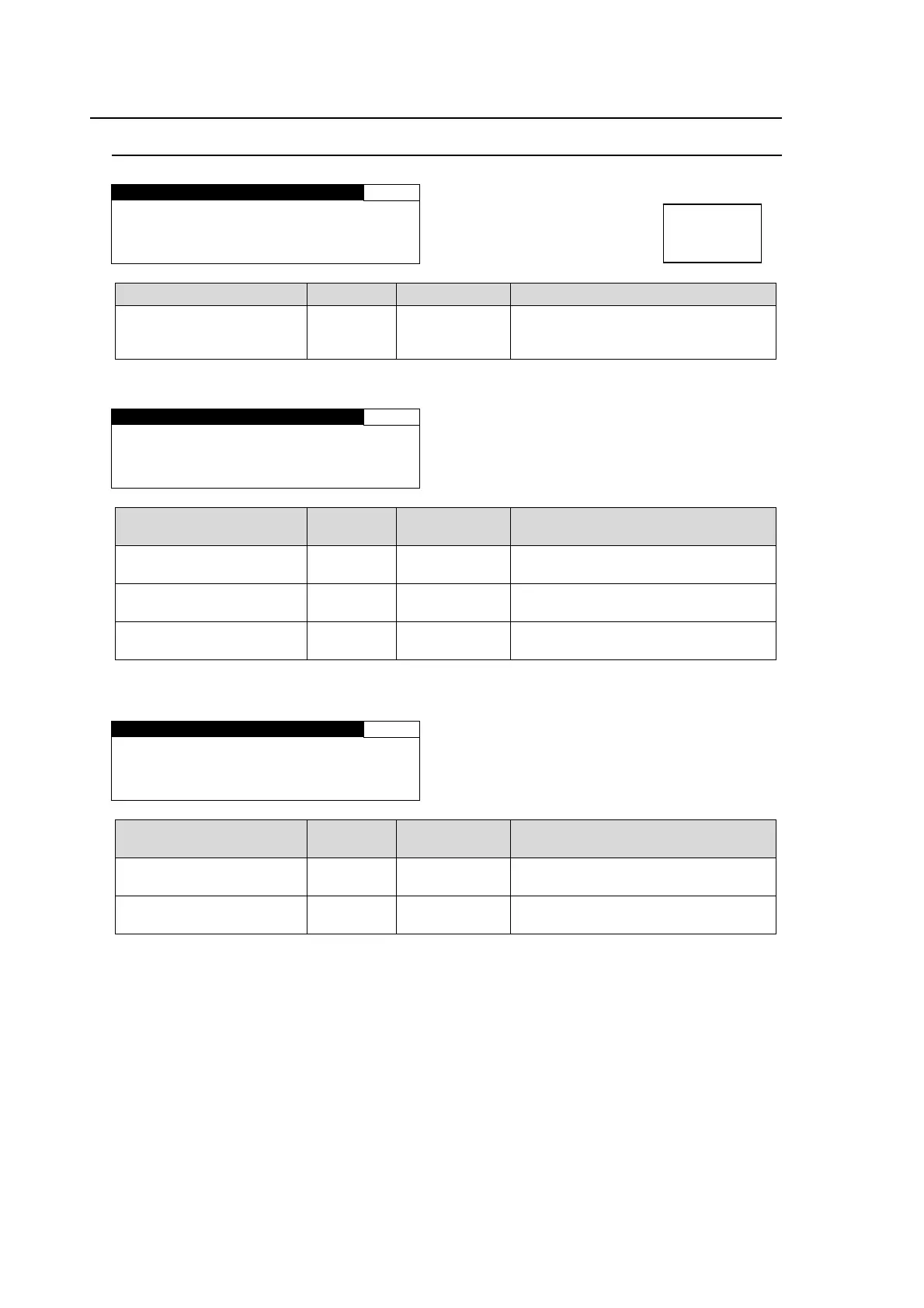
YPbPr/RGB CLIP 45
CLIP MODE: OFF
Parameter Default Setting range Description
CLIP MODE
(Clip Mode)
OFF
OFF,
YPbPr CLIP,
RGB CLIP
Selects a mode whether to clip
signals in the YPbPr color space or
RGB color space.
YPbPr CLIP
YPbPr/RGB CLIP 45
MODE:YPbPr CLIP
Y WHITE:109.0%
Y BLACK: -7.5%
CHROMA :111.0%
Parameter Default
Setting range
(Steps)
Description
Y WHITE
(Y White Clip)
109.0%
50.0 - 109.0%
(0.5%)
Sets the Y signal upper threshold.
Y BLACK
(Y Black Clip)
-7.5%
-7.5 - 50.0%
(0.5%)
Sets the Y signal lower threshold.
CHROMA
(YPbPr Chroma Clip)
111.0%
50.0 - 111.0%
(0.5%)
Sets both the upper and lower
thresholds of PbPr signals.
RGB CLIP
YPbPr/RGB CLIP 45
MODE:RGB CLIP
WHITE: 300.0%
BLACK:-200.0%
Parameter Default
Setting range
(Steps)
Description
WHITE
(RGB White Clip)
300.0%
50 - 300%
(0.5%)
Sets the upper threshold of RGB
color space.
BLACK
(RGB Black Clip)
-200.0%
-200 - 50%
(0.5%)
Sets the lower threshold of RGB
color space.
Menu button
CLIP
DELAY



 To Next Page