100
6-1-3. SDI MONO SUM
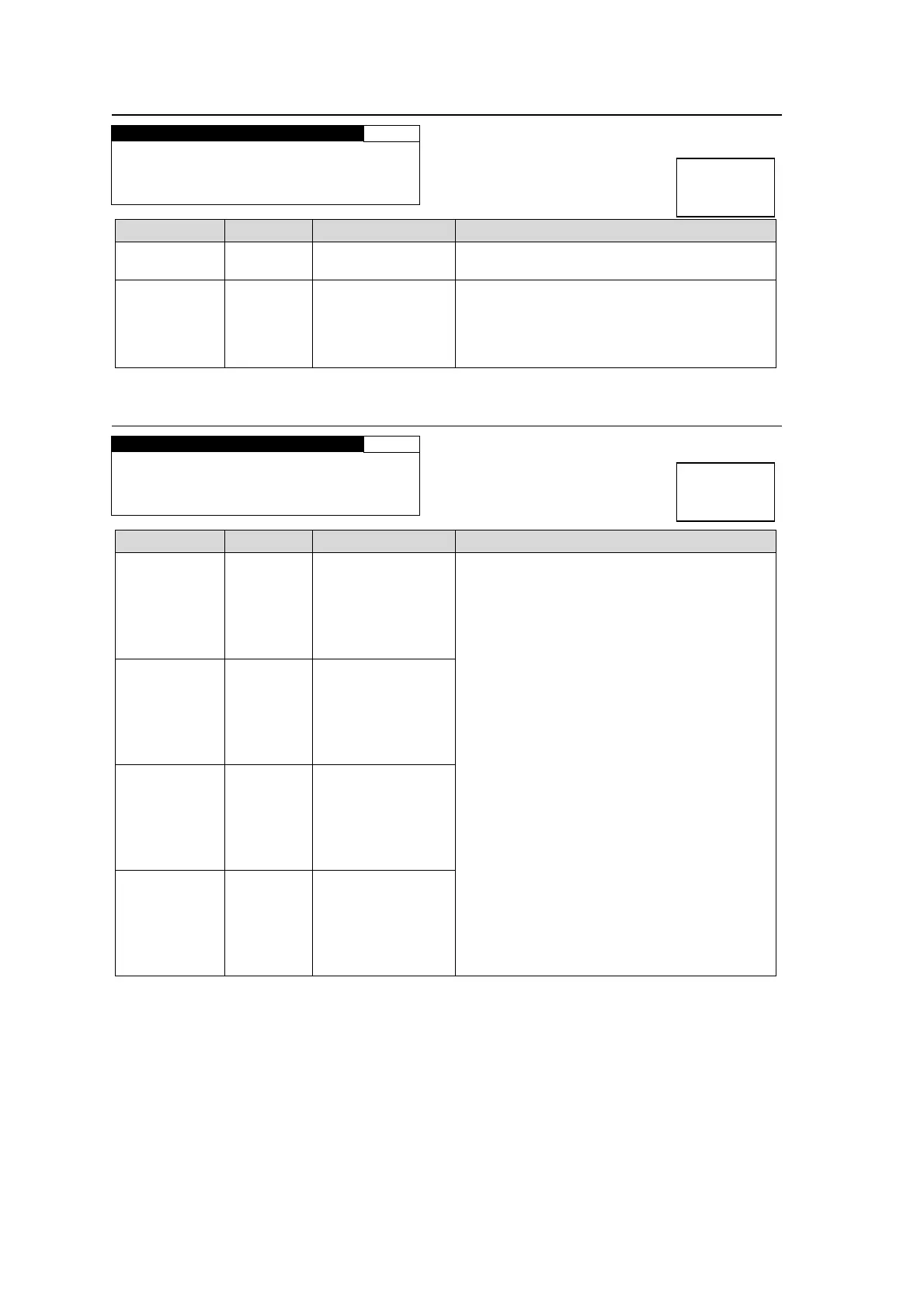
SDI MONO SUM 123
CH SEL :1/2
MONO SUM: DISABLE
Parameter Default Setting range Description
CH SEL CH1/2 CH1/2-15/16
Selects a stereo pair of embedded audio
channels of an SDI output signal.
MONO SUM DISABLE
DISABLE
ENABLE
ENABLE: Outputs the stereo pair channels
selected under CH SEL as a mono sum.
(The signals of the selected pair channels
are added and devided by two to output from
each channel.)
6-1-4. SDI AUDIO CLOCK
SDI AUDIO CLOCK 124
GROUP1:AUTO
GROUP2:AUTO
GROUP3:AUTO
GROUP4:AUTO
Parameter Default Setting range Description
GROUP 1 AUTO
AUTO
REFERENCE
CH 1/2
CH 3/4
Selects an audio clock signal per group for
SDI embedded audio output.
AUTO: Automatically selects audio clock
input in the NON-PCM signal channel, if an
input NON-PCM signal is in the selected SDI
embedded audio group. Automatically
selects audio clock signal in the smallest
numbered channel, if all signals in the audio
group are NON-PCM. Automatically selects
audio clock signal synchronized to the output
video signal, if all signals in the audio group
are PCM.
*2
REFEFENCE: Audio clock signal
synchronized to the output video signal.
(Used to synchronize audio with the video
signals processed in the SRC.)
CH 1/2 to 15/16: Audio clock input in
SOURCE channels CH 1/2 to 15/16.
*1
To output asynchronous audio signals,
select one input channel pair for each group.
*2
For SD-SDI outputs, REFERENCE is
automatically selected regardless of the
settings.
GROUP 2 AUTO
AUTO
REFERENCE
CH 5/6
CH 7/8
GROUP 3 AUTO
AUTO
REFERENCE
CH 9/10
CH 11/12
GROUP 4 AUTO
AUTO
REFERENCE
CH 13/14
CH 15/16
*1 See section 6-5 “AUDIO MAPPING (MAPPING)” for details on SOURCE settings.
*2 Embedded audio signals are divided into 4 groups. Each group consists of 4 audio
channels; Group 1 (CH 1 to 4), Group 2 (CH 5 to 8), Group 3 (CH 9 to 12), Group 4 (CH 13
to 16). The audio signals in the same group are transmitted together using the same audio
clock (48kHz). PCM audio signals will be synchronized to a genlock signal in the SRC
(sampling rate converter) so as to synchronize with the output video signal. Non-PCM
audio signals (compressed audio data such as AC-3) do not go into SRC. If the NON-PCM
audio input signal is asynchronous with the output video signal, the NON-PCM audio
output signal will be asynchronous. The asynchronous NON-PCM audio signals can be
embedded to SDI video signals by selecting an audio clock for each audio group. To do so,
all 4 channels in the respective audio groups must be synchronous. Assign 4 synchronous
audio signals to channels in a group. (See section 6-1-2. “SDI REMAPPING” for details.)
Then the asynchronous audio signal will be properly embedded to the video signal.
Menu button
PROCESS
SDI AUDIO
Menu button
PROCESS
SDI AUDIO



 To Next Page