170
9-3-4. Source Select
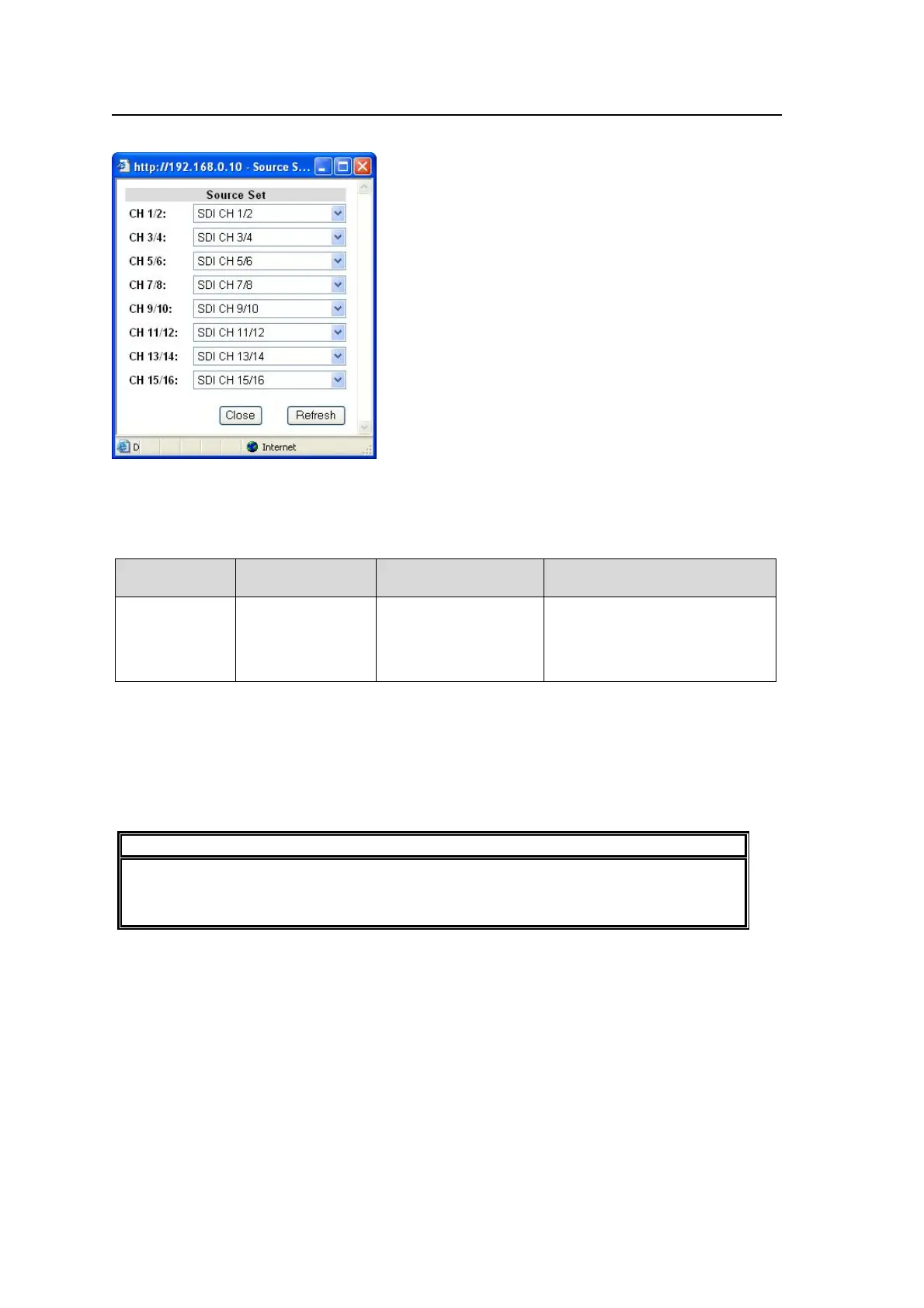
Clicking block (4) on the audio block diagram opens the Source Select dialog box.
After completing the settings, click Close to close the dialog box.
Click Refresh to update the settings.
Source Set
Parameter Default
Setting range
(Steps)
Description
CH1/2-15/16
SDI channels
corresponding to
the channel
numbers of
source channels
SDI CH 1/2 - 15/16
*1
AES CH 1/2 - 7/8
*2
Analog CH 1/2 - 3/4
Selects channel pairs to use for
16-channel audio SOURCEs.
*1 If Input Select in section 9-2-1 “Input Select“ is set to SDI 1 or SDI 2, the embedded audio
signals of either selected SDI 1 or SDI 2 will be assigned to SDI 1/2 – 15/16. If Input Select
is set to other than SDI 1 and SDI2 such as Composite, the embedded audio signals of SDI
1 input video will be assigned.
*2 To use the AES audio signals 1/2 through 7/8 for Source, the AES connector must be set
to be used for input. See AES 1/2-3/4 IO Setting and AES5/6-7/8 IO Setting in section
9-4-2 “Audio System” for details.
NOTE
Any of the 16 audio channel signals selected under Source Select can be output as
audio output or embedded to SDI video signals. See section 9-3-11 SDI Audio Output
Settings for details on embedding.



 To Next Page