35
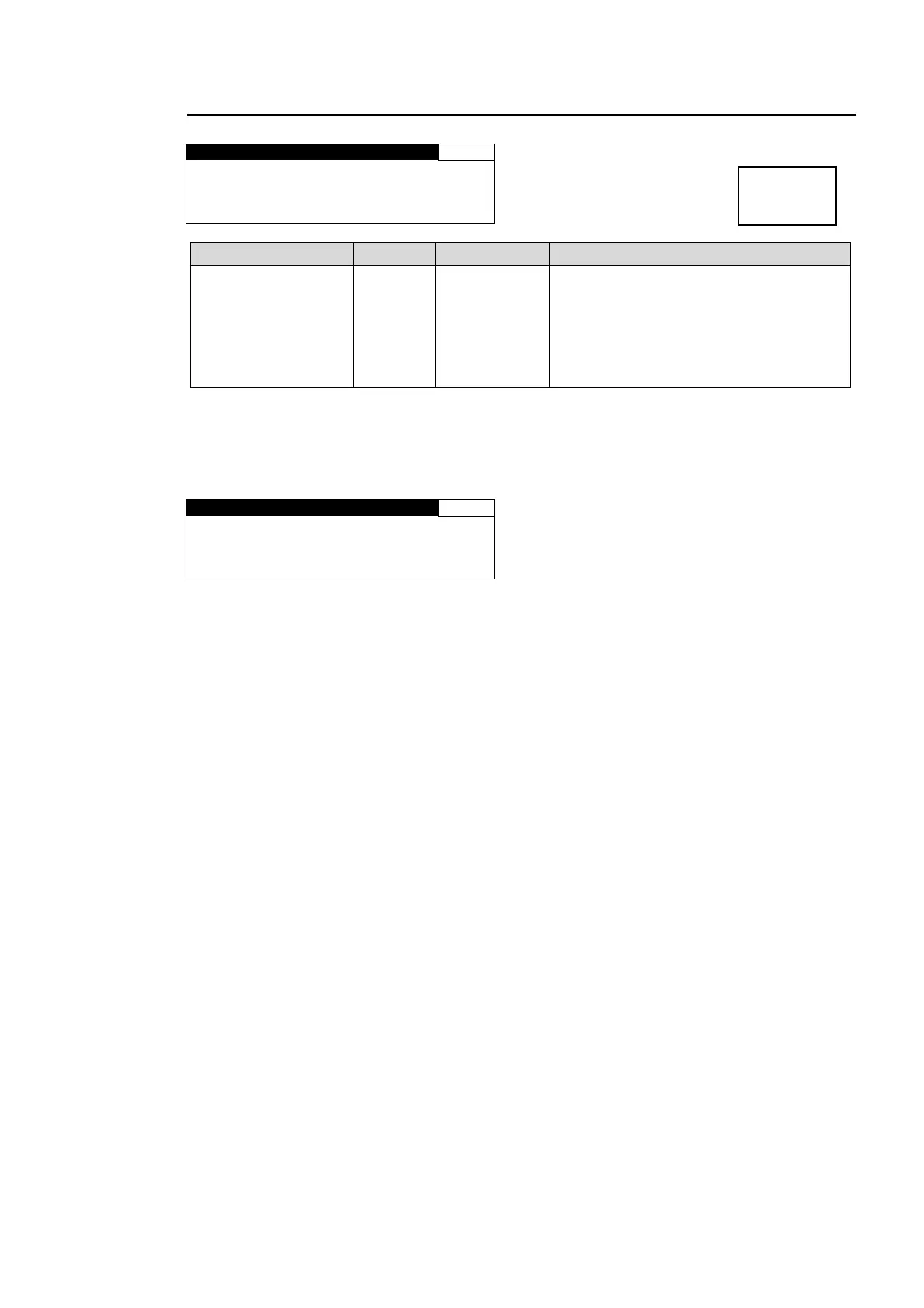
5-4-6. CONV2 SIDE RGB
CONV2 SIDE RGB 25
RED : 0
GREEN: 0
BLUE : 0
GROUP ADJUST
Parameter Default Setting range Description
RED, GREEN, BLUE
(Background color)
0 0 - 255
Sets background color that will be visible if
the converted image is set smaller than
original in CONV2 SIZE/POS (5-4-3).
R, G, and B components can be adjusted
separately.
F4 control knob allows you to adjust R, G,
and B at the same time.
If the CONV2 mode is set to BY-PASS, the CONV2 SIDE RGB setting cannot be changed.
Also, it cannot be changed if the conversion is set to the formats indicated as (BY-PASS) in
the CONV2 Conversion Table (see section 5-4-2). In both cases, the menu as shown below
will be displayed.
CONV2 SIDE RGB 25
RED : NOT ADJUST
GREEN: NOT ADJUST
BLUE : NOT ADJUST
Menu button
CONV2
MASTER



 To Next Page