188
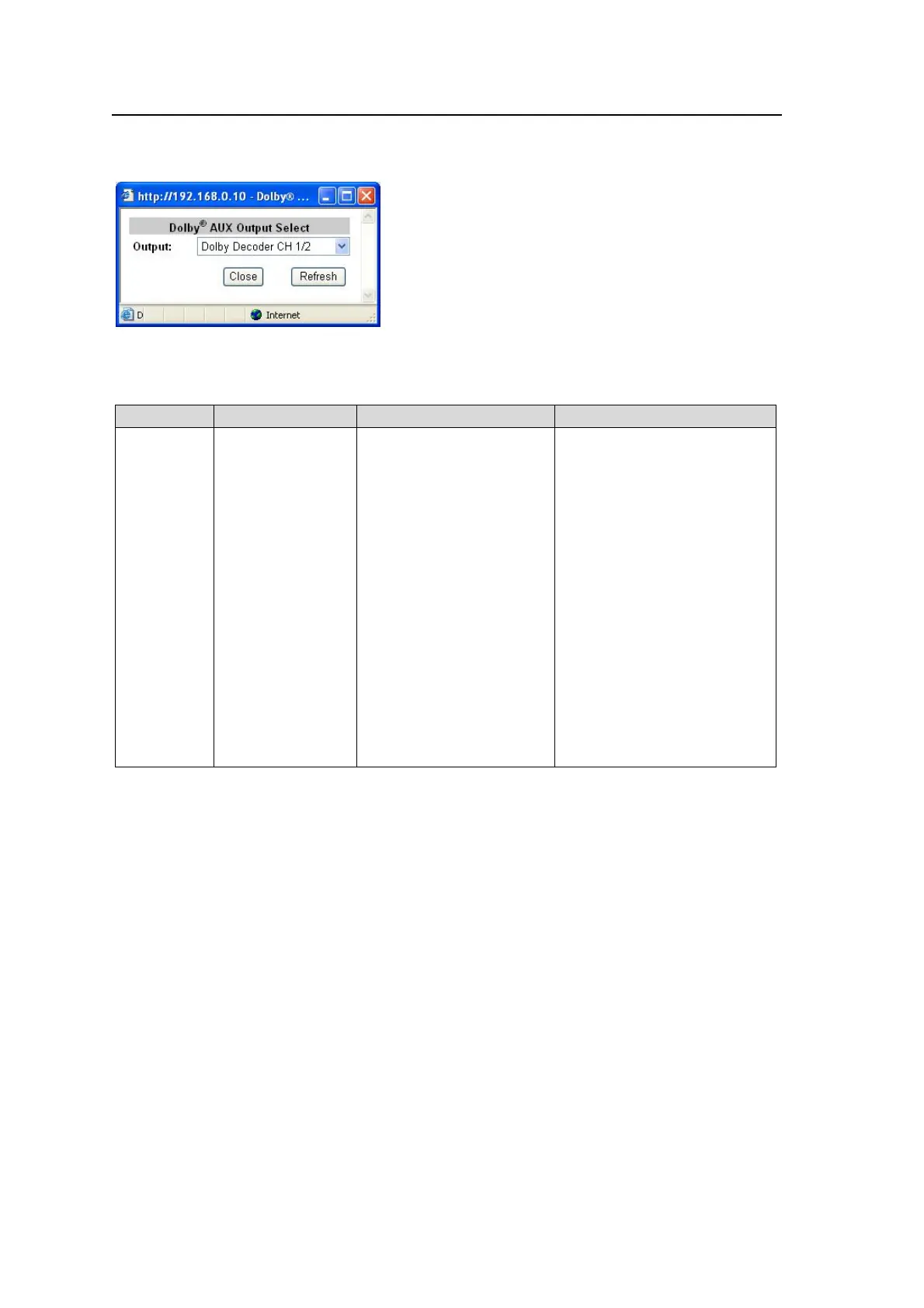
9-3-15. Dolby AUX OUTPUT Select
Clicking block (15) on the audio block diagram when FA-95D-D or FA-95DE-E option is
installed opens the Dolby AUX Output Select dialog box.
After completing the settings, click Close to close the dialog box.
Click Refresh to update the settings.
Parameter Default Setting range Description
Output
Dolby Decoder CH
1/2
Dolby Decoder CH 1/2
Dolby Decoder CH 3/4
Dolby Decoder CH 5/6
Dolby Decoder CH 7/8
Dolby Down Mix L/R
Dolby Encoder CH 1/2
*1
500Hz Tone
1kHz Tone
Silence
None
Selects a signal to be output
from the optional Dolby output
connector (Dolby OUT).
Decoder Output CH 1/2 –
CH7/8: Dolby-decoded PCM
signals
Dolby Down Mix L/R:
Downmixed signal generated
from Dolby-decoded PCM
signals.
Dolby Encoder CH 1/2:
Encoded Dolby E signal of
selected signals of SOURCE
channels.
500Hz Tone: 500Hz/1KHz
Test signal (TONE)
1kHz Tone: 500Hz/1KHz Test
signal (TONE)
Silence: Mute signal
None: No signal output
*1 Shown only if the FA-95DE-E option is installed.



 To Next Page