112
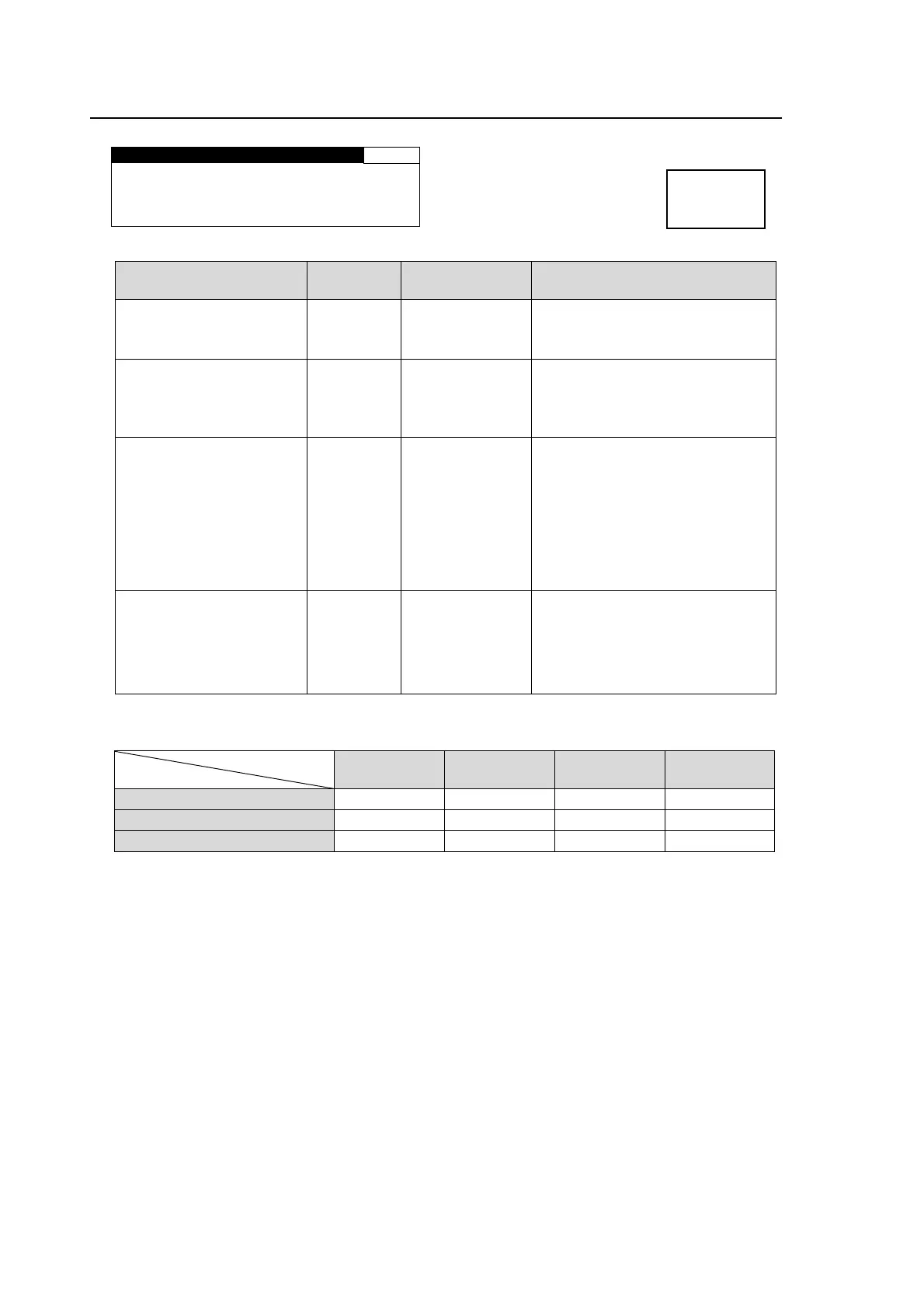
6-7. DOWN MIX SET
DOWN MIX SET 165
MODE:STEREO
SURROUND MIX: -3dB
CENTER MIX : -3dB
MASTER LVL : -3dB
Parameter Default
Setting range
(Steps)
Description
MODE
*1
STEREO
STEREO
SURROUND
MONAURAL
Selects a mode to downmix audio
signals.
SURROUND MIX -3dB
-3dB
-6dB
-9dB
0
Sets the Ls/Rs (surround
channels) level.
0 : (-∞dB) Excludes surround
channels from the downmix.
CENTER MIX -3dB
-3dB
-4.5 dB
-6dB
Sets the C (center channel) level.
-3dB: The output level after the
downmix retains the original
center channel level.
-4.5dB, -6dB: Used to reduce the
audio level in case it becomes too
loud due to the center channel
audio mixing to both the right and
left channels.
MASTER LVL -3dB
-3dB
AUTO
Sets the level for the downmixed
audio signals as a whole.
If set to AUTO, Down MIX Master
Level changes according to the
Downmix Mode and Surround
Mix level selections.
*2
*1 See the Downmix Block Diagram in the next page for details on downmix modes.
*2 If MASTER LVL is set to AUTO, Master Level changes as shown in the below table.
Surround Mix Level
Down Mix Mode
-3dB -6dB -9dB 0 (-∞dB)
Stereo approx.-7.7dB approx.-6.9dB approx.-6.3dB approx.-4.6dB
Surround approx.-9.9dB approx.-8.7dB approx.-7.7dB approx.-4.6dB
Monaural approx.-12.9dB approx.-12.0dB approx.-11.4dB approx.-9.5dB
Menu button
IN SEL
DOWN MIX



 To Next Page