172
9-3-6. SRC Mode
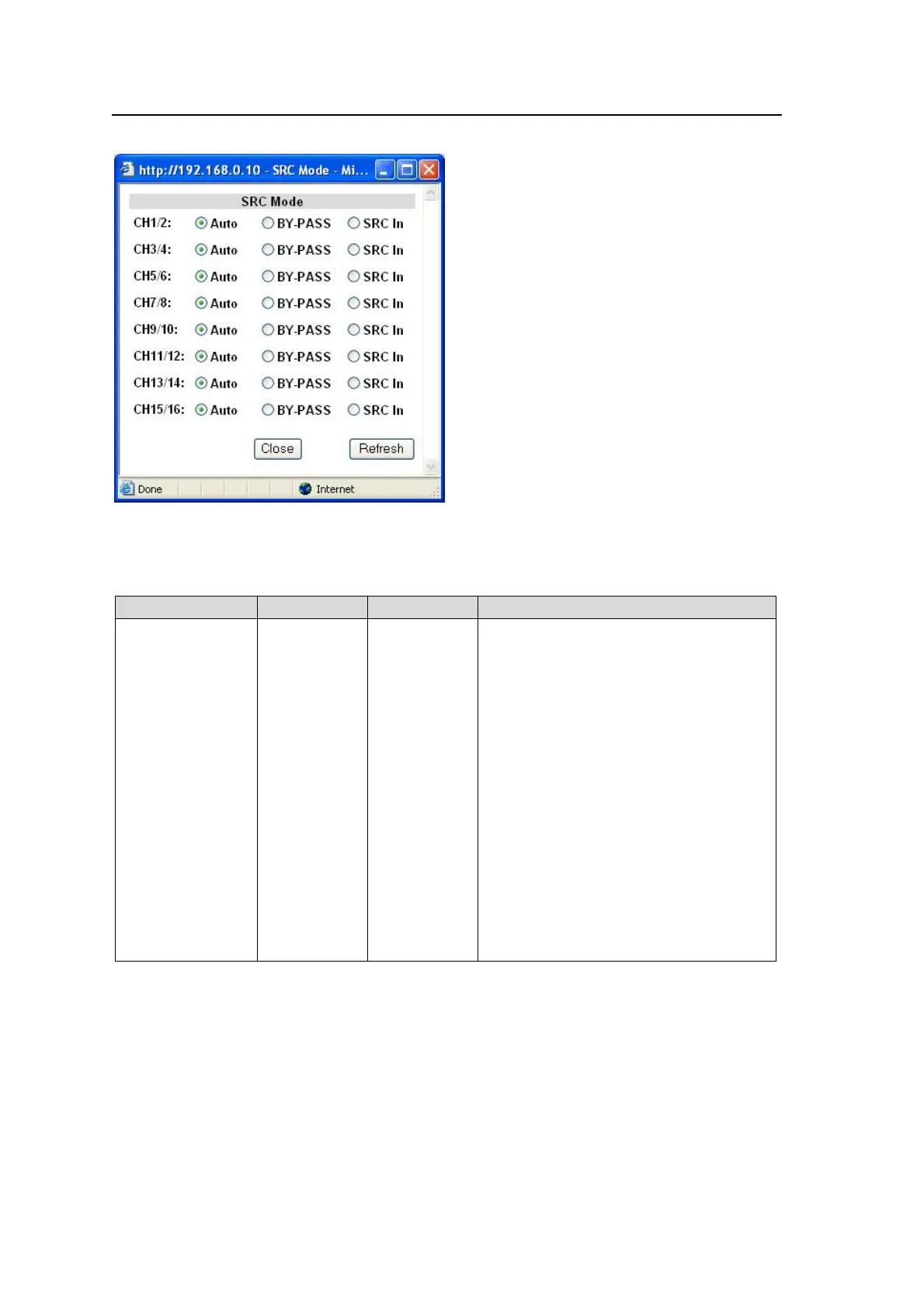
Clicking block (6) on the audio block diagram opens the SRC Mode dialog box.
After completing the settings, click Close to close the dialog box.
Click Refresh to update the settings.
SRC Mode
Parameter Default Setting range Description
SRC Mode Auto
Auto
BY-PASS
SRC In
Sets the SRC circuit to pass or by-pass
audio signals per channel pair.
Auto:
Sets the SRC circuit to pass signals.
However, non-PCM audio signals will be
by-passed.
BY-PASS:
Sets the SRC circuit to by-pass signals.
Set to By-pass to output asynchronous
audio signals. An audio clock must be
selected under 9-3-11 “SDI Audio Output
Setting“ for the respective audio groups
to embed audio signals to SDI output
video signals.
SRC In:
Sets the SRC circuit to pass both PCM or
NON-PCM signals. Useful for the
irregular PCM signal with the NON-PCM
audio channel status indication.
However, real NON-PCM signals cannot
be output properly.



 To Next Page