114
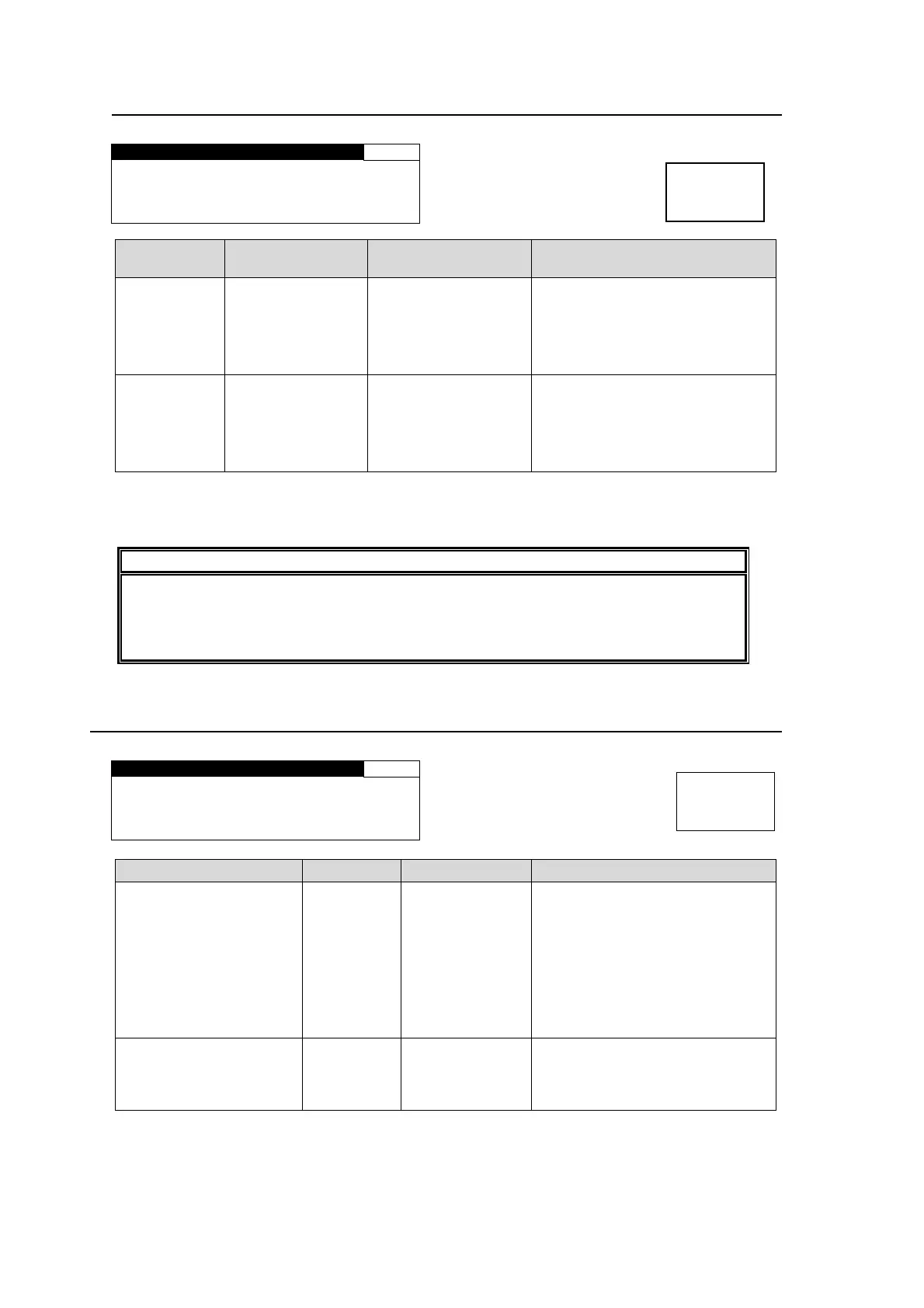
6-7-1. DOWN MIX ASSIGN
DOWN MIX ASSIGN 166
CH SEL:LEFT
SOURCE:SOURCE1
Parameter Default
Setting range
(Steps)
Description
CH SEL LEFT
LEFT(L)
RIGHT(R)
CENTER(C)
LEFT SRRND(LS)
RIGHT SRRND(RS)
Selects a channel to be
downmixed for which to assign a
source audio.
SOURCE
L:SOURCE1
R:SOURCE2
C:SOURCE3
LS:SOURCE5
RS:SOURCE6
SOURCE1-16
*1
Selects a SOURCE channel to
assign to the channel that is
selected under 6-5 AUDIO
MAPPING (MAPPING) from
channels CH1 to 16.
*1 If the same SOURCE channel is selected for multiple CH SEL channels, or a NON-PCM
signal is assigned to a SOURCE channel, the menu will be indicated with an “*“, and
DOWNMIX-L and DOWNMIX-R will be mute.
NOTE
To embed downmixed audio signals, see section 6-1-2 “SDI REMAPPING”. To output
downmixed audio signals from AES connectors, see section 6-2-3 “AES
REMAPPING”. To output from the analog audio output connector, see section 6-3-5
“ANALOG REMAPPING”.
6-8. AUDIO MODE SET (MODE)
AUDIO MODE SET 175
SOURCE SEL : CH1
POLARITY SET:NORMAL
Parameter Default Setting range Description
SOURCE SEL CH1
CH 1 - 16
DEC CH 1 – 8
*1
DolbyDM-L
*1
DolbyDM-R
*1
Selects a channel for which to set
the polarity.
CH1-CH 16: Selected SOURCE
channels
DEC CH 1-8: Dolby-decoded
PCM signals
DolbyDM-L/R: Down mixed
signals generated from
Dolby-decoded PCM signals
POLARITY SET NORMAL
NORMAL
INVERT
Sets the polarity for the channel
that is selected under POLARITY
SEL.
INVERT: Reverses the polarity.
*1 Shown only if the FA-95D-D option is installed.
Menu button
OUT SEL
MODE
Menu button
IN SEL
DOWNMIX



 To Next Page