74
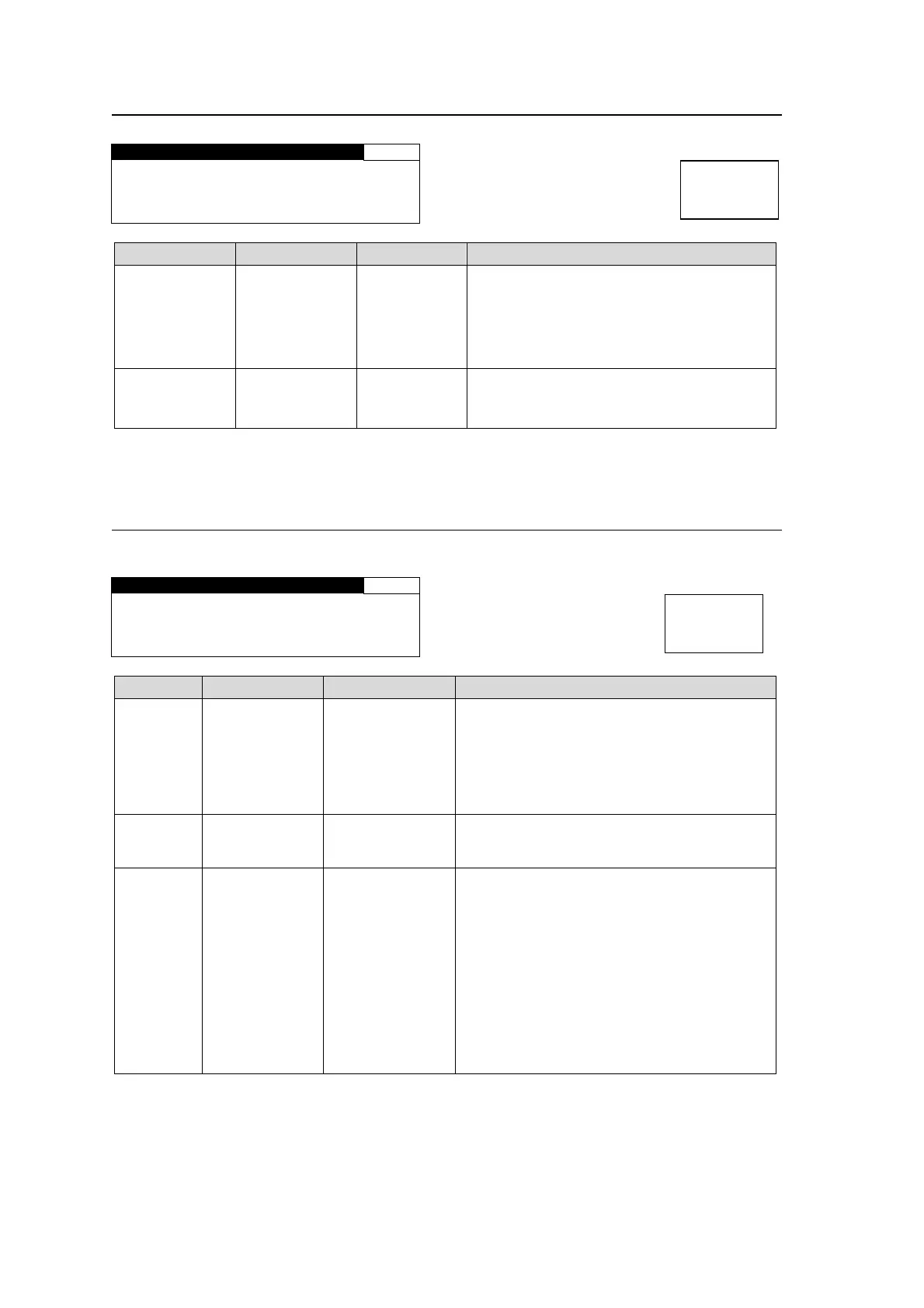
5-10-15. ANC DETECT SEL
ANC DETECT SEL 105
CAPTION:CEA608 CC
AFD :S2016-3AFD
Parameter Default Setting range Description
CAPTION
*1
CEA608 CC
CEA608 CC
S334-1 CC
Select CEA608 CC to process closed
caption data in the luminance signal (Y) of
525/60 system.
Select S334-1 CC to process closed
caption data in ancillary data space of SDI
signal.
AFD S2016-3 AFD
S2016-3 AFD
RP186 VI
BT1119 WSS
Selects a type of AFD data to be detected
for SD input signals.
*1 Be sure to set to CEA608 CC when processing closed caption data in 525/60 composite
signals. Otherwise the caption data will not be detected.
5-10-16. ANC DATA EMBED
Allows you to set ancillary data insertion into SDI signal ancillary spaces.
ANC DATA EMBED 108
ANC:CEA608 CC
FORMAT:525/60
EMBED:DISABLE
Parameter Default Setting range Description
ANC CEA608 CC
CEA608 CC
S334-1 CC SD
CEA708 CC HD
S2016-3 AFD
RP186 VI
BT1119 WSS
Selects an ancillary data type to insert.
FORMAT - *
Selects a video format that supports the
ancillary data selected under ANC. Only
selectable format will be shown.
EMBED DISABLE
DISABLE
CONV1
CONV2
CONV1/2
DISABLE: Does not insert ancillary data
selected under ANC.
CONV1: Inserts ancillary data selected
under ANC into the CONV1 output signal.
CONV2: Inserts ancillary data selected
under ANC into the CONV2 output signal.
CONV1/2: Inserts ancillary data selected
under ANC into CONV1 and CONV2 output
signals.
This value can be set respectively for each
selection (S334-1 CC SD to BT1119 WSS)
under ANC.
Menu button
VIDEO SYS
AUDIO SYS
Menu button
VIDEO SYS
AUDIO SYS



 To Next Page