177
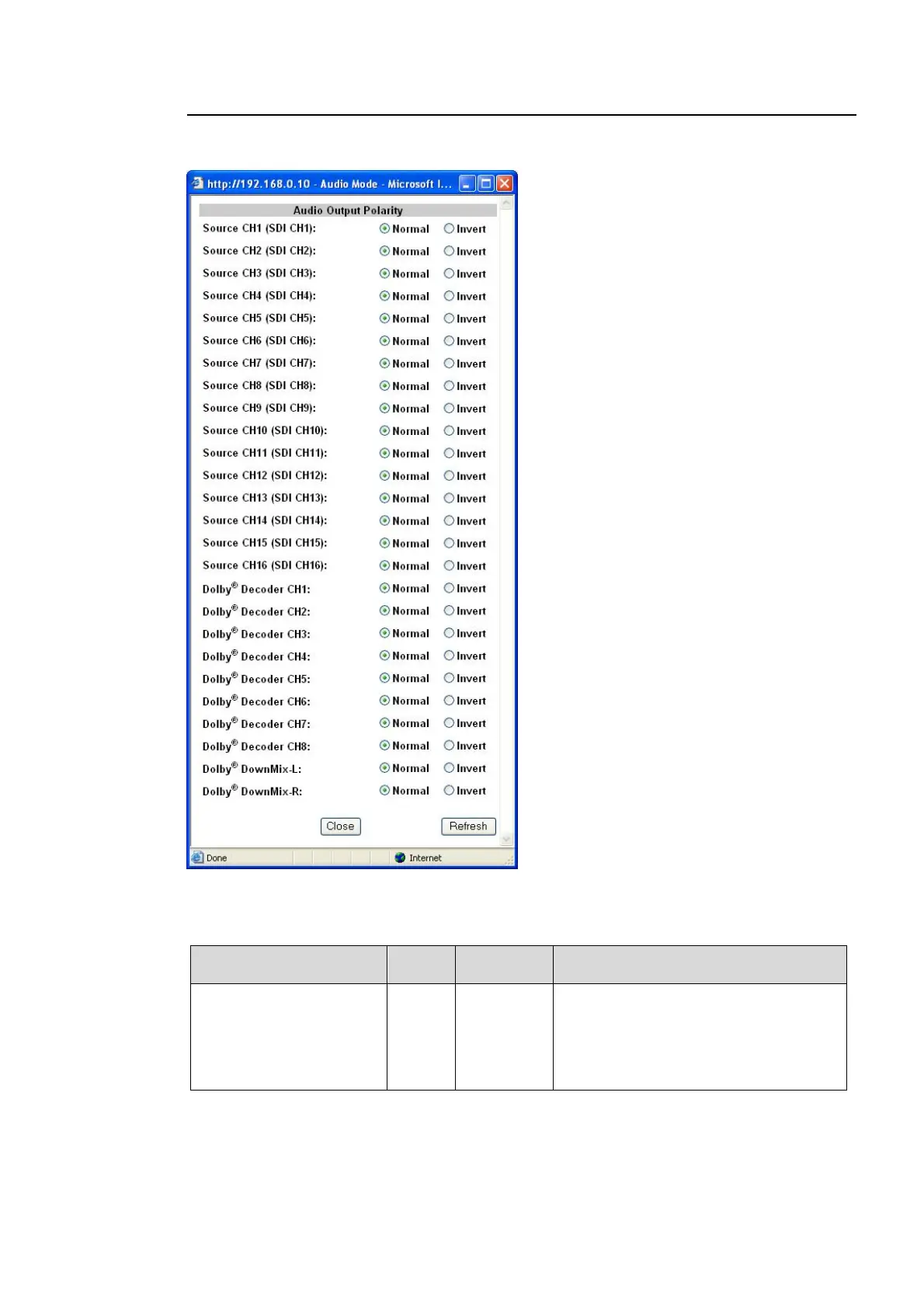
9-3-10. Audio Output Polarity
Clicking block (8) on the audio block diagram opens the Audio Output Polarity setting dialog
box.
After completing the settings, click Close to close the dialog box.
Click Refresh to update the settings.
Parameter Default
Setting
range
Description
Source CH1-16
Dolby Decoder CH 1-8
*1
Dolby Decoder L-R
*1
Normal
Normal
Invert
Sets the polarity for Source channels
CH1 through 16 and the Dolby decoder.
Invert: Reverses the polarity.
Which input audio signal is used for the
SOURCE channel is displayed as (SDI
CH1).
*1 Selectable only if the FA-95D-D option is installed.



 To Next Page