39
5-5-3. USER1 - 5 LEVEL SET
Setting LEVEL of the AVO SETTING menu to one user settings from USER1 through 5 opens
the USER1 - 5 LEVEL SET menu. This menu allows you to store five sets of level settings as
USER1 – 5.
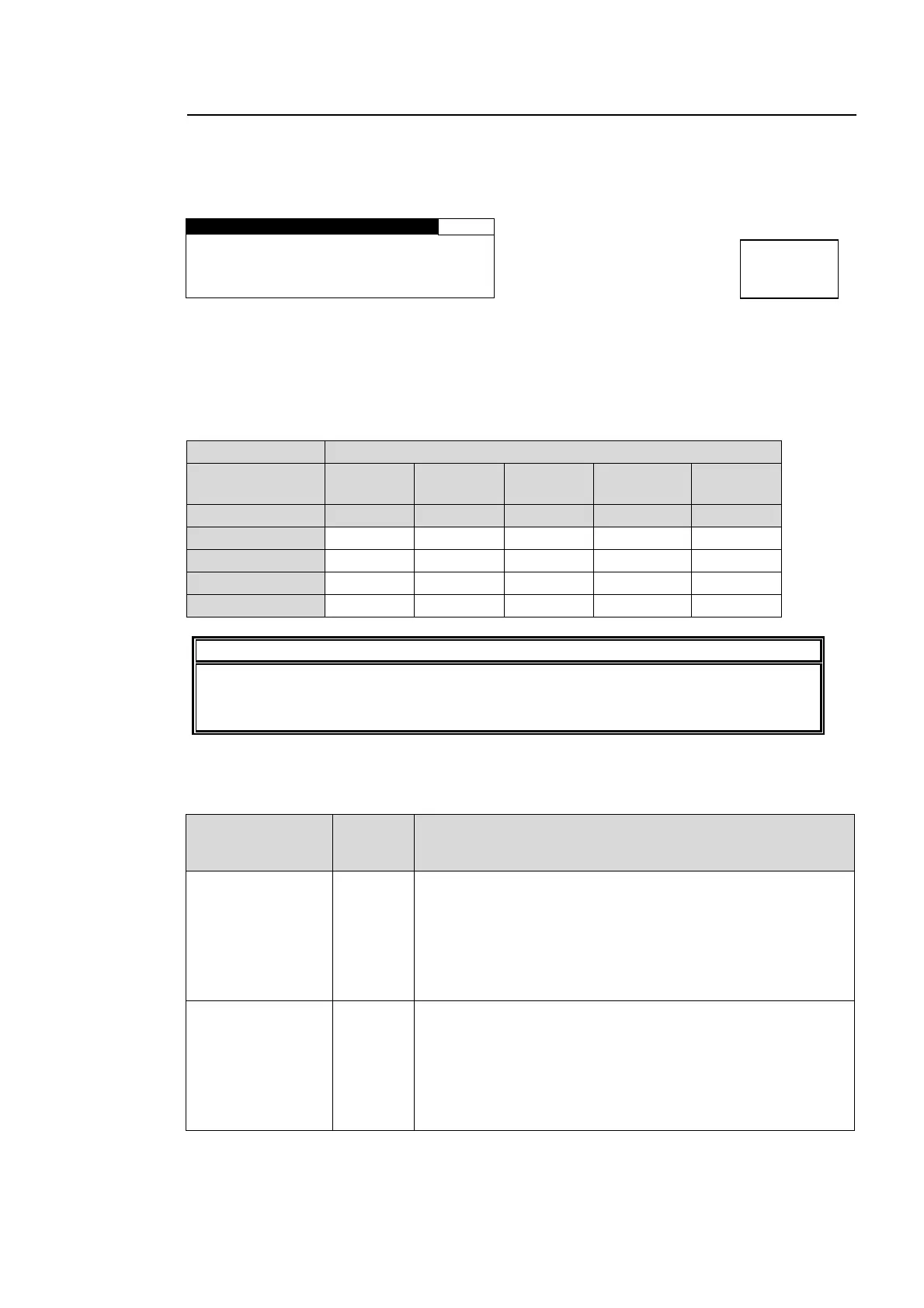
USER1 LEVEL SET 37
IN WHITE : 99.0%
IN BLACK : 1.0%
TARGET WHITE: 80.0%
TARGET BLACK: 3.0%
Each USER1 – 5 is composed of four level settings such as IN WHITE, IN BLACK, TARGET
WHITE, and TARGET BLACK. The default settings of USERs 1 through 5 are the same as
those for DARKER, DARK, STANDARD, BRIGHT, and BRIGHTER, respectively. The
desirable level settings are easily obtained by adjusting values from the default values.
USER1 – 5 Default Settings
Parameter SELECT LEVEL (Adjustment level)
(Custom levels) USER1
Default
USER2
Default
USER3
Default
USER4
Default
USER 5
Default
(Fixed levels) Darker Dark Standard Bright Brighter
IN WHITE 99.0% 98.0% 97.0% 95.0% 93.0%
IN BLACK 1.0% 2.0% 3.0% 5.0% 7.0%
TARGET WHITE 80.0% 88.0% 93.0% 95.0% 97.0%
TARGET BLACK 3.0% 5.0% 7.0% 12.0% 17.0%
IMPORTANT
While the USER setting menu is open and the LEVEL is changed via web browser or
the connected FA-95RU to other than USERs 1 through 5 in the AVO SETTING menu
(5-5-1), the menu will change to display the AVO SETTING menu (5-5-1).
IN WHITE and IN BLACK
These two parameters determine the highest and lowest levels of luminance in the input
signal.
Parameter
Setting
range
(step)
Description
IN WHITE
80.0% -
99.0%
(0.5%)
The maximum value of luminance in the sample data is
defined as 100%. Based on this reference value, this
determines the highest level of luminance for level control.
If the value is too large, some noise may be picked up and
cause the results to become unstable. If the value is too
small, it increases contrast, but it may cause the images to
be overexposed.
IN BLACK
1.0% -
20.0%
(0.5%)
The minimum value of luminance in the sample data is
defined as 0%. Based on this reference value, this
determines the lowest level of luminance for level control.
If the value is too small, some noise may be picked up and
cause the results to become unstable. If the value is too
large, it increases contrast, but it may cause the images to
be underexposed.
Menu button
AVO
MAPPING



 To Next Page