60
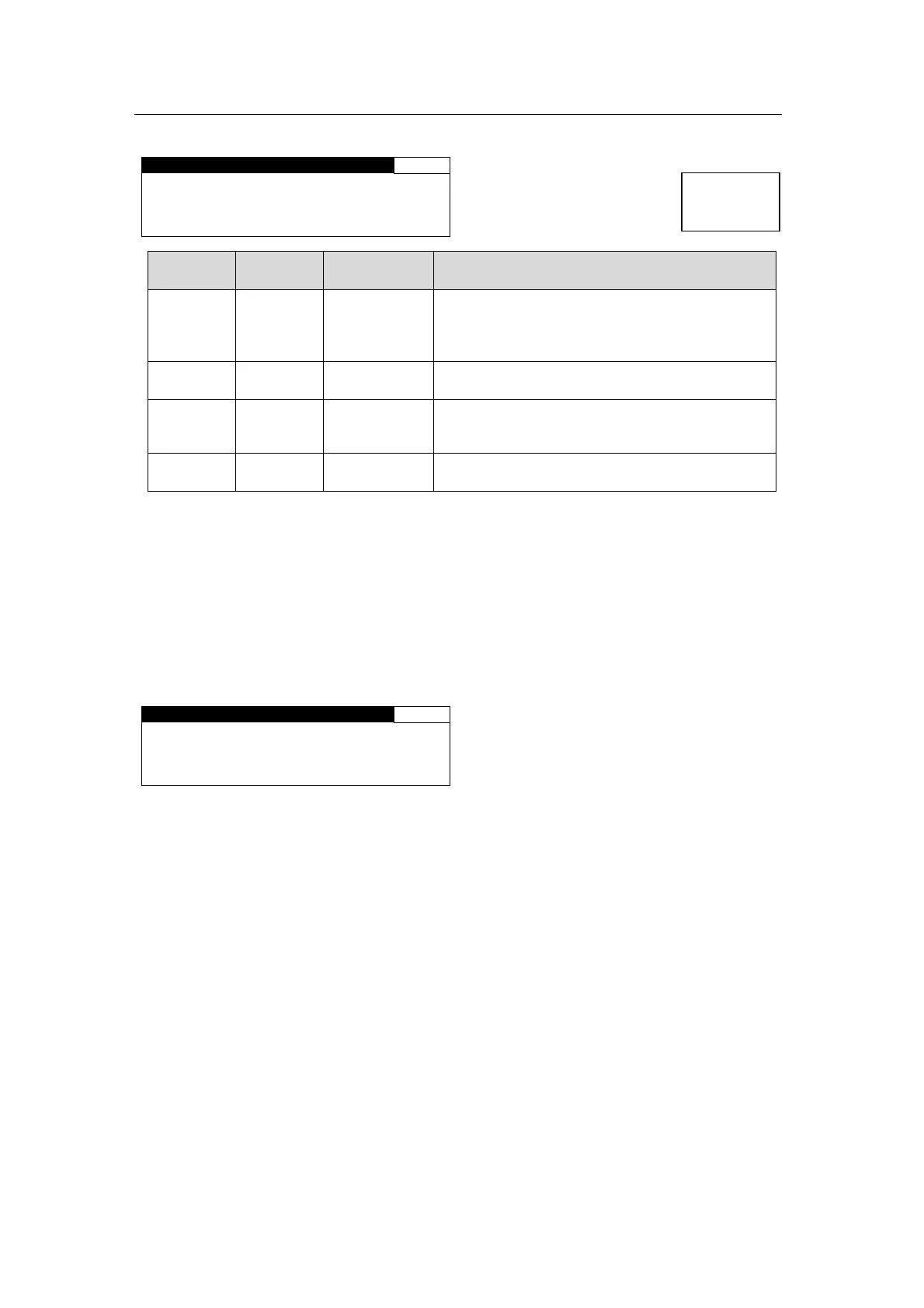
5-9-1-2. CONV1 KEYER SET
Allows you to set a keyer for CONVERTER 1.
CONV1 KEYER SET 402
KEYER:OFF
LEVEL:100%
H POS: 0PIXEL
V POS: 0LINE
Parameter Default
Setting range
(Steps)
Description
KEYER OFF
OFF
ON
Allows you to enable or disable the keyer for the
Converter 1 output signal.
ON: Enables display of logos selected in the
CONV1 LOGO SEL menu (5-9-1-1).
LEVEL
*1
100%
0-100%
(0.1%)
Allows you to set a key level for a logo to be
output to the Converter 1 output signal.
H POS
*1
0
*2
(2 Pixel)
Allows you to set the horizontal positon for a
logo to be output to the Converter 1 output
signal.
V POS
*1
0
*2
(1 Line)
Allows you to set the vertical positon for a logo
to be output to the Converter 1 output signal.
*1 Key level and position settings are saved for each logo ID. Changing logo settings for
Converter 1 will also change the logo settings of Converter 2 using the same logo.
*2 Actual logo position differs depending on the logo format selected when registering the
logo. See section 5-9-1-5 “Logo Position Setting Range” for details.
LEVEL and H/V POS settings are disabled under the following conditions:
No logo is assigned to the logo ID selected under LOGO ID in the 5-9-1-1 CONV1
LOGO SEL menu.
Different formats are displayed for LOGO FORMAT and CONV1 in the 5-9-1-1
CONV1 LOGO SEL menu.
CONV1 KEYER SET 402
KEYER:ON
LEVEL:NOT ADJ
H POS:NOT ADJ
V POS:NOT ADJ
Menu button
VIDEO OP
AUDIO OP



 To Next Page