67
5-10-6. HD PHASE SET
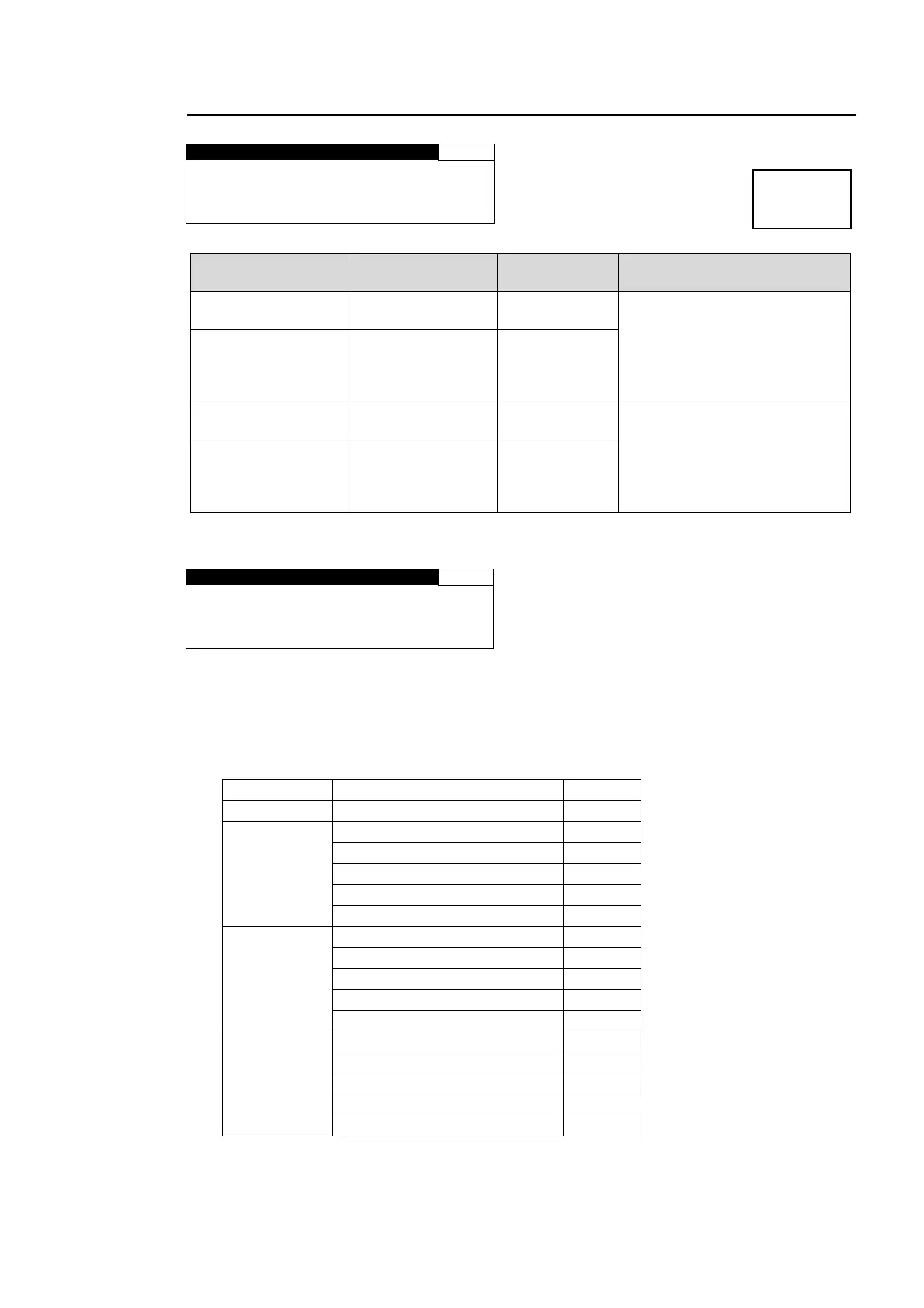
HD PHASE SET 96
H 1080: 0CLK
V 1080: 0LINE
H 720 : 0CLK
V 720 : 0LINE
Parameter Default
Setting range
(Steps)
Description
H 1080
*1
(Horizontal Phase)
0
-1375 - 1375
(CLK)
Adjusts the horizontal and
vertical phases of the system
referring to genlock signal. This
setting is applied to
1080-format output signals.
V 1080
*1
*2
(Vertical Phase)
0
*3
(FRAME,INPUT)
1
*3
(LINE,AVDL)
-563 - 563
(LINE)
H 720
*1
(Horizontal Phase)
0
-2063 - 2063
(CLK)
Adjusts the horizontal and
vertical phases of the system
referring to genlock signal. This
setting is applied to 720-format
output signals.
V 720
*1
*2
(Vertical Phase)
0
*3
(FRAME,INPUT)
1
*3
(LINE,AVDL)
-375 - 375
(LINE)
*1 The settings are not available if there is no reference signal input. In such case, the menu
as shown below will be displayed.
HD PHASE SET 96
H 1080:NOT ADJUST
V 1080:NOT ADJUST
H 720 :NOT ADJUST
V 720 :NOT ADJUST
*2 Set V PHASE to more than 1 line when setting SYNCHRO mode to INPUT.
*3 The default value varies depending on the SYNCHRO setting in section 5-10-1 “FS MODE
SET” and the IN SEL setting in section 5-7-1 “VIDEO INPUT SET” as shown in the below
table. The set value will be reset to its relevant default value whenever the SYNCHRO
setting is changed.
SYNCHRO IN SEL Default
FRAME ─ 0
LINE
SDI1, 2 1
COMPOSITE (525/60) 3
COMPOSITE (625/50) 4
COMPONENT (Y/C) 4
COMPONENT (others) 1
AVDL
SDI1, 2 1
COMPOSITE (525/60) 3
COMPOSITE (625/50) 4
COMPONENT (Y/C) 4
COMPONENT (others) 1
INPUT
SDI1, 2 0
COMPOSITE (525/60) 2
COMPOSITE (625/50) 3
COMPONENT (Y/C) 4
COMPONENT (others) 1
Menu button
VIDEO SYS
AUDIO SYS



 To Next Page