195
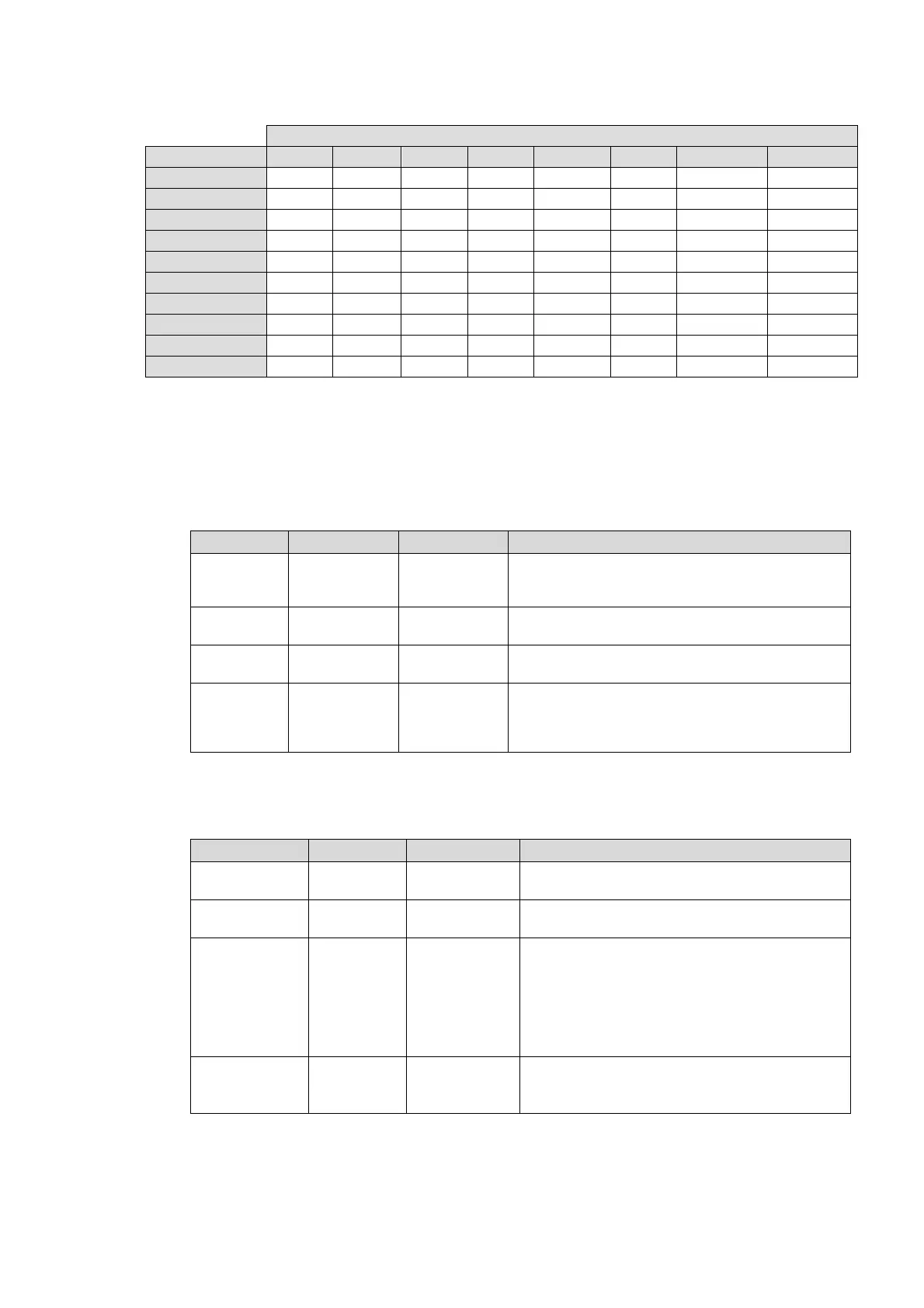
Table of Reference signals and Input formats that can lock
Reference signal
Input signal 525/60 1080/59i 720/59p 625/50 1080/50i 720/50p 1080/23PsF 1080/24PsF
525/60 ✓✓✓ ✓✓✓ ✓ - - - ✓ -
1080/59i ✓✓✓ ✓✓✓ ✓ - - - ✓ -
720/59p ✓✓✓ ✓✓✓ ✓✓✓ - - - ✓ -
1080/59p ✓✓✓ ✓✓✓ ✓✓✓ - - - ✓ -
625/50 - - - ✓✓✓ ✓✓✓ ✓ - ✓
1080/50i - - - ✓✓✓ ✓✓✓ ✓ - ✓
720/50p - - - ✓✓✓ ✓✓✓ ✓✓✓ - ✓
1080/50p - - - ✓✓✓ ✓✓✓ ✓✓✓ - ✓
1080/23PsF ✓ ✓ ✓ - - - ✓✓✓ -
1080/24PsF - - - ✓ ✓ ✓ - ✓✓✓
✓✓✓: SYNCHRO can be set to FRAME, LINE, or AVDL.
△: SYNCHRO can only be set to FRAME.
-: Unable to synchronize.
*8 This item is disabled if an FA-95CO option is installed and Format Error Trigger in section
9-2-1 “Input Select” is enabled.
Composite Setting
Parameter Default Setting range Description
Comb Filter Adaptive 2D
Adaptive 3D
Adaptive 2D
Trap Only
Selects a mode to separate the Y (luminance)
and C (chrominance) of composite signals.
NR Level Off
Off
Level 1 - 4
Sets the noise reduction level for the composite
signal inputs.
Cross Color Off
Off
Level 1 - 3
Sets the cross color (noise) reduction level.
NTSC
Setup
Off
Off
On
Selects between 0IRE setup and 7.5IRE setup
depending on the analog signal used.
Off: 0IRE
On: 7.5IRE
*1 NTSC Setup On/Off radio buttons will appear appear under Video Sub if the FA-95AIO
option is installed.
Video Sub
Parameter Default Setting range Description
Black & White Off
Off
On
On: Converts to black and white signals.
VITS Off
Off
On
On: Passes through the Composite signal
lines 11 through 21.
Delay Adjust Off
Off
On
Allows you to align unprocessed output video
signal phases to those of processed video
signals delayed by processing.
On: Aligns CONV1 and 2 output video signal
phases and adjusts audio delay. See the table
in section 5-10-4. “VIDEO SUB” for the delay
amounts.
NTSC Setup
*1
Off
Off
On
On: Sets NTSC setup for Composite and
Component inputs and outputs.
Off: Turns NTSC setup off.
*1 NTSC Setup NTSC Setup On/Off radio buttons will appear under Video Sub if the
FA-95AIO option is installed.



 To Next Page