211
Loading the Data Saved in a File
In Apply Setting Below, select the checkboxes of the items you wish to load the data. If no
checkbox is selected, no settings are loaded. See section 9-8-2. “NETWORK SETTING” for
details on the checkboxes in Network Setting. See section 9-8-3. “SNMP SETTING“ for
details on the checkboxes in SNMP Setting. Selecting the Parameter checkbox loads all
parameters except for Event Memory. Selecting the Event Name checkbox loads the event
memory names. See Set Event Name in section 9-6-1 “Event Control” for details. After
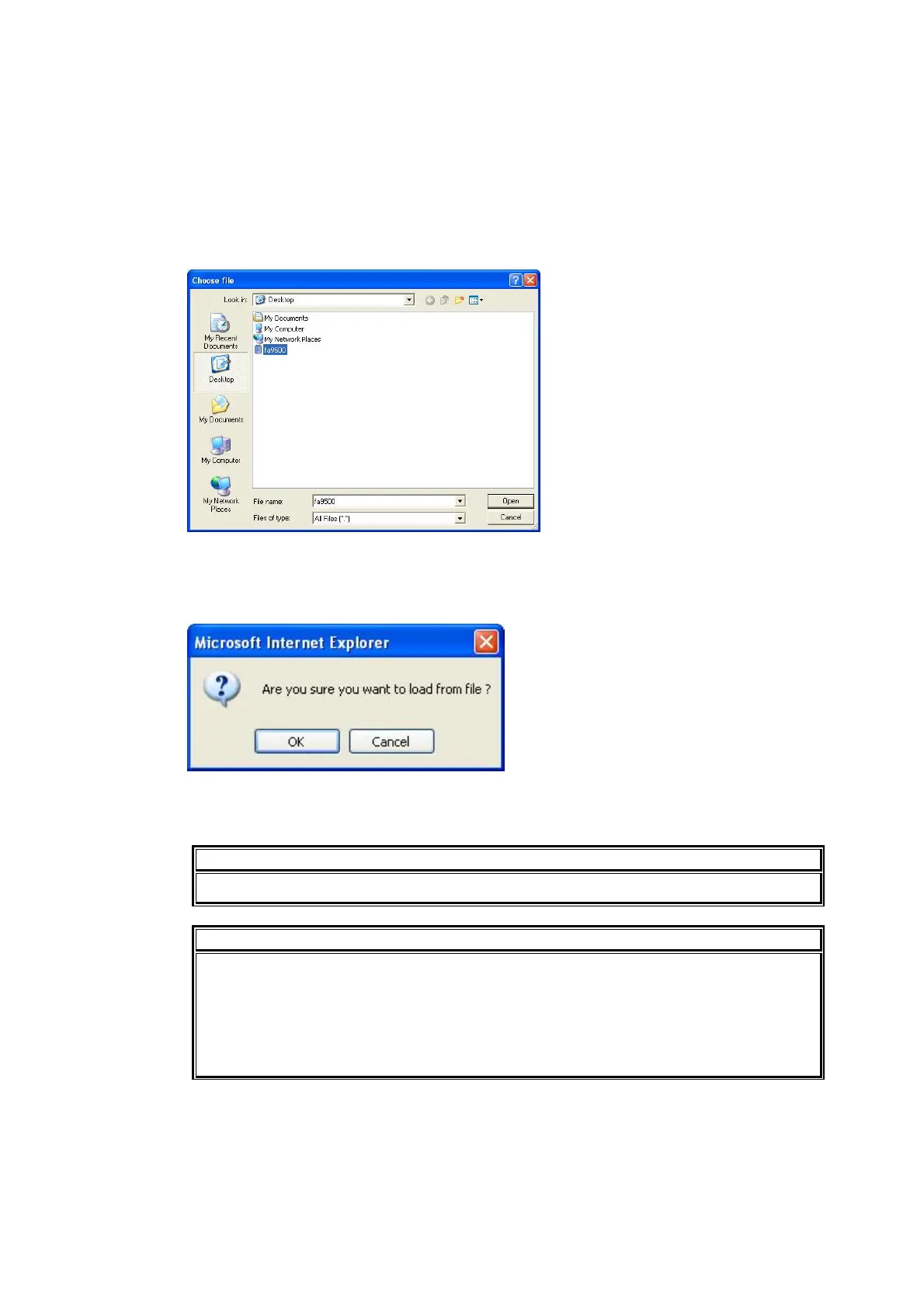
selecting the items to be loaded and clicking Browse, the Choose file dialog appears.
Specify the destination directory and click Open.
Click Load. A confirmation message appears.
Click OK to start transferring the file to the FA-9500. To stop transferring the file, click Cancel.
IMPORTANT
BY-PASS On/Off and Freeze On/Off settings cannot be saved.
IMPORTANT
The FA-9500 uses the CSV file format to backup the configuration data which enables
commercially available spreadsheet software to edit the data. However, Unit ID or
event names that consist only of numbers may be recognized as numeric values by
such software and appear differently after being recalled to the FA-95RU. It is
recommended that alphabetical values be included in names to enable editing using
such software.



 To Next Page