111
(7) Display KEY1 on the PGM image by pressing KEY1 to the right side of the fader lever.
All IN/OUT effects for KEY 1 are available.
See section 8-10. "KEY/DSK IN/OUT Effects."
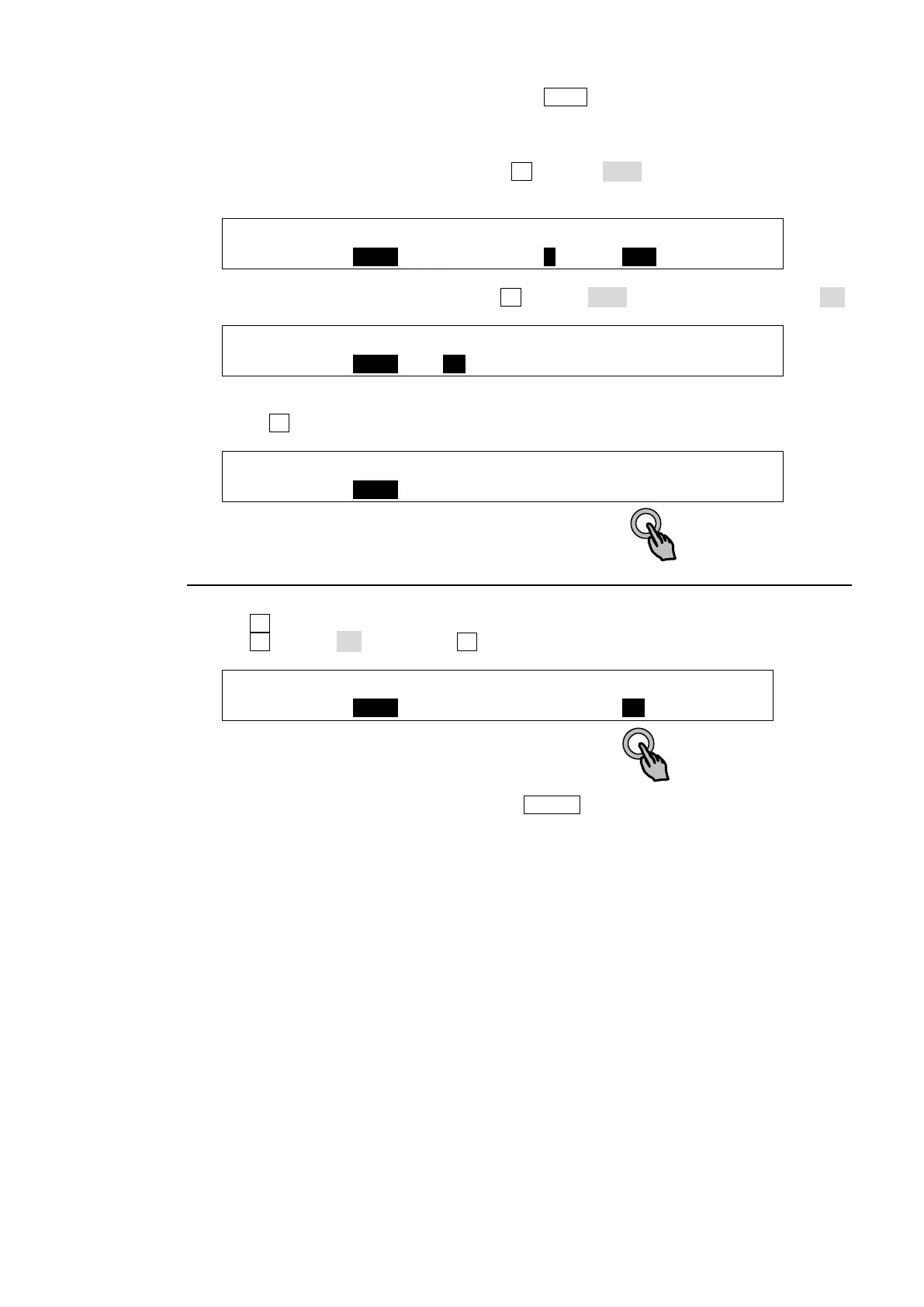
(8) Go to PAGE 3 in the [STILL] menu. Turn F1 to select STL2 (STILL2) and set the IN and
OUT points.
STILL :SELECT :CUR(100): IN : OUT : 3/5
CLIP : =STL2 : =78 : =1 : =100 : F=100
(9) Go to PAGE 5 in the [STILL] menu. Turn F1 to select STL2 (STILL2) and set LOOP to ON.
STILL :SELECT : LOOP :REC MOD: CLEAR : 5/5
CLIP : =STL2 : =ON : =STD : >OFF : F=100
(10) Go to PAGE 4 in the [STILL] menu.
(11) Press F4 (PLAY). The logo animation will play on a loop.
STILL :SELECT : ( STOP 1/100): 4/5
CLIP : =STL2 : >STOP : >REC : >PLAY : F=100
12-2-3. Clearing Clip Data
(1) Go to PAGE 5 in the [STILL] menu.
(2) Turn F1 to select a still.
(3) Turn F4 to set to ON. Then press F4.
STILL :SELECT : LOOP :REC MOD: CLEAR : 5/5
CLIP : =STL1 : =OFF : =STD : >ON : F=60
(4) A confirmation message will appear. Press ENTER to clear memory data.



 To Next Page