108
12-2. Managing Clips
Clip stores allow you to record and play output video. Up to 2 video and key pair signals can
also be recorded simultaneously. Clip data can be stored in 2 still memory buffers with still
data. In addition, sequential image files can be transferred from a computer and saved in the
memory as a video clip.
See section 12-4. "Transferring Image Files."
Clips can be saved or played back through STILL1 and 2 and can be also used for CG Wipes.
Each clip of up to 7.5 seconds of HD video can be recorded in each clip buffer.
12-2-1. Clip Recording
Recording Video
Let's record the AUX1 video to a clip through STILL1.
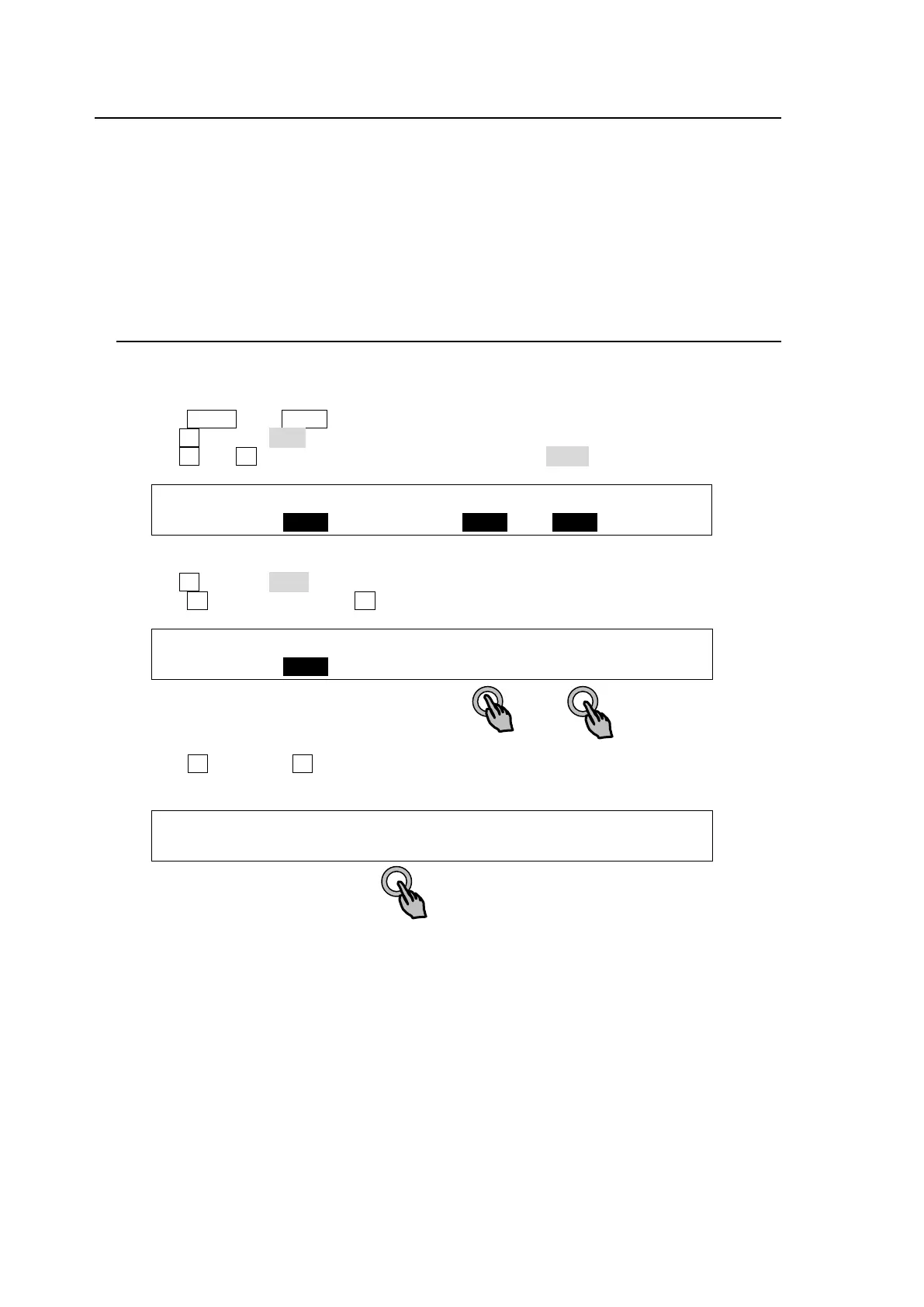
(1) Press MENU, then STILL in the SELECT/KEYPAD block to display the [STILL] menu.
(2) Turn F1 to select CLIP under STILL1.
(3) Turn F3 and F4 to set both FILL SRC and KEY SRC to AUX1.
STILL :STILL1 :STILL2 :FIL SRC:KEY SRC: 1/5
STORE : >CLIP : >FRAME: =AUX1 : =AUX1 :
(4) Go to PAGE 4.
(5) Turn F1 to select STL1 (STILL1).
(6) Press F4 while holding down F3 to begin recording.
STILL :SELECT : ( STOP ---/0 ): 4/5
CLIP : =STL1 : >STOP : >REC : >PLAY : F=
(6) Press F2 (STOP) or F4 (PAUSE) to stop recording. (Recording is automatically stopped
when the memory is full.)
STILL :SELECT : ( STOP 40/40 ): 4/5
CLIP : =STL1 : >STOP : >REC : >PAUSE: F=40
The program, preview, clean, and AUX1 to AUX8 images can be recorded to clips.
See section 6. "Video Outputs" for details on these signals.



 To Next Page