Intel® Server D50DNP Family Integration and Service Guide
169
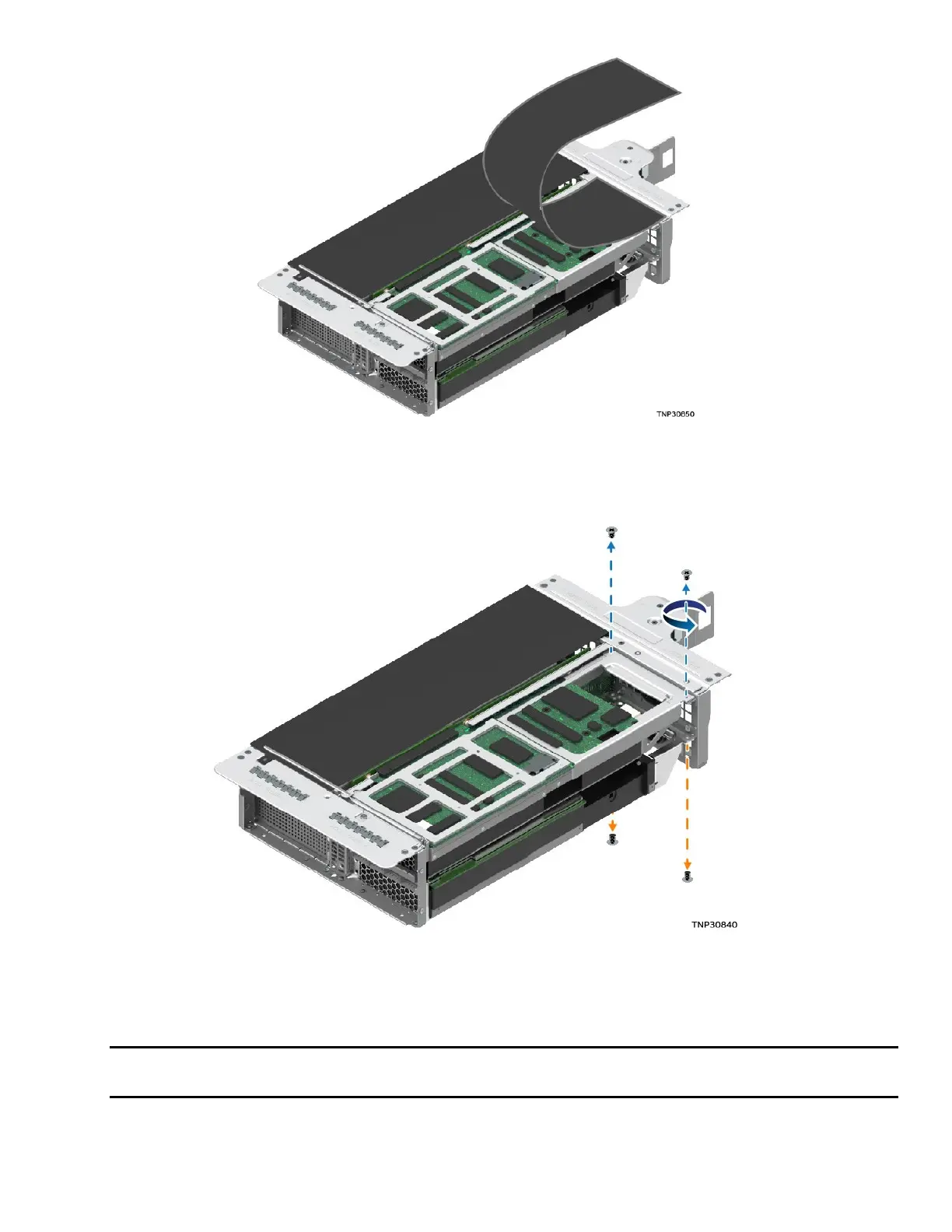
Figure 225. Lifting Flap on Front Side of Riser Assembly
4. Remove the screw that holds the flap and lift the flap up on the front side of the riser assembly.
Figure 226. Detaching Accelerator Add-In Card from Riser Assembly
5. Remove the two screws on each corner of the back side to detach the accelerator add-in card from
the riser assembly.
Note: T
he direction of the screws on the back side depends on whether the accelerator add-in card is
in the top slot or bottom slot of the riser assembly.
in figure



 To Next Page