Intel® Server D50DNP Family Integration and Service Guide
60
3.2 Module Removal / Installation
Required Tools and Supplies
• Anti-static wrist strap and conductive workbench pad (recommended)
3.2.1 Module Removal
1. Power down the module using the power button on the front panel of the module.
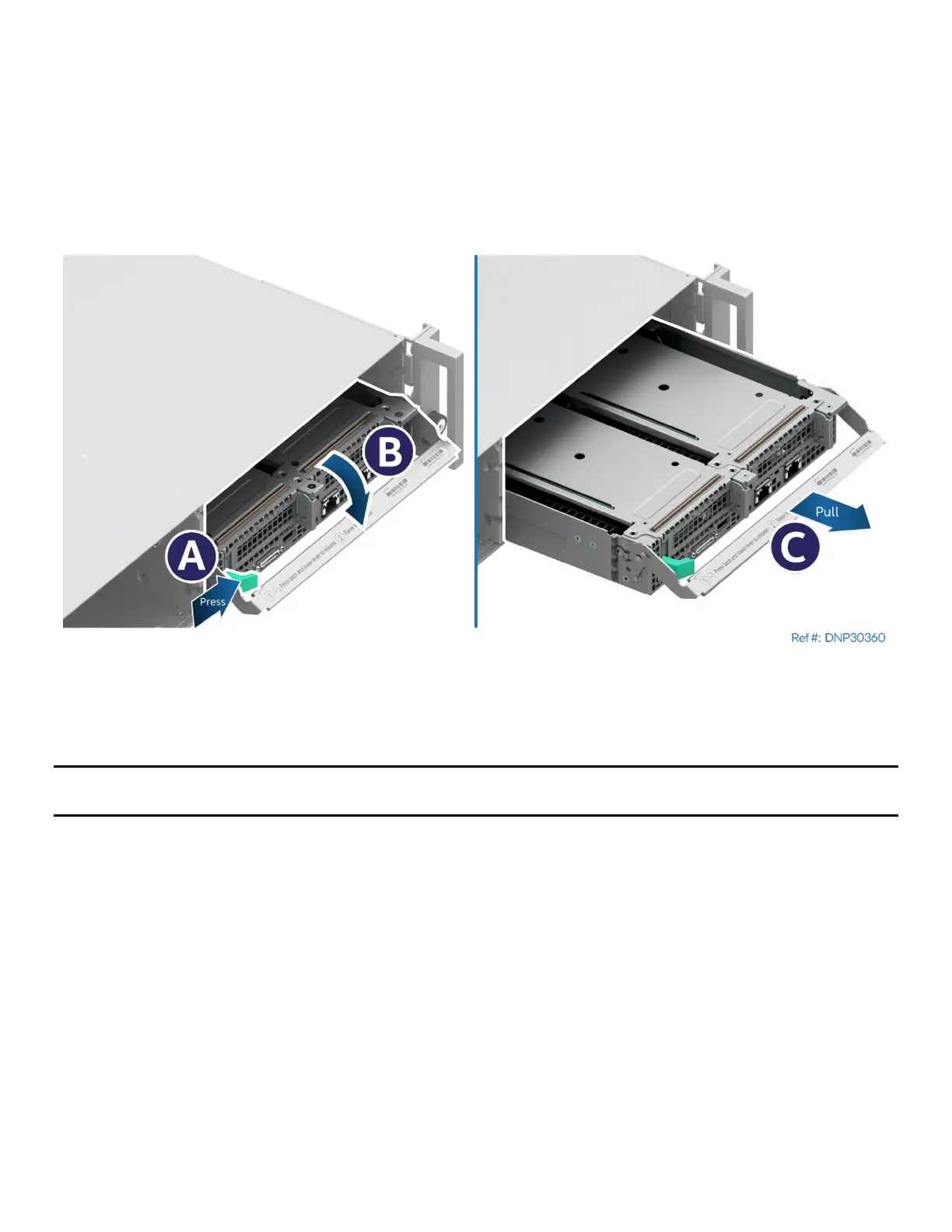
Figure 59. Removing a Module
2. Press the green latch inward (see Letter A) and lower the lever in front of the module (see Letter B).
3. Grasp the lever and pull out the module from the chassis (see Letter C).
Note: T
o keep the system operating within its thermal limits, module bays must be populated with either a
module or module blank when any of the installed modules are operational.



 To Next Page