Intel® Server D50DNP Family Integration and Service Guide
187
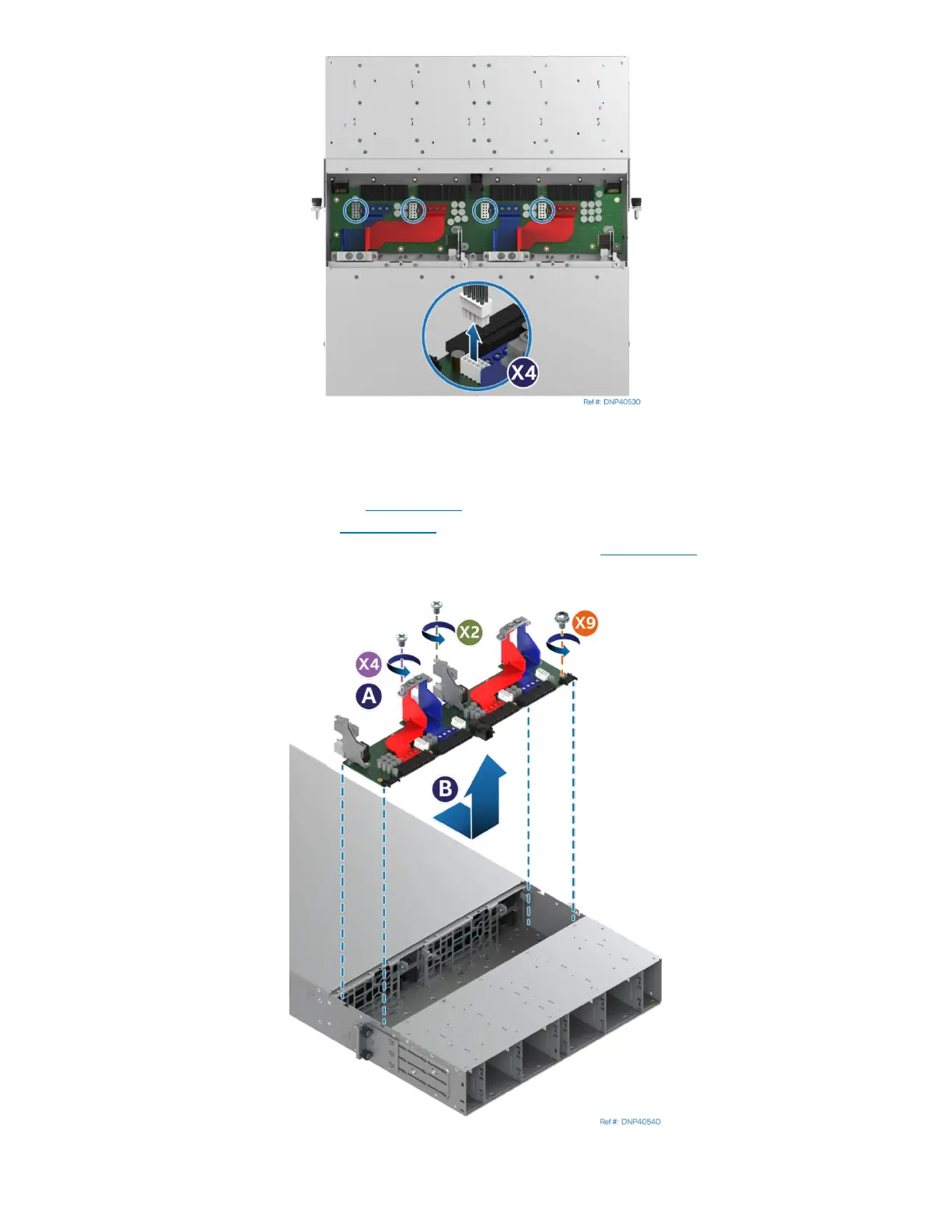
Figure 255. Disconnecting System Fan Power Cables
5. Locate and disconnect the system fan power cables from the power distribution board by pressing
inwards on each clip and lifting them up.
6. Remove the power supplies (see Section 7.12
).
7. Remove the system fans (see Section 7.14).
8. Remove the EMP module or EMP module blank if installed (see Section 3.10).
9. If the system is liquid-cooled, remove the chassis plumbing following accompanying instructions.
Figure 256. Removing Power Distribution Board



 To Next Page