Intel® Server D50DNP Family Integration and Service Guide
6
• Hold all circuit boards and other electronic components by their edges only.
• After removing electronic devices from the system or from their protective packaging, place them
component side up on to a grounded anti-static surface or conductive foam pad. Do not place
electronic devices on to the outside of any protective packaging.
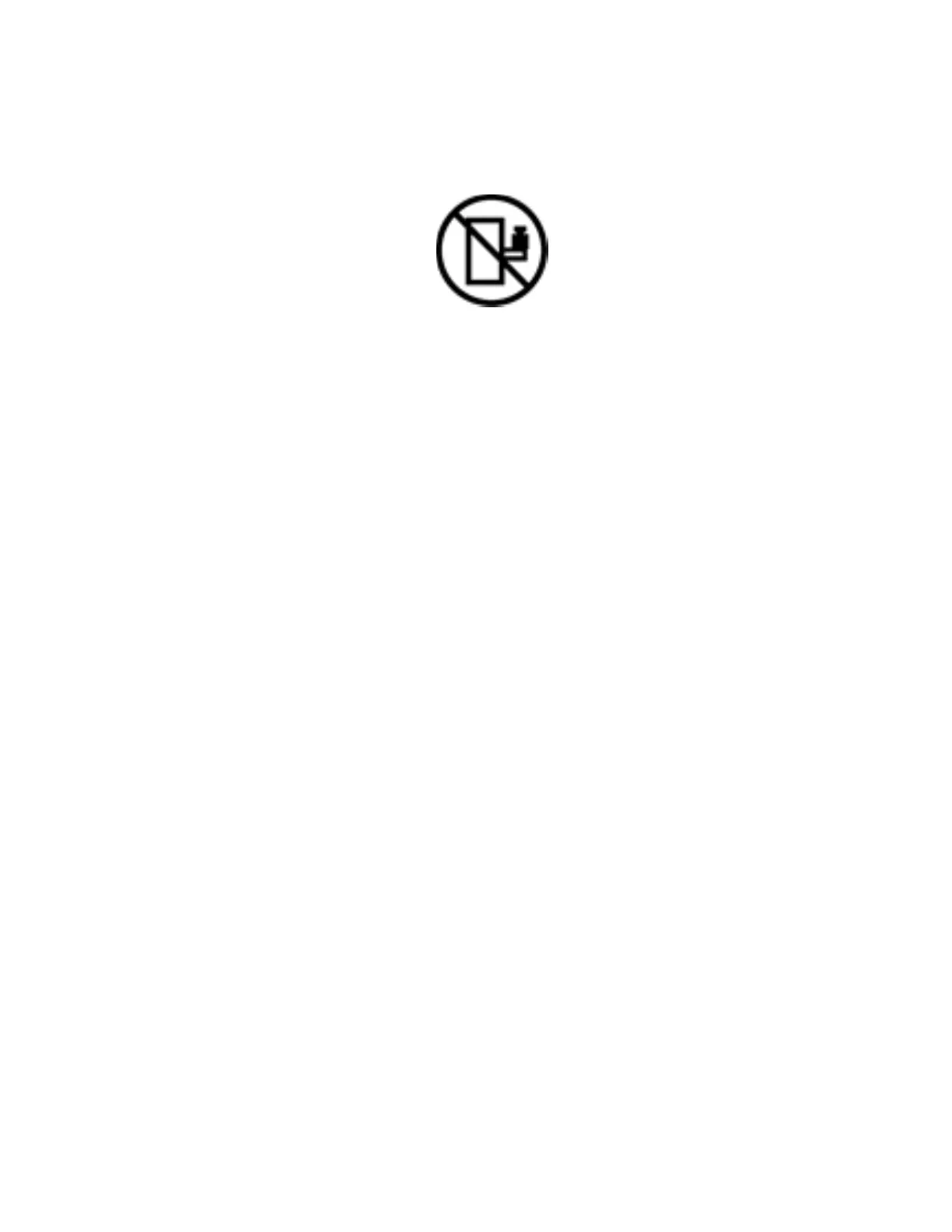
Caution: Slide/rail mounted equipment is not to be used as a shelf or a work space.
Intel warranties that this product performs to its published specifications. However, all computer systems are
inherently subject to unpredictable system behavior under various environmental and other conditions.
This product is not intended to be the sole source for any critical data and the user must maintain a
verified backup. Failure to do so or to comply with other user notices in the product user guide and
specification documents may result in loss of or access to data.
Weight of the System
• Remove all installed modules from the system before attempting to install the system into the rack.
• Due to the weight of a system, Intel recommends using a mechanical lift to install system into a rack.
Or handling the system with two people supporting the system from the sides.
• If your system has rack handles installed, do not lift, or carry the system by the rack handles
• When lifting or moving a chassis, always grasp it by all four corners. Do not grasp the chassis by two
points at opposing diagonal corners, doing so may damage the internal components.
• If you can only grasp the chassis at two different points, always grasp the chassis by the sides at the
midpoint.
Liquid Cooling Safety Guidelines
• Make sure that there are no leaks and/or damaged parts before operating the liquid-cooling system.
• Do not energize the system or any installed modules if the liquid-cooling subsystem is compromised.
• Do not attempt to perform any service to the server chassis before removing power to the system.
Turn off the modules before disconnecting the liquid-cooling quick disconnect tube connectors.
• To reduce the risk of damage to the cooling system, use care when installing or removing the liquid-
cooled modules.
• Avoid excessive force when connecting and disconnecting quick disconnect couplings.
• Keep the liquid-cooling tubing clear of pinch points when installing or removing the server modules
in/from the chassis.



 To Next Page