4-40 Service Manual
4023-001
Printhead Unit Assembly (PH) Removal
1. Remove the main board (PWB-A). See “Printer Main Engine
Board (PWB-A) Removal” on page 4-38.)
2. Remove the toner cartridge.
3. Remove the rear cover. (6 screws)
Note: When reinstalling the rear cover, securely insert the
projections of the rear cover into the appropriate cutouts of the
printer frame.
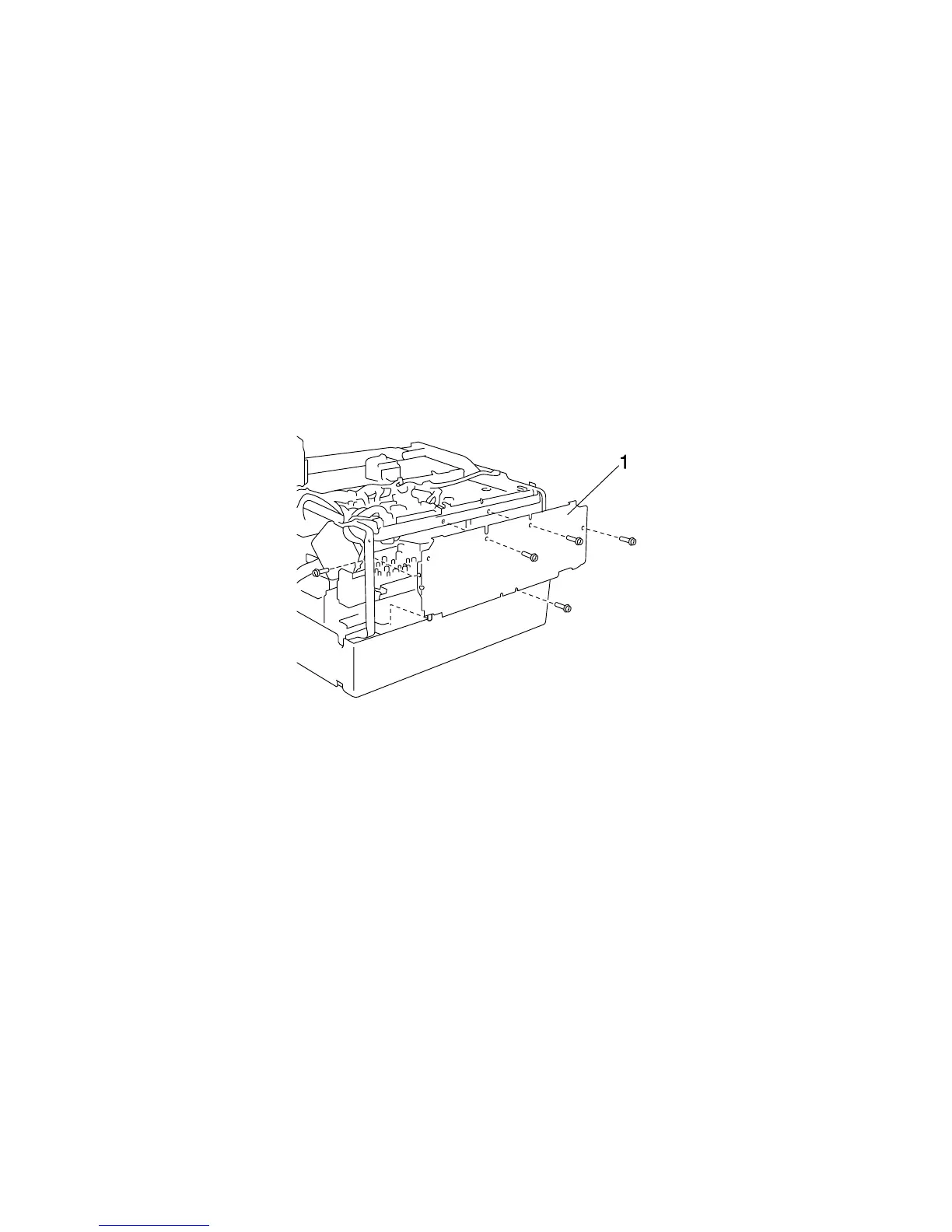
4. Remove the left reinforcement plate (1). (6 screws)



 To Next Page