General Information 1-55
4023-001
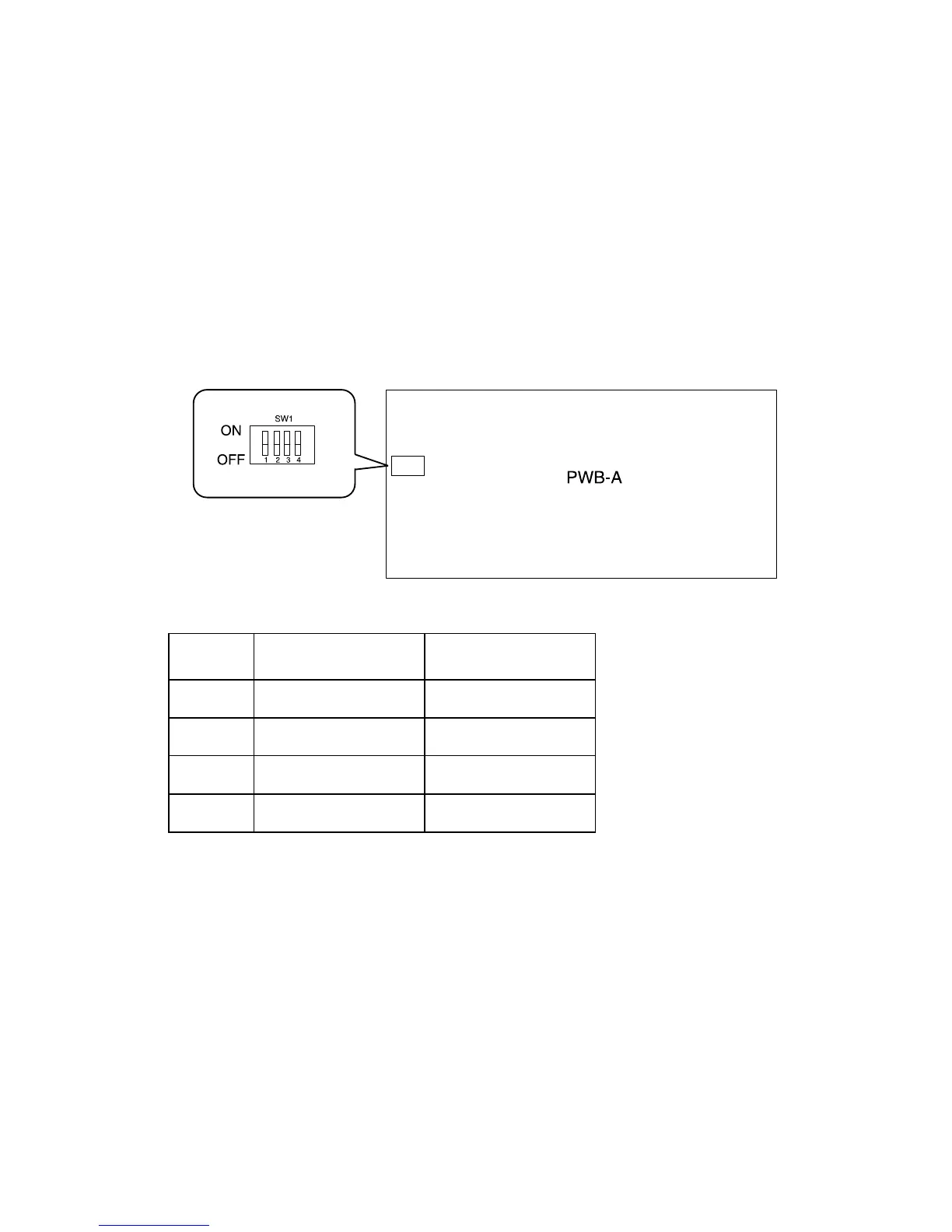
Paper Size Setting
The paper sizes that can be set are A4 crosswise and Letter
crosswise.
After the positions of the edge guides and trailing edge stop change,
place the DIP switch keys on LCC main engine board PWB-A in the
corresponding positions according to the current paper size
Note: Positions 3 and 4 are not used.
SW1 Letter Crosswise A4 Crosswise
1OFF ON
2OFF OFF
3OFF OFF
4OFF OFF



 To Next Page