4-60 Service Manual
4023-001
Double Feed Detection Sensor Board (PWB-H)
Removal
1. Remove the toner cartridge.
2. Remove the rear cover. (6 screws)
3. Remove the right cartridge hopper cover. (1 screw)
4. Remove the cartridge hopper assembly. (4 screws, 2
connectors)
5. Remove the cartridge hopper housing assembly. (4 screws)
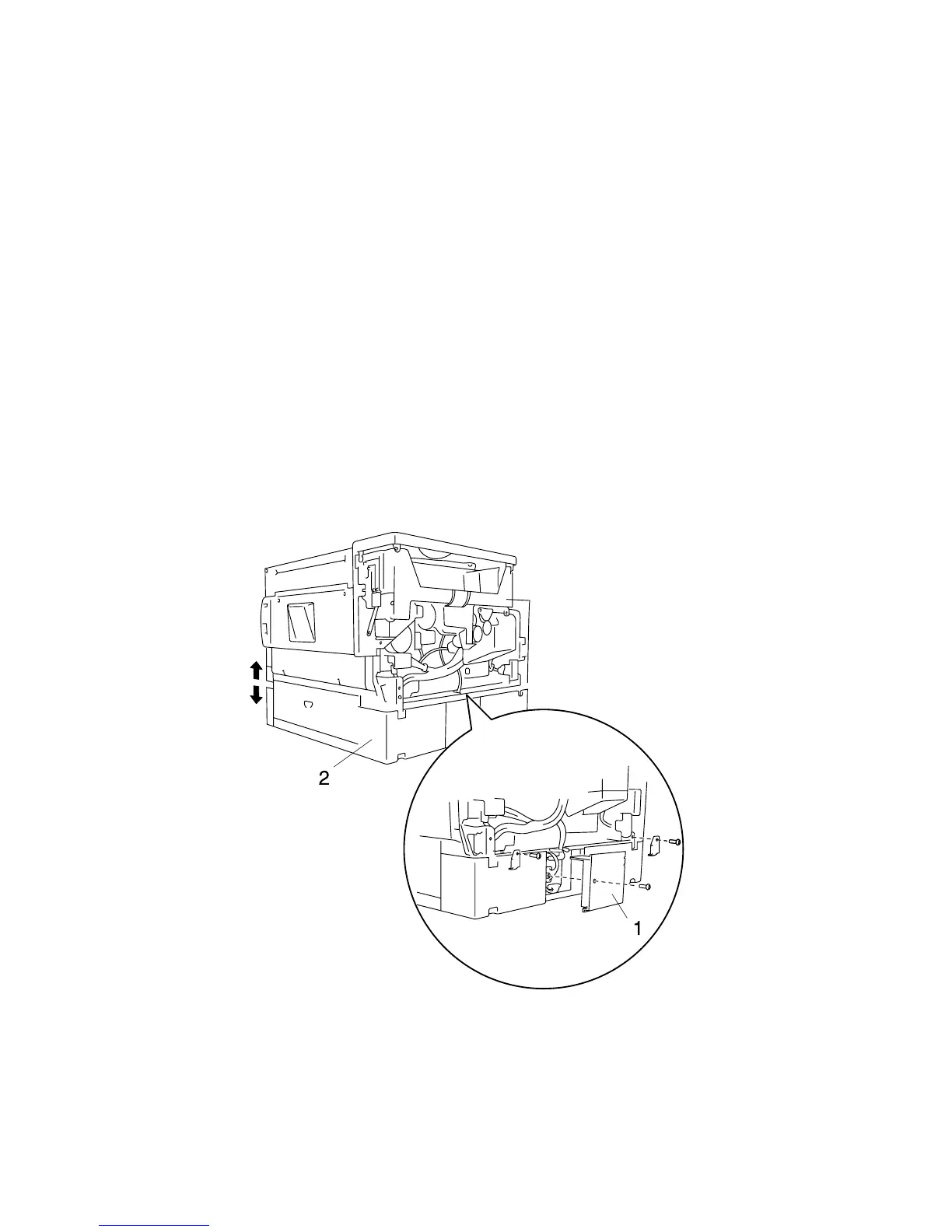
6. Remove the 2nd cassette main board cover (1). (1 screw)
7. Remove the 2nd cassette unit (2). (4 screws, 4 fix-plates, 1
connector)
Note: Place the printer body so that the left side is on the
bottom when the 2nd cassette is removed.



 To Next Page