215184 99 Revision A
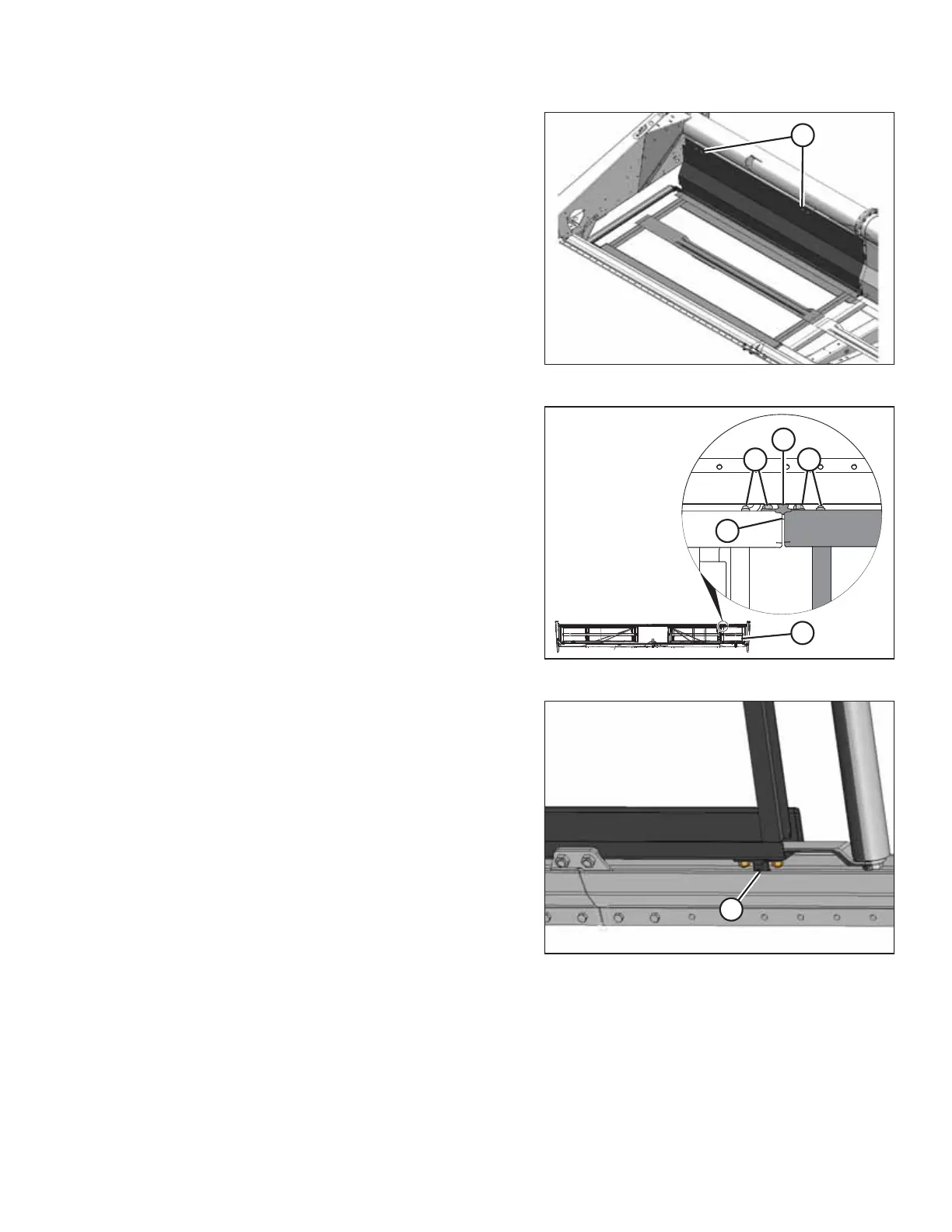
Figure 3.196: Attaching Backsheet to Backtube
10. Attach backsheet to backtube at two locations (A) with four
existing bolts and nuts.
Figure 3.197: View from under Deck
11. Attach deck extension (A) to the existing deck at front
support casting (B) with bar (C) and existing hardware (D).
Figure 3.198: Support Casting
12. Attach two support castings (A) removed in Step 6, page 97
onto deck with existing hardware. Do NOT fully tighten.
ASSEMBLING THE HEADER AND FLOAT MODULE



 To Next Page