Note: Please note that it is not advisable to mark more than
one NTP Peer as Preferred, even though SecureSync will not
prevent you from doing so.
5.
Click Submit, or press Enter.
2.15.9 NTP Authentication
Since NTP information is distributed across entire networks, NTP poses a security
risk:Falsified NTP time stamps or other NTP-related information can be exploited by an
attacker. NTP authentication keys are used to authenticate time synchronization, thus
detecting a fake time source before it can do harm.
2.15.9.1 NTP: Symmetric Keys (MD5)
Symmetric Keys are an encryption means that can be used with NTP for authentication pur-
poses.
SecureSync supports authenticated NTP packets using an MD5 authenticator. This feature
does not encrypt the time packets, but attaches an authenticator, which consists of a key
identifier and an MD5 message digest, to the end of each packet. This can be used to guar-
antee that NTP packets came from a valid NTP client or server, and that they were not
tampered with during transmission. The Symmetric Keys tab allows NTP to be configured
to use MD5 authentication.
Configuring NTP Symmetric Keys
To create, edit, or delete Symmetric Keys (MD5 Authentication):
1.
Navigate to MANAGEMENT > NETWORK: NTP Setup.
2.
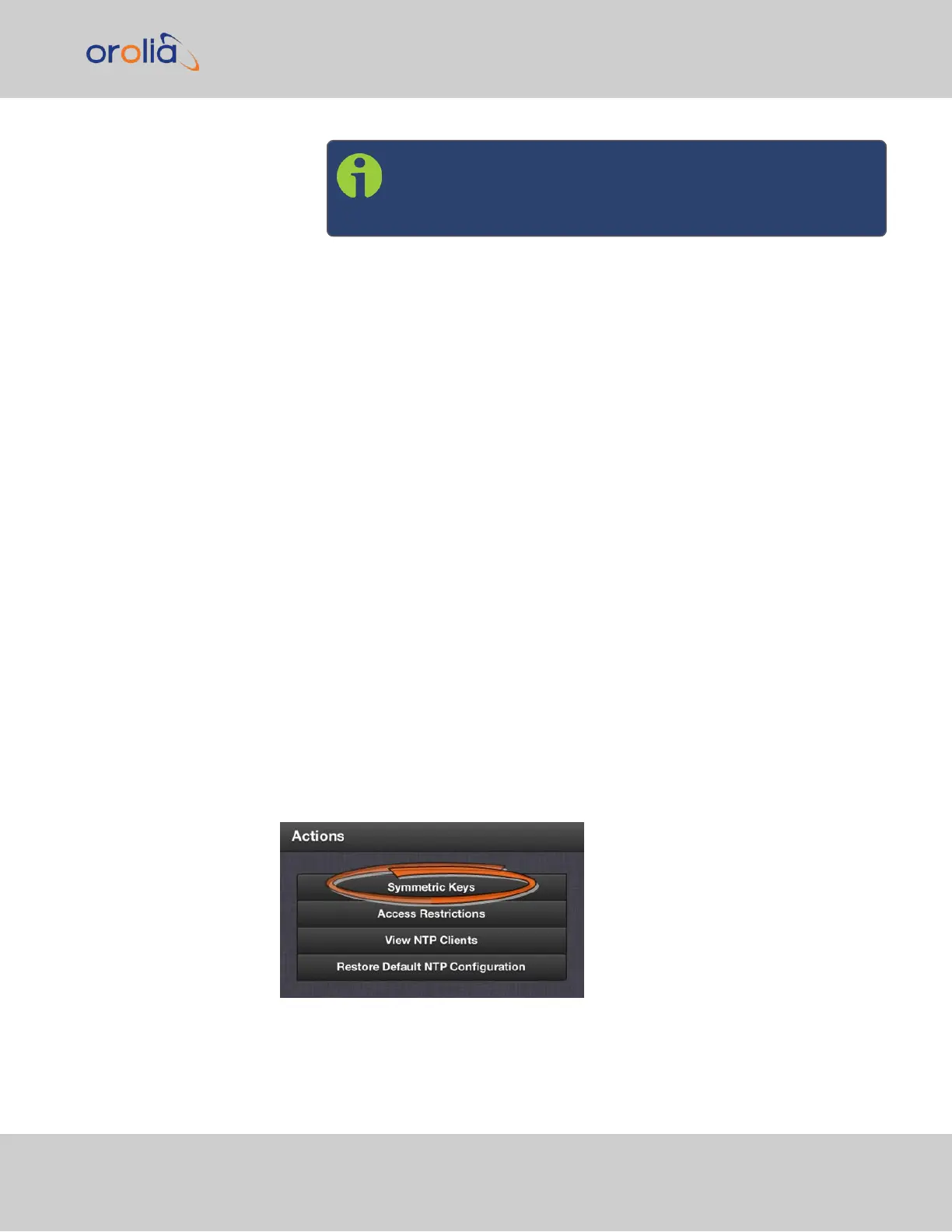
In the Actions panel, click the Symmetric Keys button:
3.
The NTP Symmetric Keys window will display:
2.15 Configure NTP
CHAPTER 2 • SecureSync 2400 User Manual Rev. 2
111



 To Next Page