Setup Menu
Pocket-3D Reference Guide
2-56
• Press Back to return to the previous screen.
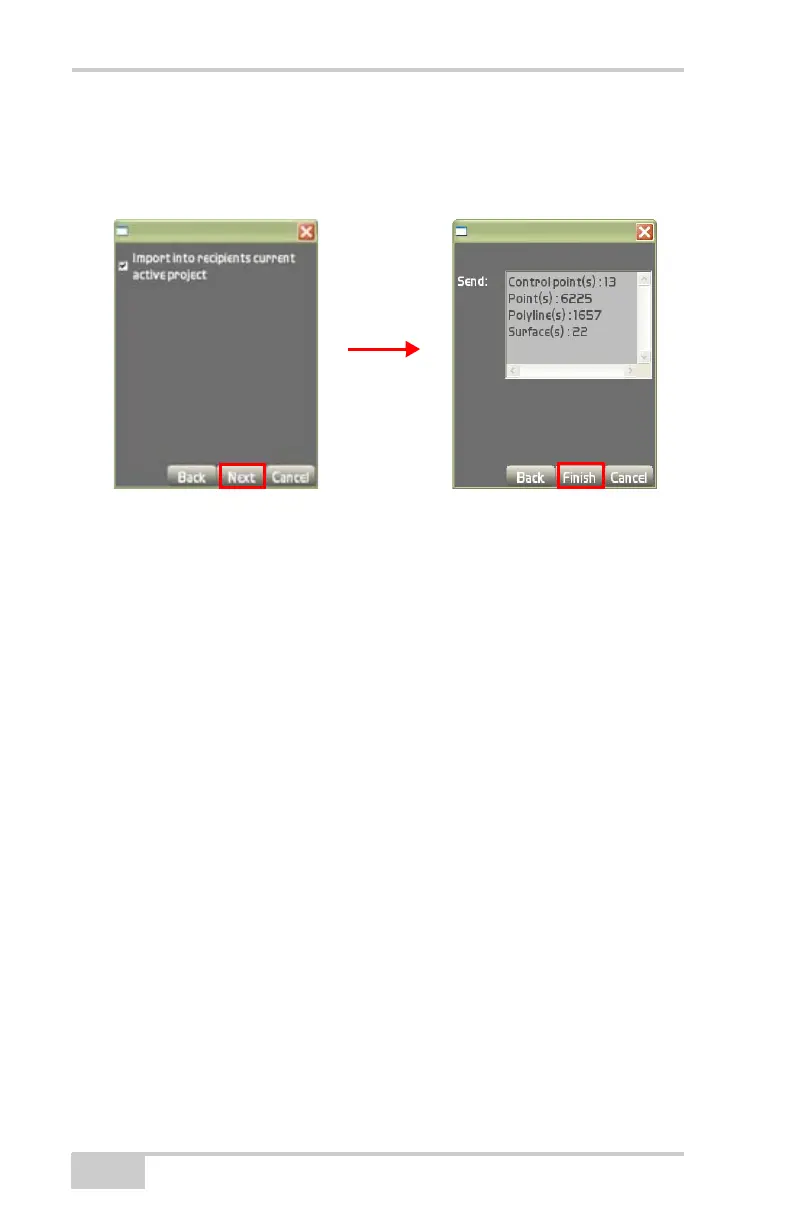
• Press Next o display the Send dialog box (Figure 2-76).
• Press Cancel to quit and return to the Main Menu.
Figure 2-76. Import Control Points Via Site-Link
6. On the Send: dialog box, do the following:
• Press Back to return to the previous menu.
• Press Finish to save the file.
• Press Cancel to quit and return to the Main Menu.



 To Next Page