Data Menu
Pocket-3D Reference Guide
3-52
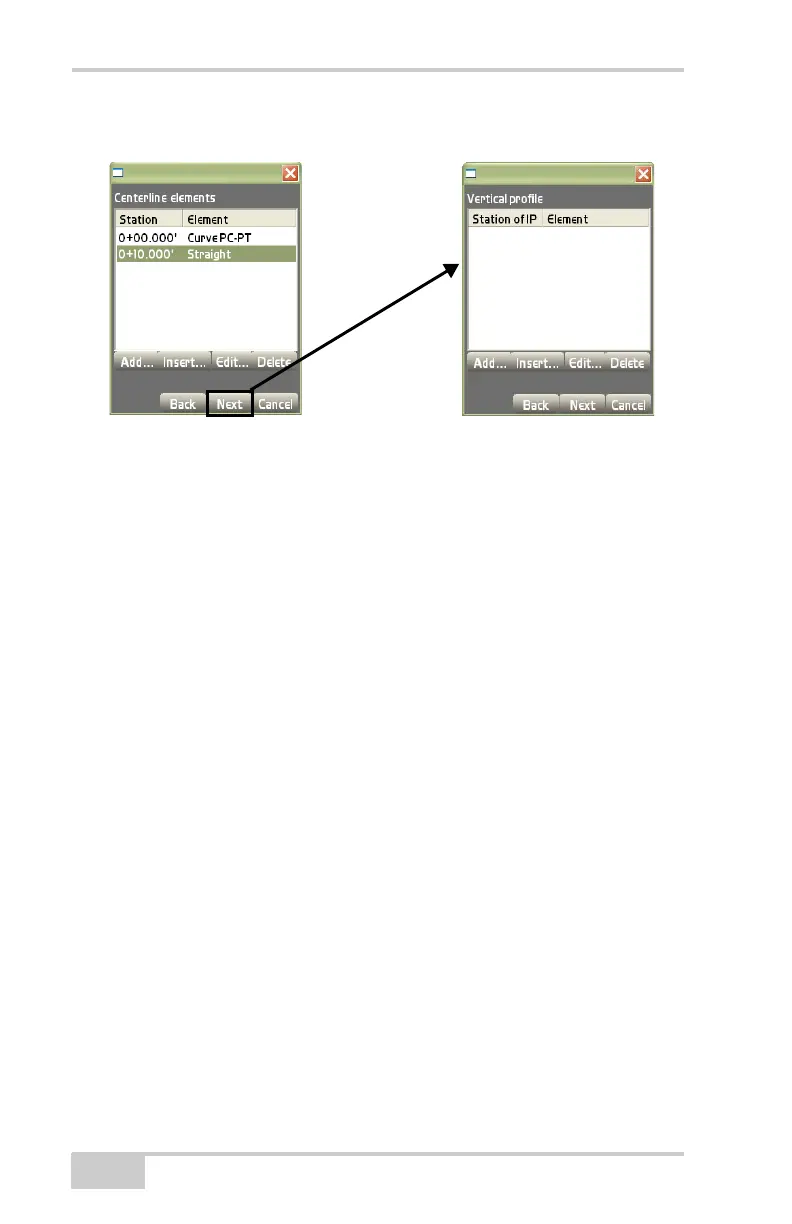
Figure 3-74. Create a Vertical Profile
• Add – on the vertical profile dialog box (Figure 3-74), press Add
to enter an element and its respective information, then press Ok
to save the information.
– Element: select the type of element; either Point or Curve
(
Figure 3-75 on page 3-53).
– Station: enter the station number.
– Elevation: enter the elevation of the element.
– Observe: press to measure the element instead of manually
entering the values (
Figure 3-75 on page 3-53).
– Station of IP: enter the station number for the IP.
– Elevation of PI: enter the elevation for the PI.
– Curve Length: enter the length of the curve.



 To Next Page