Measure Points
P/N 7010-0628
4-15
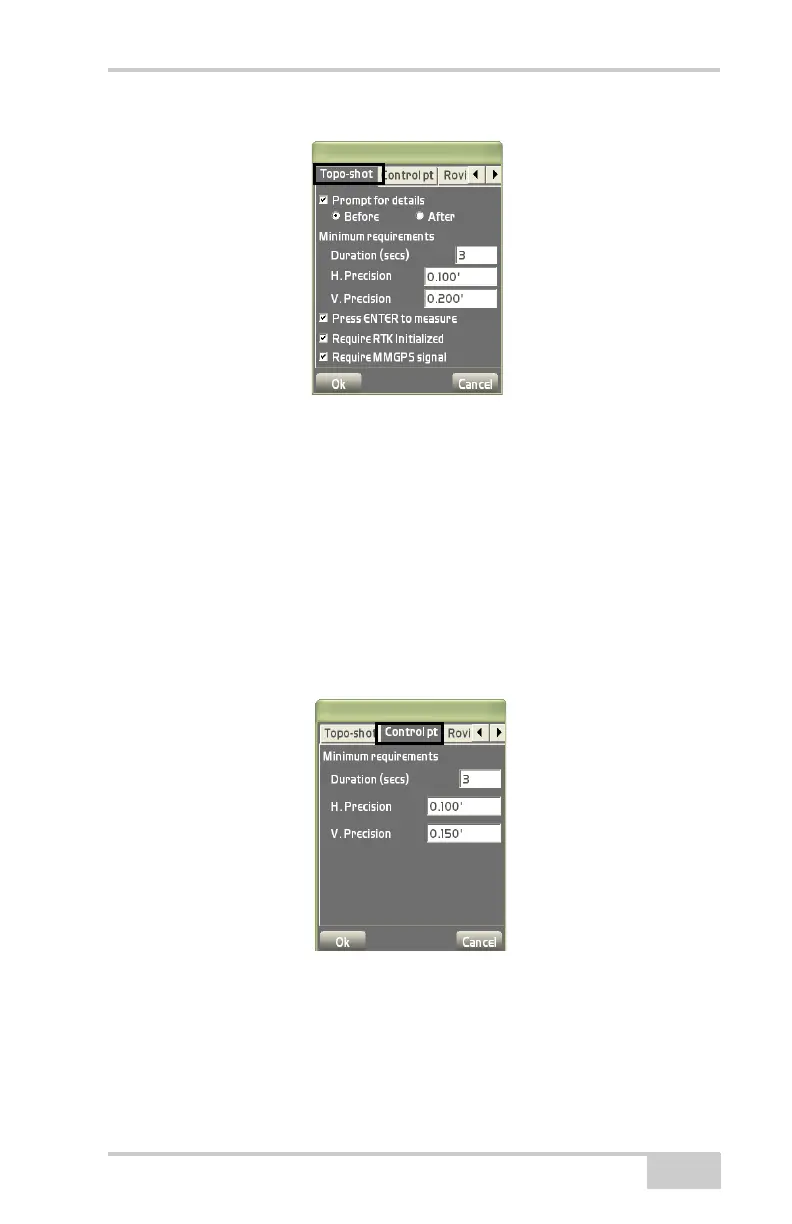
Figure 4-22. Topo-shot Options
On the Control pt tab, select the minimum requirements for control
point measurements, then press Ok (
Figure 4-23).
• Duration (secs) – enter the minimum time in seconds desired for
each control point measurement.
• H. Precision – enter the minimum horizontal precision desired for
each control point measurement.
• V. Precision – enter the minimum vertical precision desired for
each control point measurement.
Figure 4-23. Control Point Options
On the Roving tab, enter a roving accuracy limit for the horizontal
and vertical RMS value, then press Ok (
Figure 4-24 on page 4-16).
• H. Precision – enter a limit for the horizontal RMS value.
• V. Precision – enter a limit for the vertical RMS value.



 To Next Page