Stake-out
P/N 7010-0628
4-33
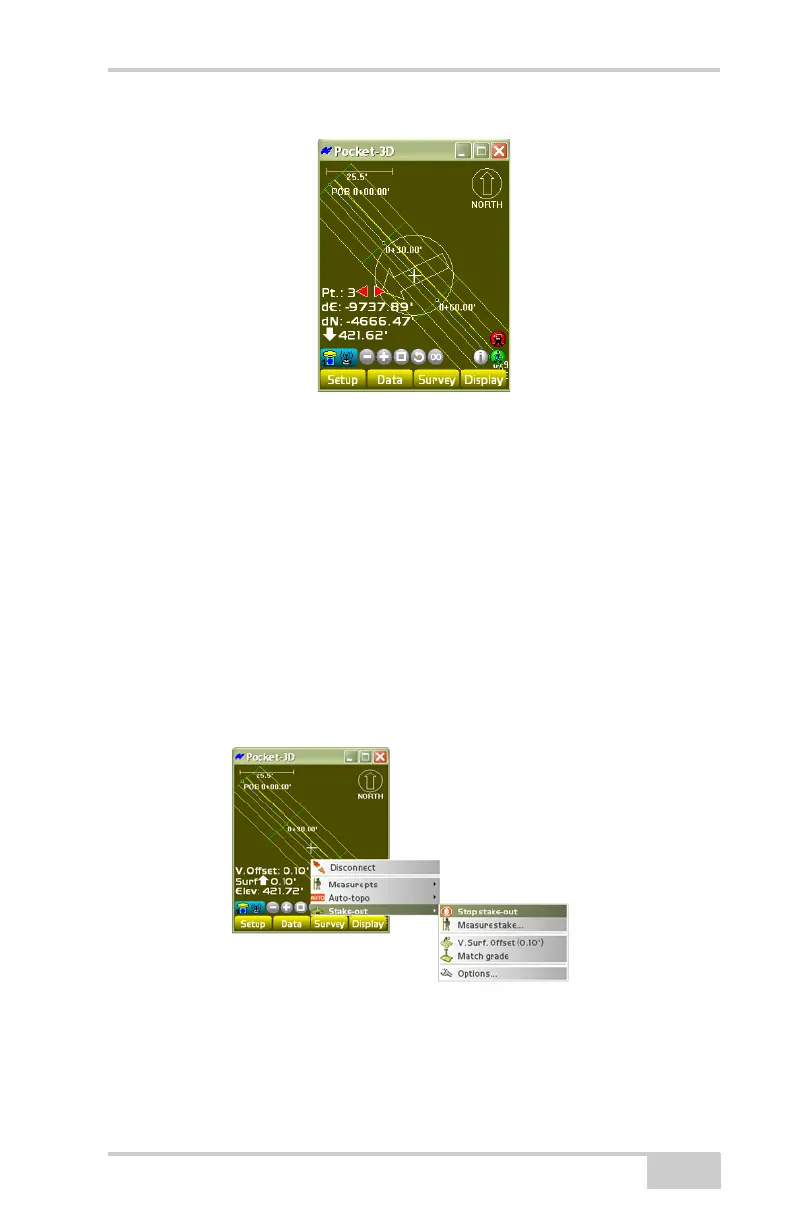
Figure 4-50. Main Screen Arrow
See the following sections for details on the other menu selections
during a stake-out:
• “Measure Stake” on page 4-44
• “Stake-out Previous Point” on page 4-47
• “Stake-out Next Point” on page 4-48
• “V. Surface Offset” on page 4-54
• “Options” on page 4-55
To stop the stake-out, tap SurveyStake-outStop stake-out
(
Figure 4-51).
Figure 4-51. SurveyStake-outStop Stake-out



 To Next Page