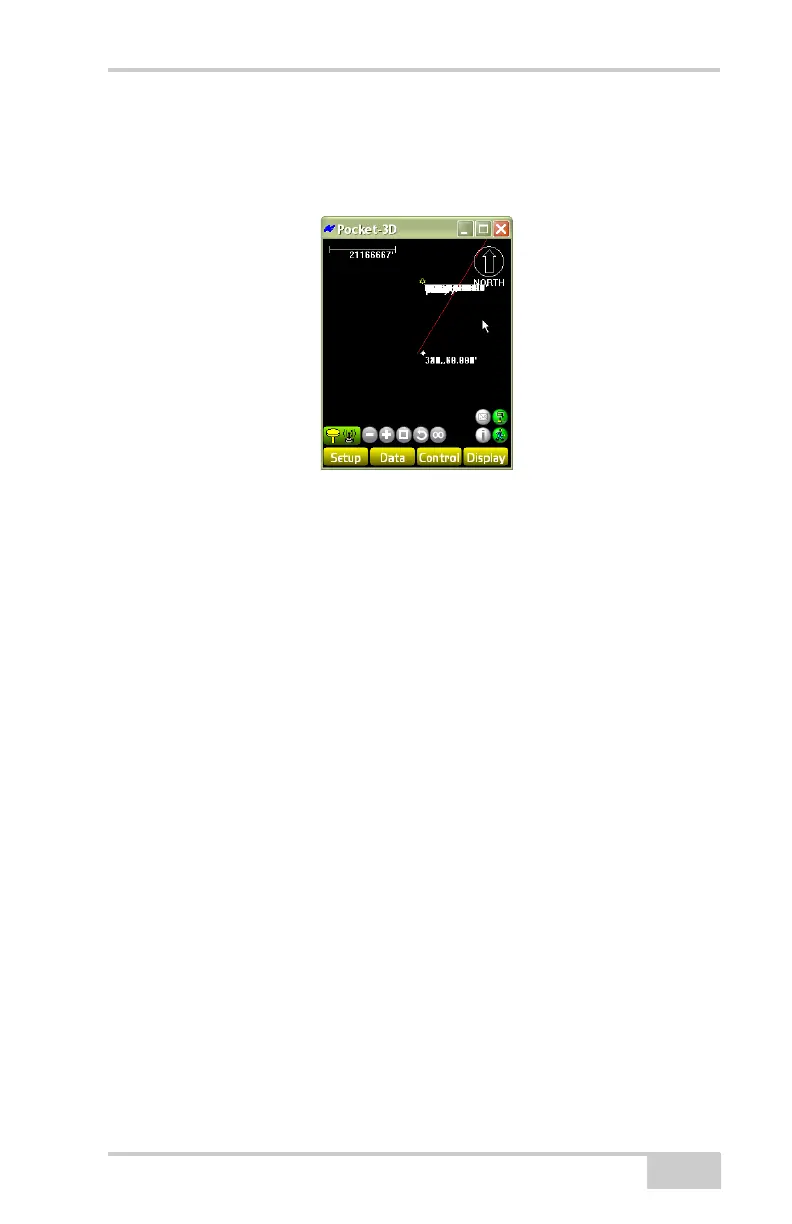
Main Screen
P/N 7010-0628
1-7
• Menu bar – contains pop-up menus for the various functions
available in Pocket-3D. The following chapters describe each
menu in detail.
Figure 1-9. Pocket-3D Main Screen
The pop-up menus on the main screen (Figure 1-12 on page 1-9)
contain frequently accessed functions, and information about selected
data. To display the pop-up menu, rest the controller’s stylus on the
point, station, or polyline for at least one (1) second or alternatively
press the ALT button.
The pop-up (context) menu options depend on the type of file open
and the information selected.
• Clear selection – deselects the selected entities (functions the
same as the Data
Clear selection menu option).
• Hide layer(s) – hides selected layers on the main screen.
• Surface (Figure 1-12 on page 1-9) – sends a message, via Site-
Link to the machine operator in the field.
• Alignment (Figure 1-13 on page 1-10):
– Stakeout: stakes out the selected point
– Use as reference line: uses the selected alignment as a
reference line to create/measure new points at a specific
station and offset – same for polyline.
– Send Via Site-Link: sends a message to the operator in the
field.



 To Next Page