GPS Applications
P/N 7010-0628
2-3
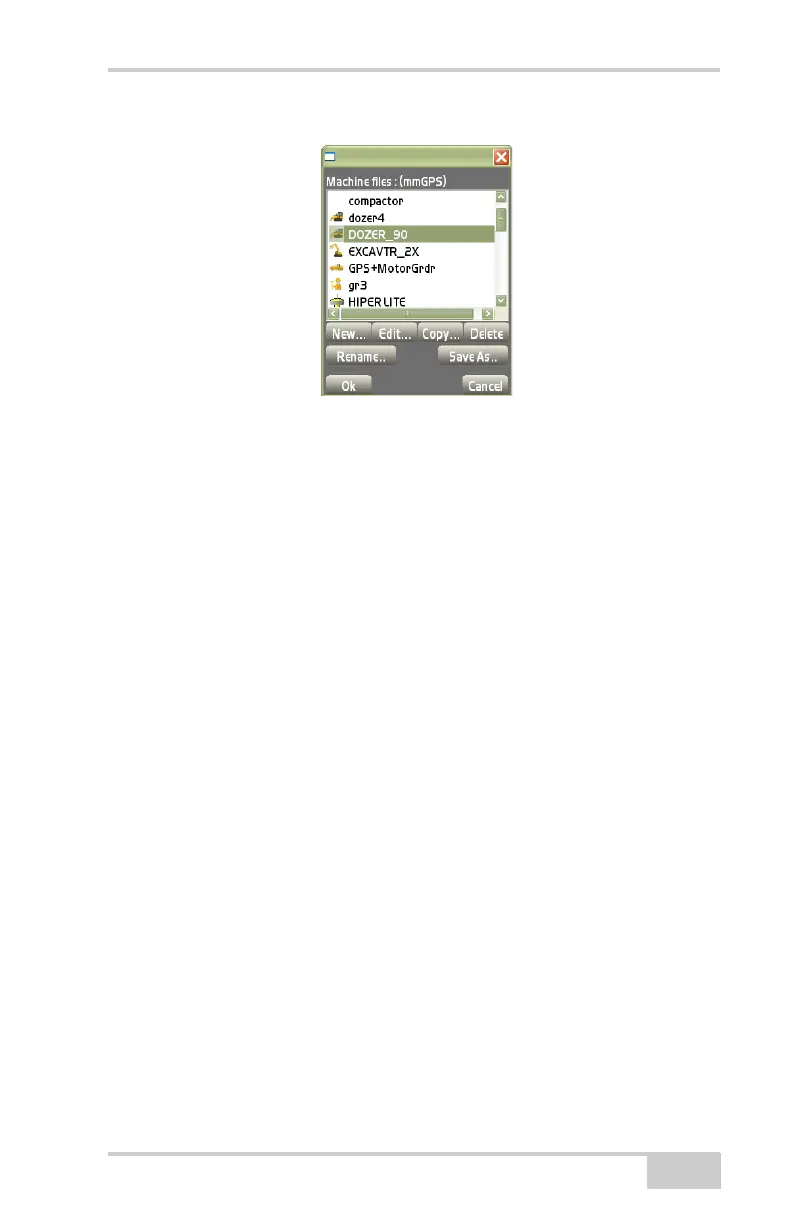
Figure 2-3. Equipment Configurations Dialog Box
Once equipment configuration files are created and stored in the
internal memory, they can be selected and adjusted at the beginning of
the job, depending on the receiver’s setup.
On the Equipment configurations dialog box, press New to display
the Configuration name/type dialog box (
Figure 2-4 on page 2-4)
and create an Equipment Configuration file. Enter the following
information and press Next. Some selections depend on purchased
options for Pocket-3D.
• Configuration name – enter a name for the Equipment
Configuration.
• Machine type – select Range pole, Bulldozer, or Motor grader.
The screens display different settings depending on the machine
type selection.
• Sensor – select the type of sensor used on the machine; either
GPS antenna, GPS Augmented, mmGPS Receiver, Prism, or LS-
2000 for 3-track curb & gutter.
• Location – select the sensor’s location, either Top of pole for
Range pole, Middle for Bulldozer, or Left/Right for Motor grader.
• Units – select the unit of measure.
Note: These units do not relate to job units.



 To Next Page