Label
Manual m600 basic 2.6_01 83
7
EAN13/EAN8In the case of very small print areas which require barcode scaling of un-
der 100 % it will often be necessary to combine scaling and barcode re-
duction.
Example:
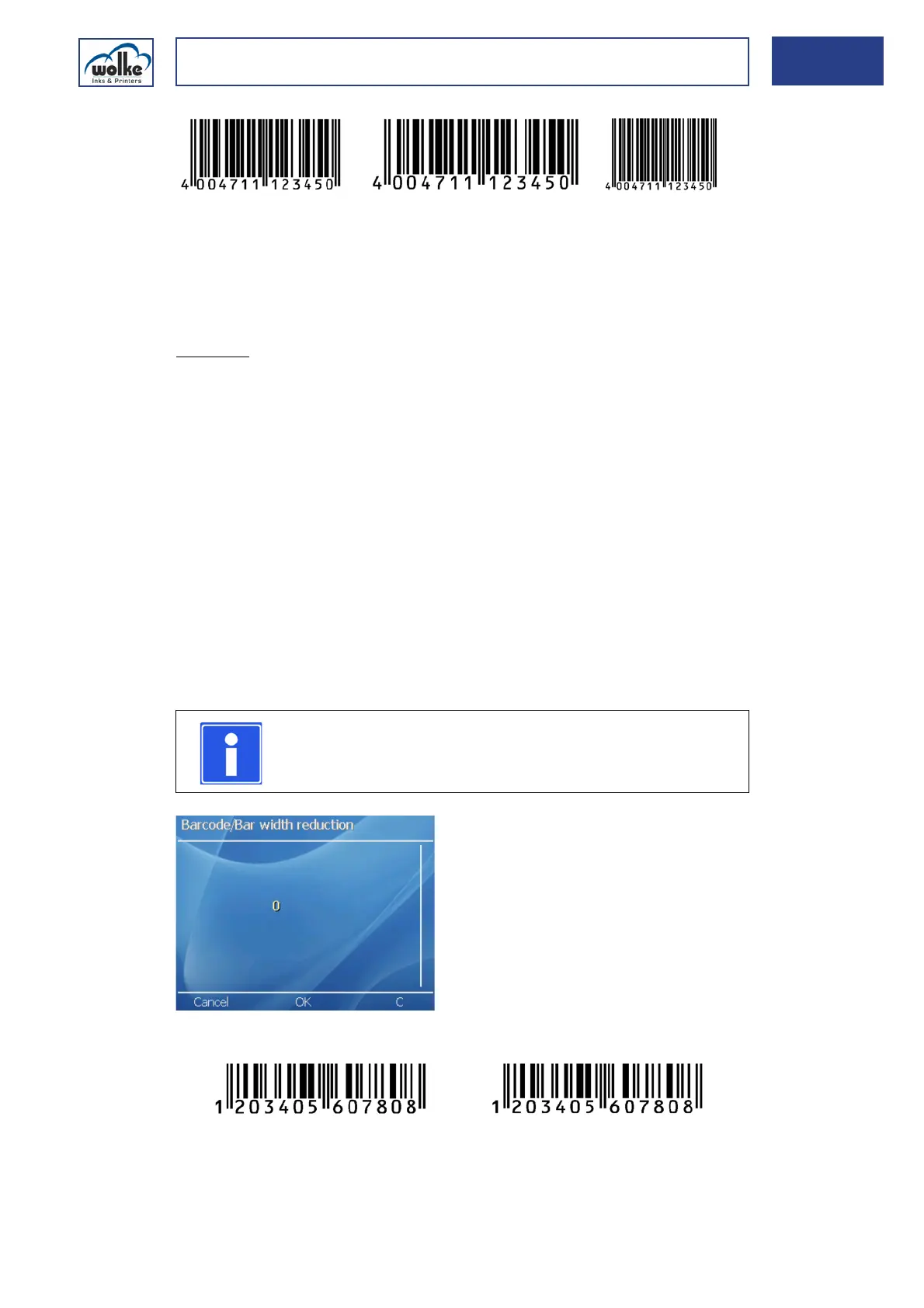
With scaling of 70 % the spaces between the bars are still very small. De-
pending on the material, the ink may fill the spaces. In order to avoid this,
the bar width should be reduced with the "Bar width reduction" menu item
and this will produce an optimized barcode print.
This menu item enables the width of the individual barcode bars to be
reduced and the width between the bars to be increased accordingly. The
size of the barcode itself remains unchanged.
This function is provided to enable the legibility of the barcode to be
adjusted to account for different combinations of ink and substrate
(product packaging material). This is particularly important if the ink
bleeds heavily on the substrate (= runs). In order to achieve the optimum
presentation of the bars on such materials, a bar width reduction is
recommended.
Fig. 7_135: Barcode – Bar width reduction
Fig. 7_136: Patterns with identical scaling and different reduction
< 100 % = Narrow
barcode
> 100 % = Broaden
barcode
100 % Basis
Bar width reduction in pixels
NOTE
Leave the value unchanged first and then decide after the
first test print whether an adjustment is required.
Reduktion: 0 Pixel
Skalierung: 120%
Reduktion: 4 Pixel
Skalierung: 120%



 To Next Page