Label
76 Manual m600 basic 2.6_01
7
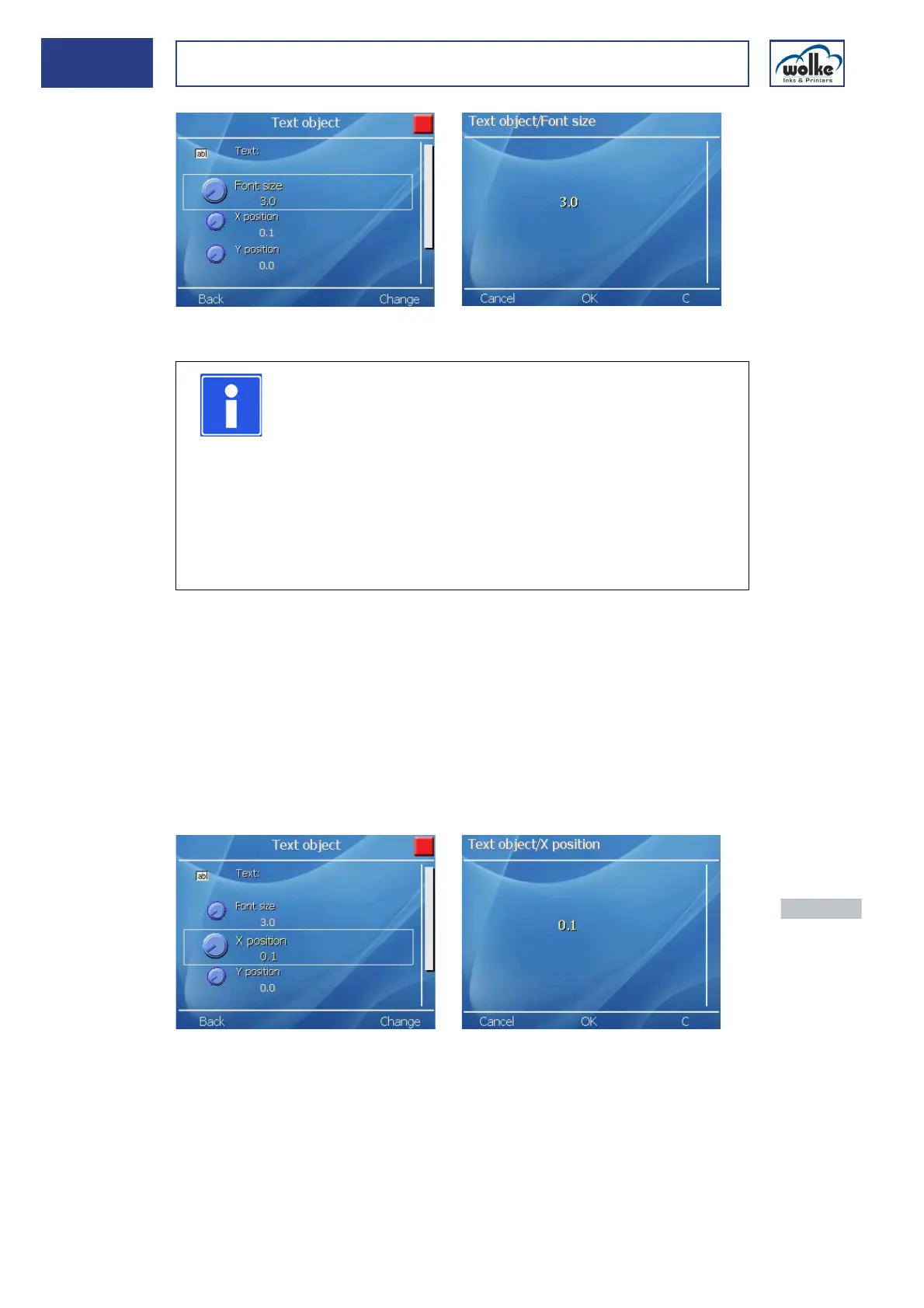
Fig. 7_121: Text object – Entry of font size
Text
The maximum print heights in dependency on the number of print heads
are shown below:
• 12.7 mm (Print height with one print head)
• 25.4 mm (Print height with two print heads)
X position
The X position is for specifying the coordinates for positioning the left side
of the field in the label. If no value is entered, the field appears at the val-
ue X = 0 mm.
Fig. 7_122: Text object – Definition X position
NOTE
The entered text height is based on standard characters
(e. g. H, I, R). However, since the m600 basic supports
genuine descenders (e.g. j, g, { ), the text field is larger
than the text height which is entered. Standard charac-
ters (e.g. B. H, I, R) require approx. 73% of the text field
height for the text height which is entered, the rest being
used for the descenders. Characters having ascenders
are reduced minimally in size (e. g. Ê). The percentage
for standard characters may vary slightly depending on
the font.
Actuate the nu-
meric keys to
enter a value.
Actuate the
menu button
"OK" to accept
the value.



 To Next Page