Installation
Manual m600 basic 2.6_01 19
4
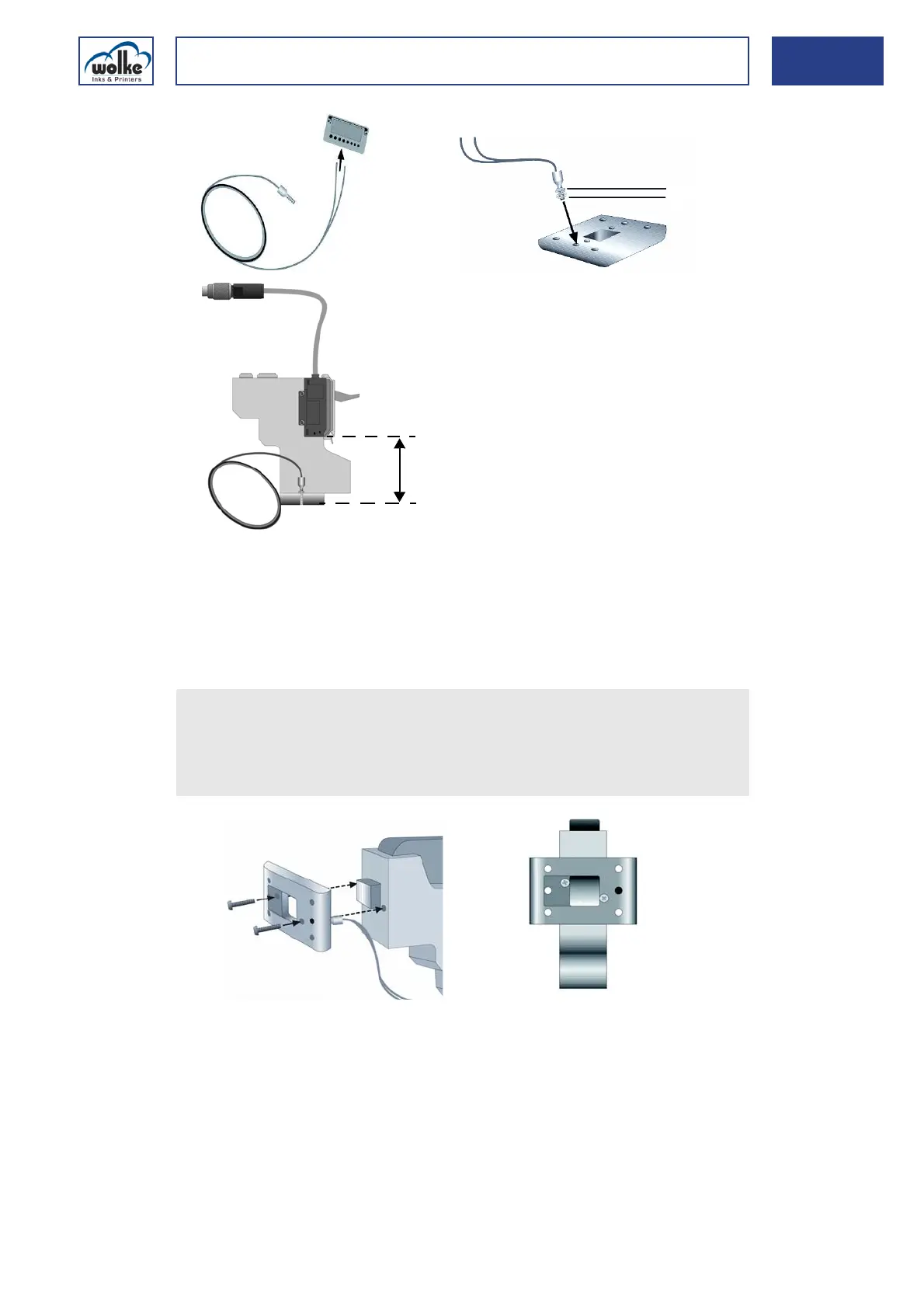
Fig. 4_35: Cutting the optical fiber to size
Installing the
photoelectric
cell
1Cutter 4Nut
2 Optical fiber 5 Length of the optical fiber
3 Serrated lock washer
Screw-fasten the optical fiber with nut and serrated lock washer into
the head plate. Make sure that the optical fiber is aligned flush with
the bottom of the head plate. Lock with the nut.
Use the relevant hole in the head plate depending on the direction of
printing!



 To Next Page