Logon
Manual m600 basic 2.6_01 143
11
Logon
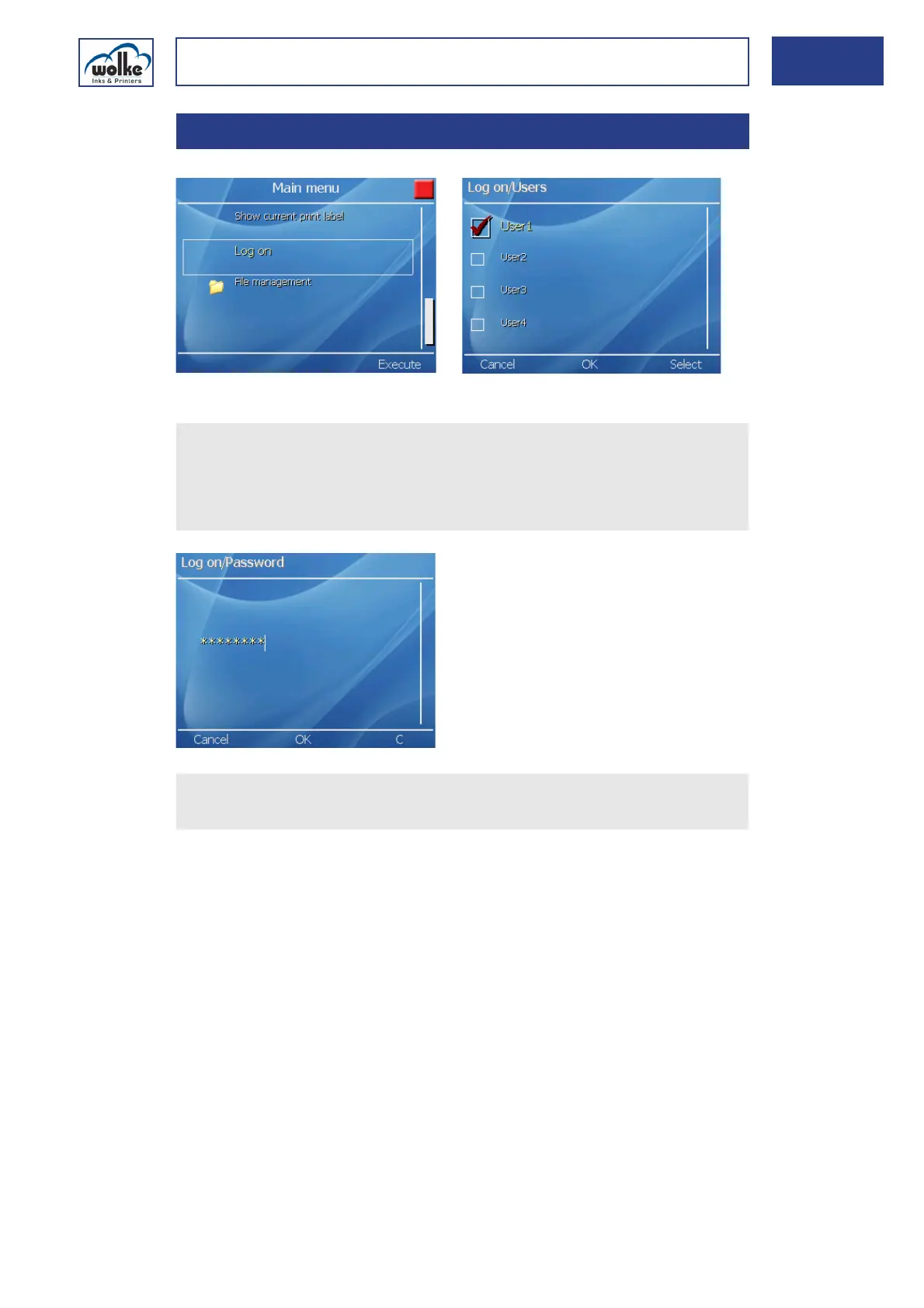
Fig. 11_236: Main menu > Logon
11 Logon
Actuate the cursor buttons to select the required user group.
Accept the selection via the menu button "Select".
Actuate OK to confirm the selection.
Enter the new password.
Confirm by pressing "OK". Now, you are logged on. The main menu
re-appears.



 To Next Page