Diagnosis
Manual m600 basic 2.6_01 139
8
Max. capacity utilization [%]
The max. capacity utilization displays the maximum capacity utilization
measured since the beginning of the last start of printing.
Number of errors triggering start
This indication is used to analyze the error and displays the number of
"print trigger" operations during print processing.
Replace
cartridge
After replacement of a cartridge, the cartridge level (depending on the
selected cartridge size) must be reset to 100 %.
To ensure that the correct level of ink is always displayed and to enable a
correct “No ink” signal to be issued, it is a mandatory requirement that
whenever you replace a cartridge or bulk system you confirm this in the
menu. When the m600 basic is commissioned for the first time the system
menu is already preset for the use of full cartridges or bulk systems. The
m600 basic ink counter has to be reset for the first time after the
cartridges/bulk systems are replaced for the first time.
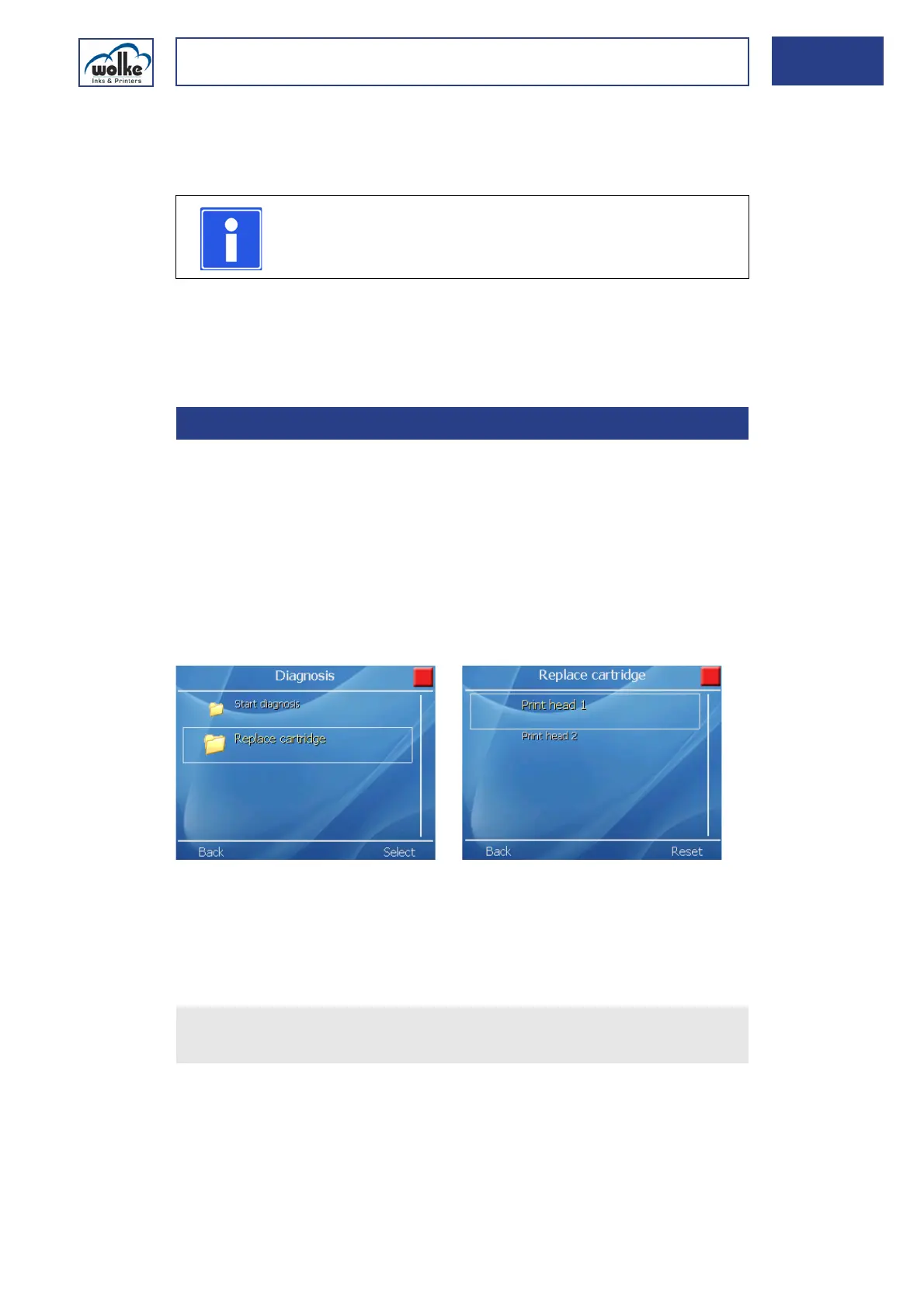
Fig. 8_231: Replace cartridge print head 1
If the “No ink” alarm is activated for output 3, this output 3 will be acti-
vated once the preset threshold is reached. If the signal light (available as
an option) is connected to the 24 V I/O connector, the orange warning
light will go on (see Chapter 8.4).
Replace
cartridge
NOTE
At a value of > 95 %, it is recommended to increase the
"distance after" or to reduce the resolution.
8.3 Replace cartridge
Actuate the cursor buttons to select the appropriate print head and
activate the reset procedure by "Reset".



 To Next Page