Data exchange
Manual m600 basic 2.6_01 147
13
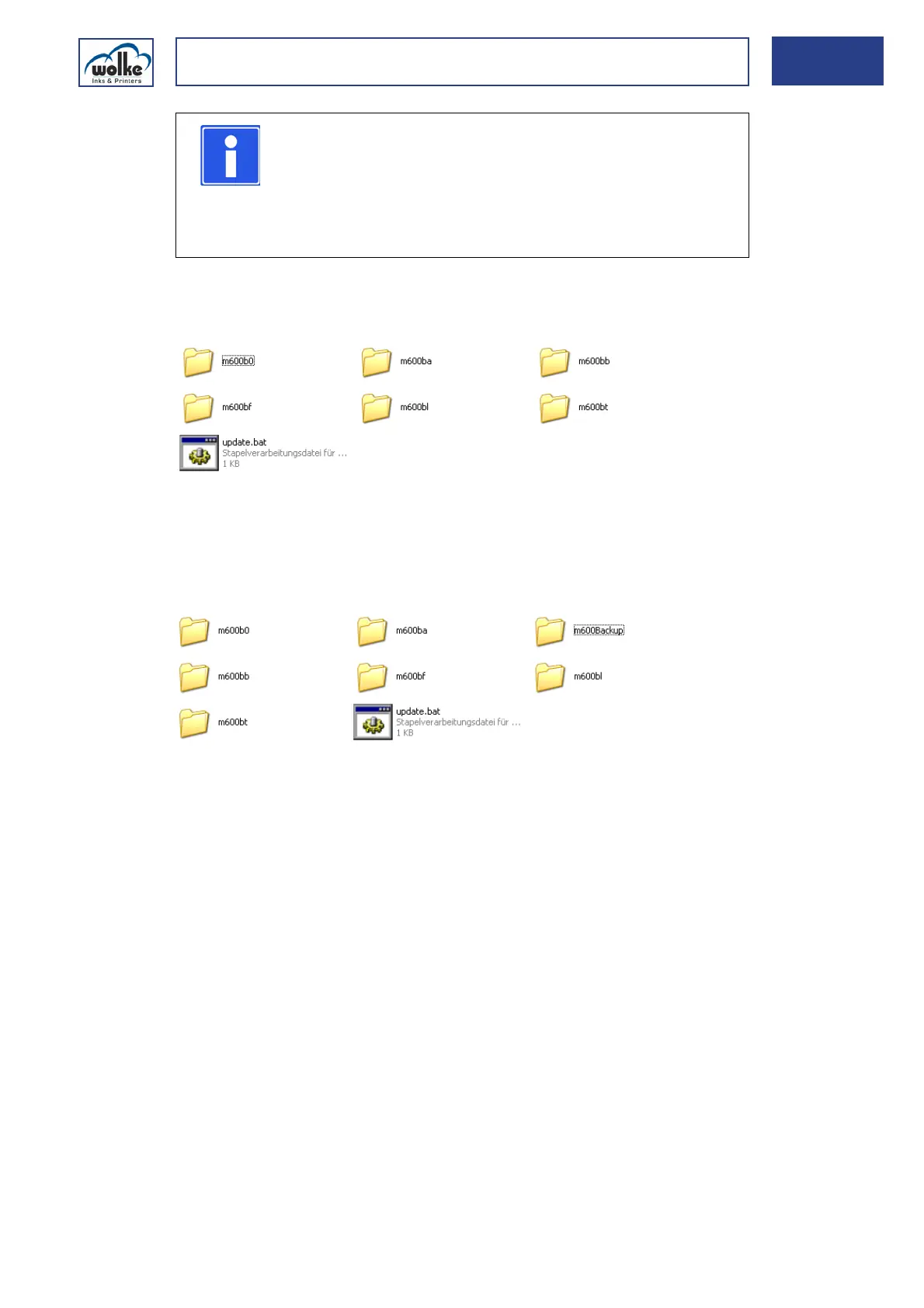
Unless data backup has been performed, the USB stick has the following
directory structure:
Fig. 13_238: Standard folders on the USB stick
If data are saved on the USB stick, the folder "m600Backup" is
automatically created. This folder comprises the standard folders,
depending on the selection of the data provided for backup.
Data exchange
via stick
Fig. 13_239: Contents of USB stick with data backup
NOTE
Several data backups can be saved on the stick.
To this effect, the folder "m600Backup" is additionally
created on the USB stick. The data backups of the m600
basic in question are saved in the subfolders which bear
the names of the devices (see Chapter 6.1.4).
m600b0 File basic.org
(configuration file)
m600bf Folder contains fonts
m600bb Folder contains bitmaps m600Backup contains the standard folders
in accordance with the device
names and the basic.ini file in
the folder m600b0
m600bt Label templates for 1-
and 2-head labels
m600bl Folder contains labels
m600ba Link update.bat File to execute the updates



 To Next Page