Label
Manual m600 basic 2.6_01 95
7
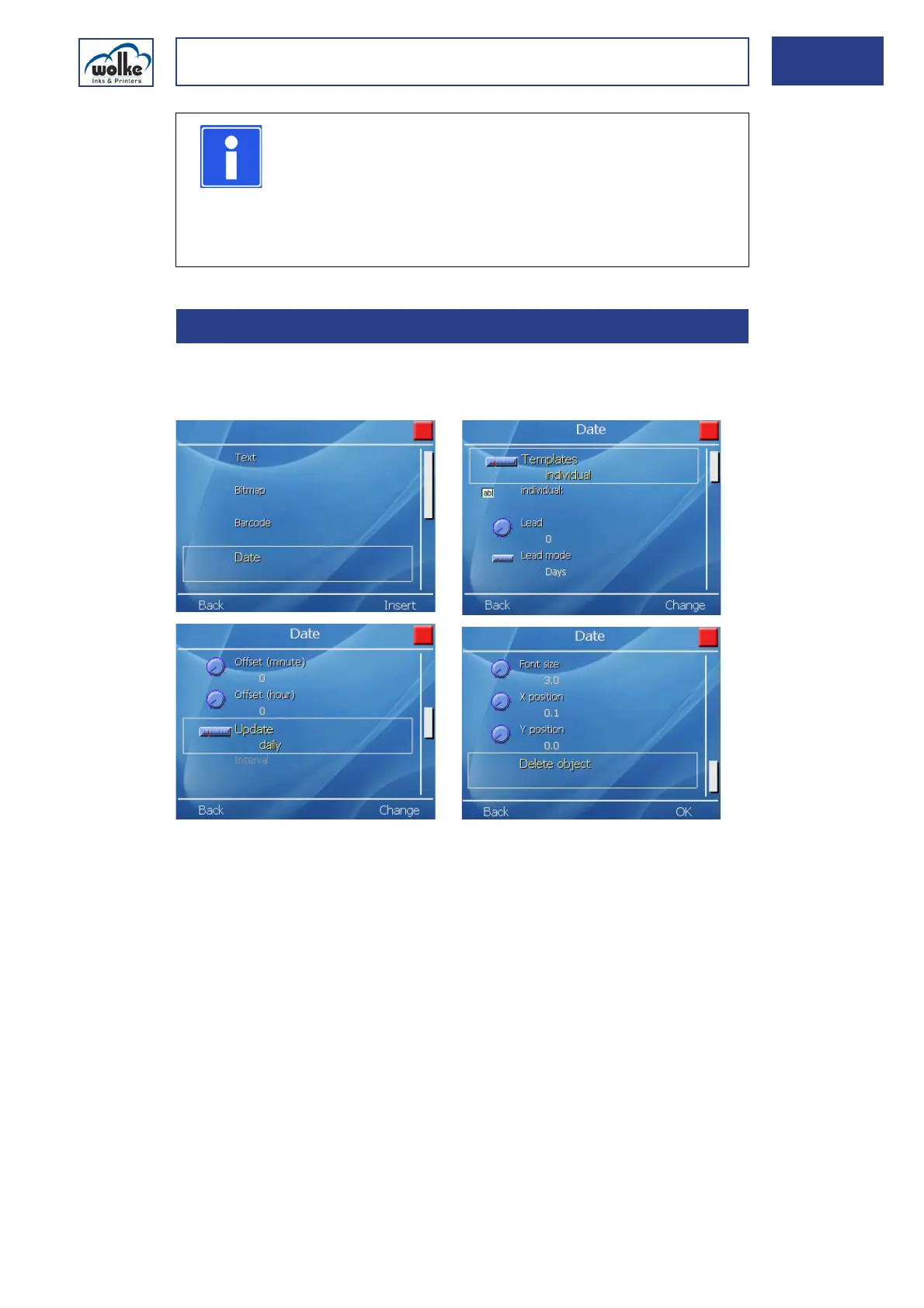
DateThis is for generating the minimum shelf-life date, production date or
other date values, including predating.
Fig. 7_151: New objekt – Date
Templates
In the "Template" selection list you can select how the date should be dis-
played. You can either select one of the predefined formats or create your
own format by going to "individual".
When you select a suitable date under "Templates", the way in which it is
displayed later is clearly shown as an example after the respective format
abbreviation. The example date of "3/7/2008" was selected at random; in
the print field the date is displayed on the basis of the date of the day.
NOTE
This functions “Lengthwise reduction” and “Crosswise
reduction” are provided to enable the legibility of the
barcode to be adjusted to account for different
combinations of ink and substrate (product packaging
material). This is particularly important if the ink bleeds
heavily on the surface (= runs).
7.3.4 Date



 To Next Page