Settings
36 Manual m600 basic 2.6_01
6
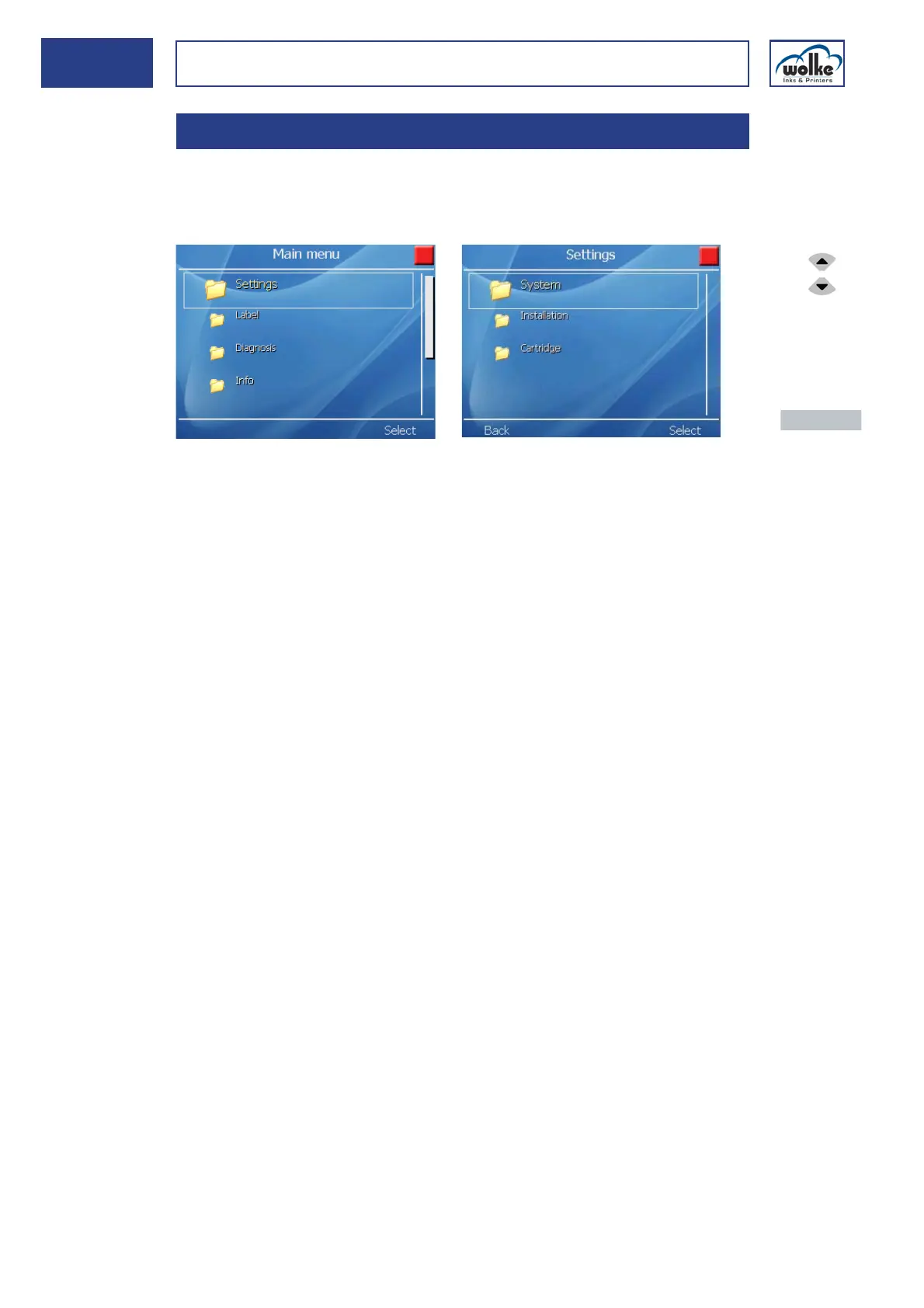
Settings In this menu, all settings are made regarding the system of the m600 ba-
sic, the system configuration and the cartridge(s).
For further setting options, please refer to "Label" (see Chapter 7.5).
Fig. 6_60: Main menu > Settings
System:
Setting of system date / time, language, password and resetting to the
factory settings (see Chapter 6.1).
Installation:
Settings regarding the pulse generator, specification of pulses / speed,
settings regarding inputs / outputs and the arrangement of the print
heads (see Chapter 6.2).
Cartridge:
Settings regarding the cartridge type, ink type, temperature control and
the ink level alarm (see Chapter 6.3).
6 Settings
Actuate the cur-
sor buttons to
select the indi-
vidual menu
items.
Actuate the
menu button
"Activate" to
enter the menu.
Actuate the
menu button
"Back" to return
to the main
menu.



 To Next Page