Settings
Manual m600 basic 2.6_01 69
6
Temperature-
controlled
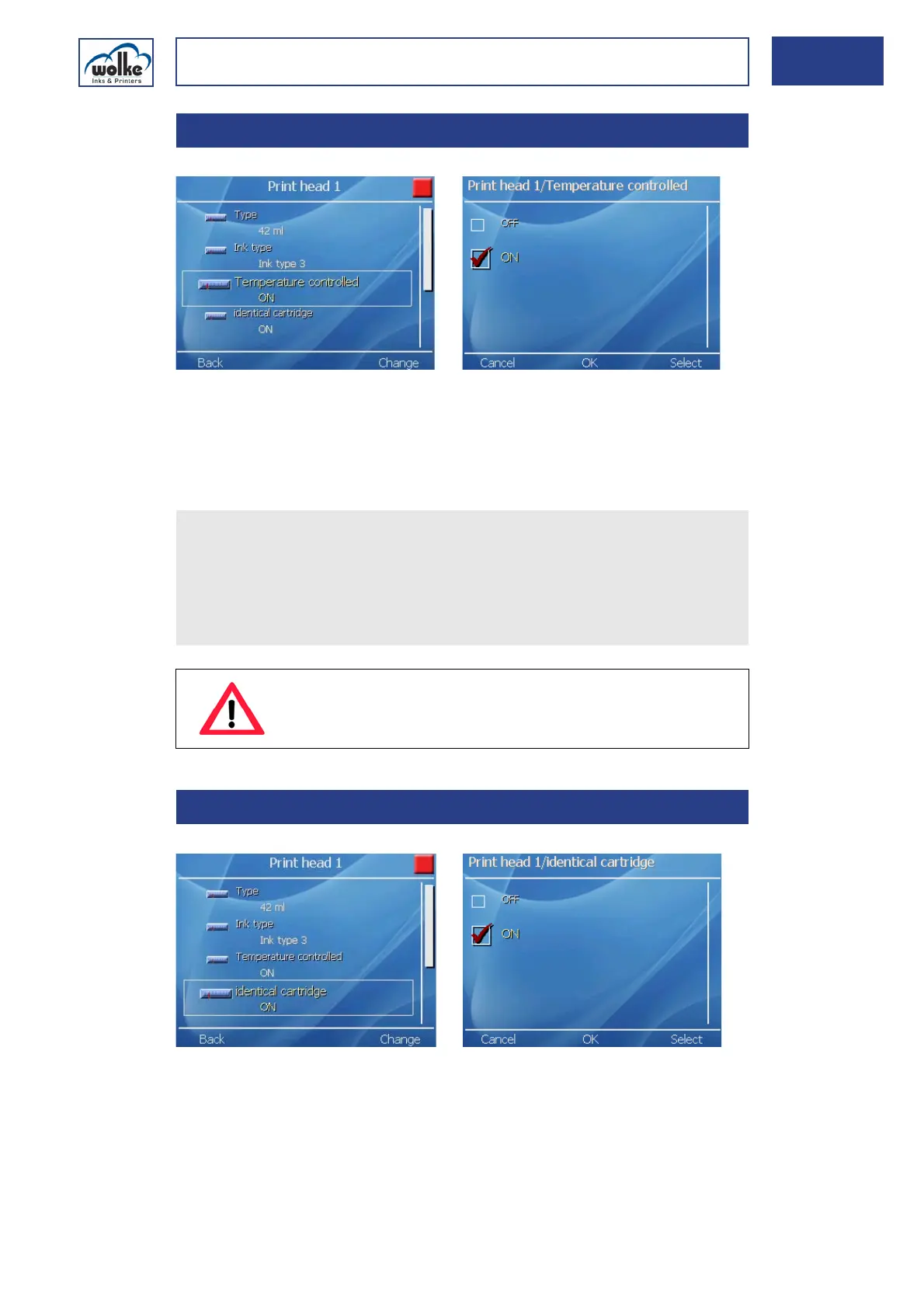
Fig. 6_111: Cartridge > Print head 1 > Temperature-controlled
If this function is deactivated, the selected print head will be operated
without temperature control.
The error messages "Error HeadComm" and "Cartridge 1/2 removed" are
only issued if the temperature control is activated.
Cartridge size
identical
Fig. 6_112: Cartridge > Print head 1 > Cartridge size identical
Activation of this item enables the settings for print head 1 to be trans-
ferred to print head 2. This makes only sense if the same cartridge types
(size and ink type) are used in all print heads. If cartridges of different siz-
es or different types of ink are used, this item must be deactivated and
the entry made separately for each print head.
6.3.4 Temperature-controlled
Please note that the error messages "Error HeadComm" and
"Cartridge 1/2 removed" are only issued if the temperature control
is activated.
Please take account of the fact that if the temperature control is
deactivated, neither the cartridge temperature nor the number of
defective printing jets can be displayed in the diagnostic menu.
ATTENTION
We recommend that you consult your contact person at
Wolke before ever deactivating the temperature control.
6.3.5 Cartridge size identical



 To Next Page