Data exchange
Manual m600 basic 2.6_01 157
13
Software
update
Prerequisites:
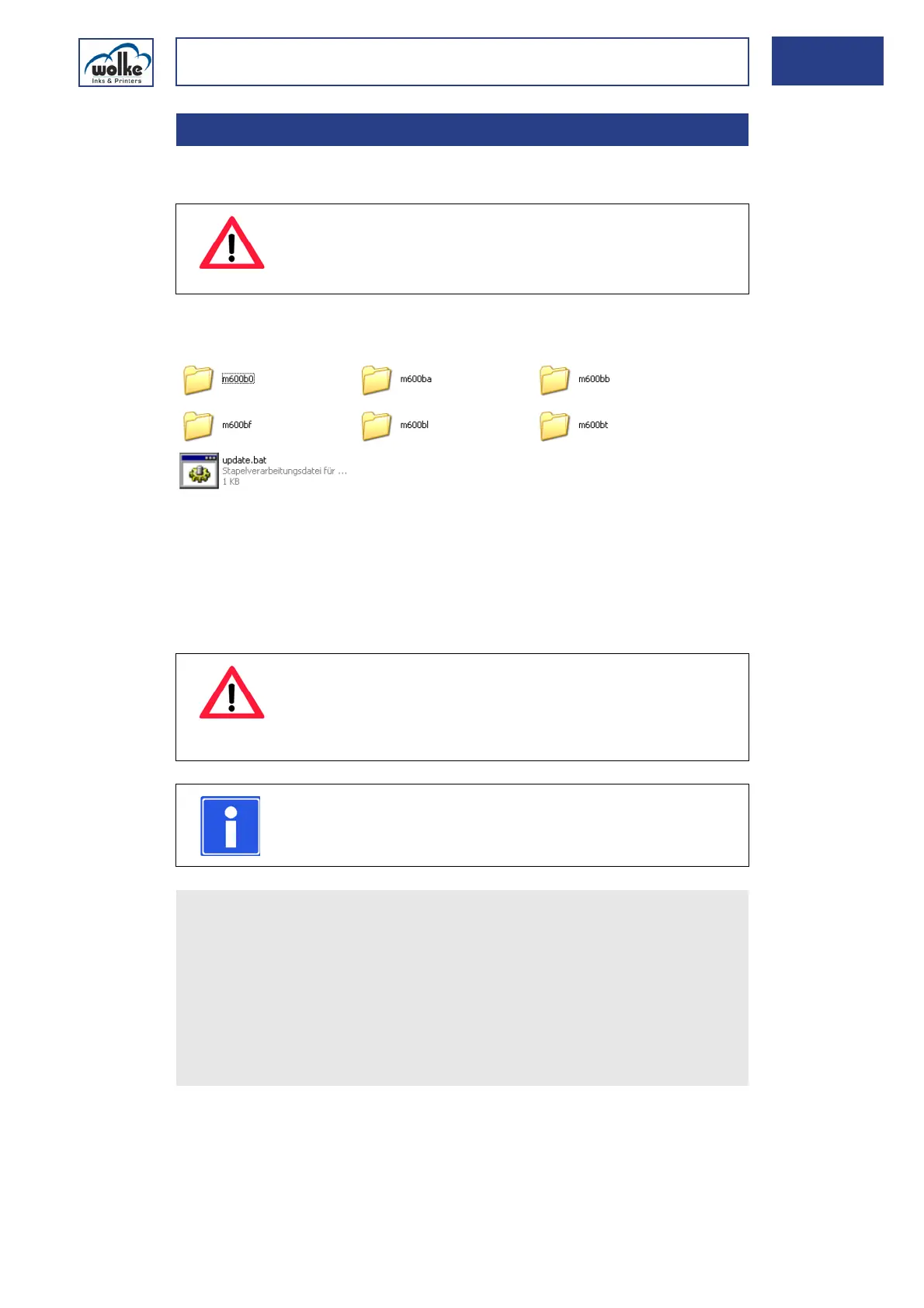
The contents of the USB stick must have the following directory structure:
The USB stick must not exceed 18 mm in width, as otherwise it does not
fit correctly into the USB socket. This is due to the design of the mounting
frame of the USB socket which must comply with protection class IP65 re-
quirements.
Performing an update of the m600 basic using a new software version:
13.3 Software-Update
ATTENTION
The software version used must not be lower than version
0.1.5, for technical reasons.
ATTENTION
To execute an update, the access right must have been
enabled by the administrator.
The printer must be in "stop" mode.
NOTE
To save the current device configuration, restart the
m600 basic before performing the update.
Switch the m600 basic OFF.
Wait for 10 seconds, then switch the m600 basic ON again.
Wait for the main menu to appear.
Open the cover for the USB socket on the front side of the m600
basic.
Insert the USB stick into the USB socket.
In the main menu, select the item "File management"!
Select the submenu "Load"!



 To Next Page