Settings
Manual m600 basic 2.6_01 47
6
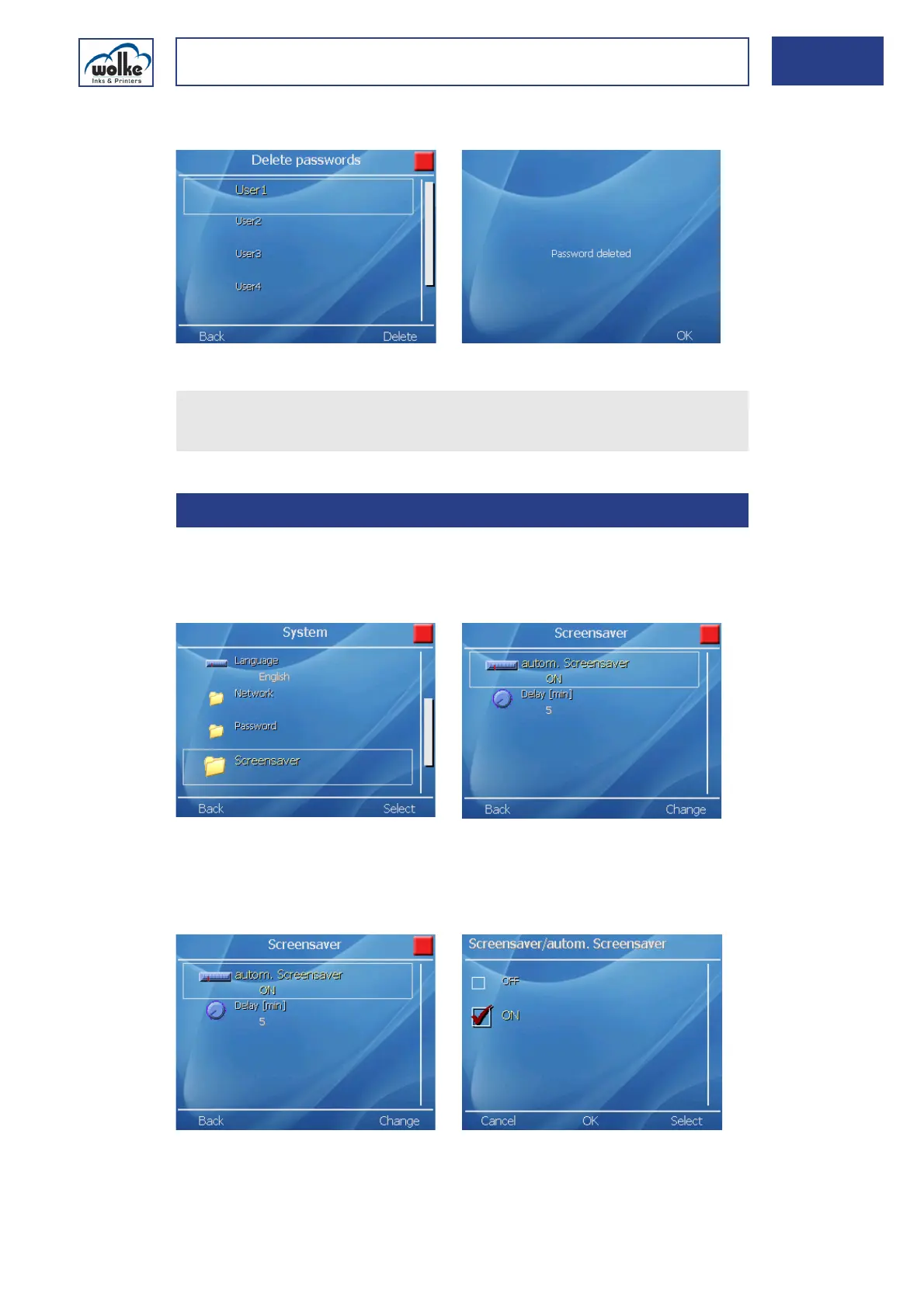
The message "Password deleted" appears.
Fig. 6_75: Password deleted
Screen saverThe m600 basic operating system has a "screen saver function" (similar
to that of a PC), to extend the service life of the backlight tube of the LCD
display used in the m600 basic.
Fig. 6_76: System > Screen saver
Autom. screen saver
The screen saver function can be activated and deactivated.
Fig. 6_77: Autom. screen saver >Activation / deactivation
Actuate "OK" to confirm, and exit the menu.
Repeat this procedure if you wish to delete other passwords.
6.1.6 Screen saver



 To Next Page