Settings
Manual m600 basic 2.6_01 63
6
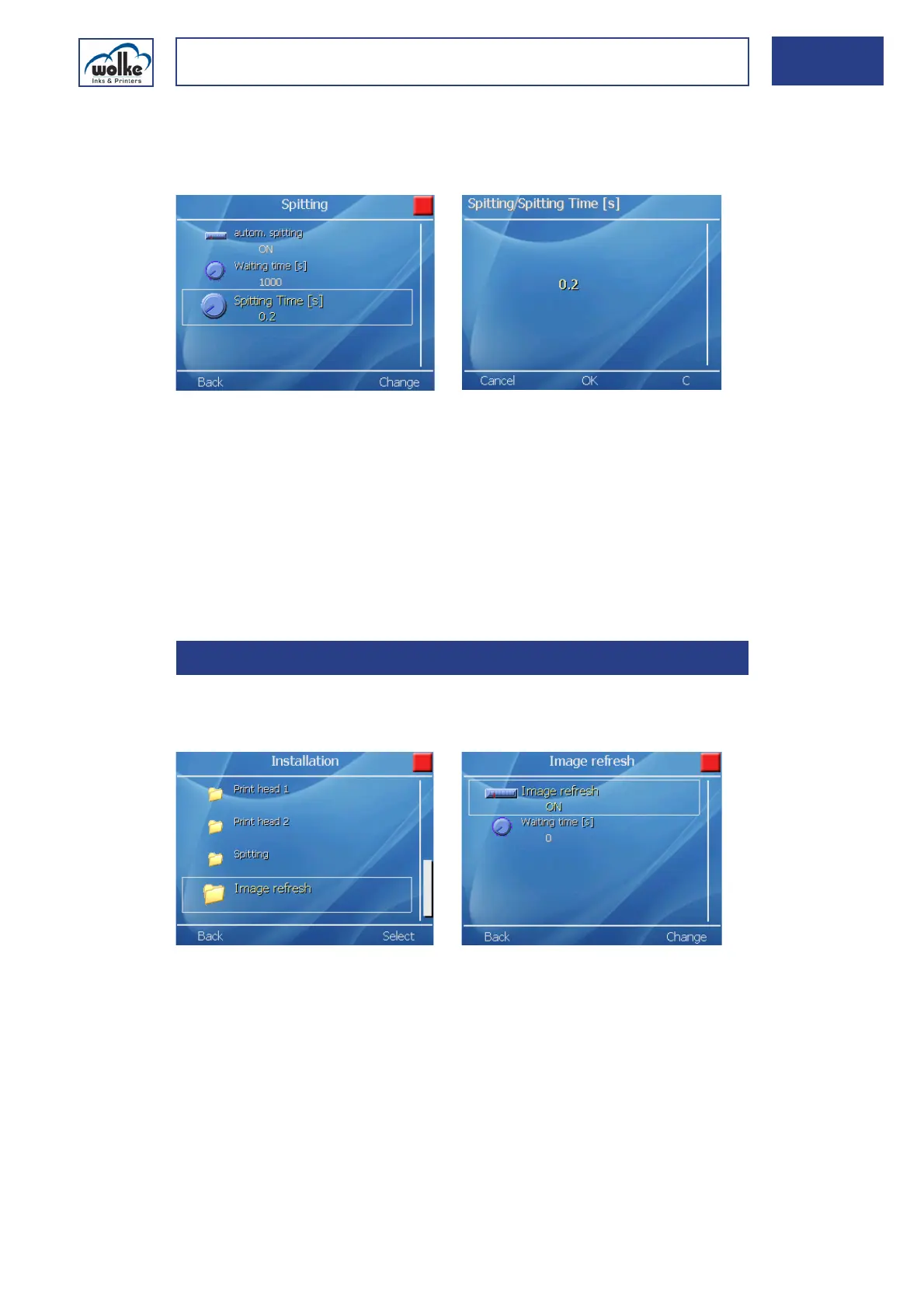
Spitting Time [s]
The spitting duration can be defined in steps of 0.1 sec from 0.1 to 2 sec-
onds.
Fig. 6_103: Spitting > Spitting Time [s]
Manual spitting
One-time spitting can be triggered with the hotkey „*“ and „0“. To trig-
ger another spitting operation, the hotkey must be pressed again.
Items requiring special attention:
• The nozzle rows to be used for spitting are label-dependent.
• The label settings decide whether spitting is effected with one or two print
heads.
Image refreshThis function enables the time and date fields to be updated automatically
in accordance with the set waiting time.
Fig. 6_104: Installation > Image refresh
6.2.6 Image refresh



 To Next Page