Label
Manual m600 basic 2.6_01 75
7
Text
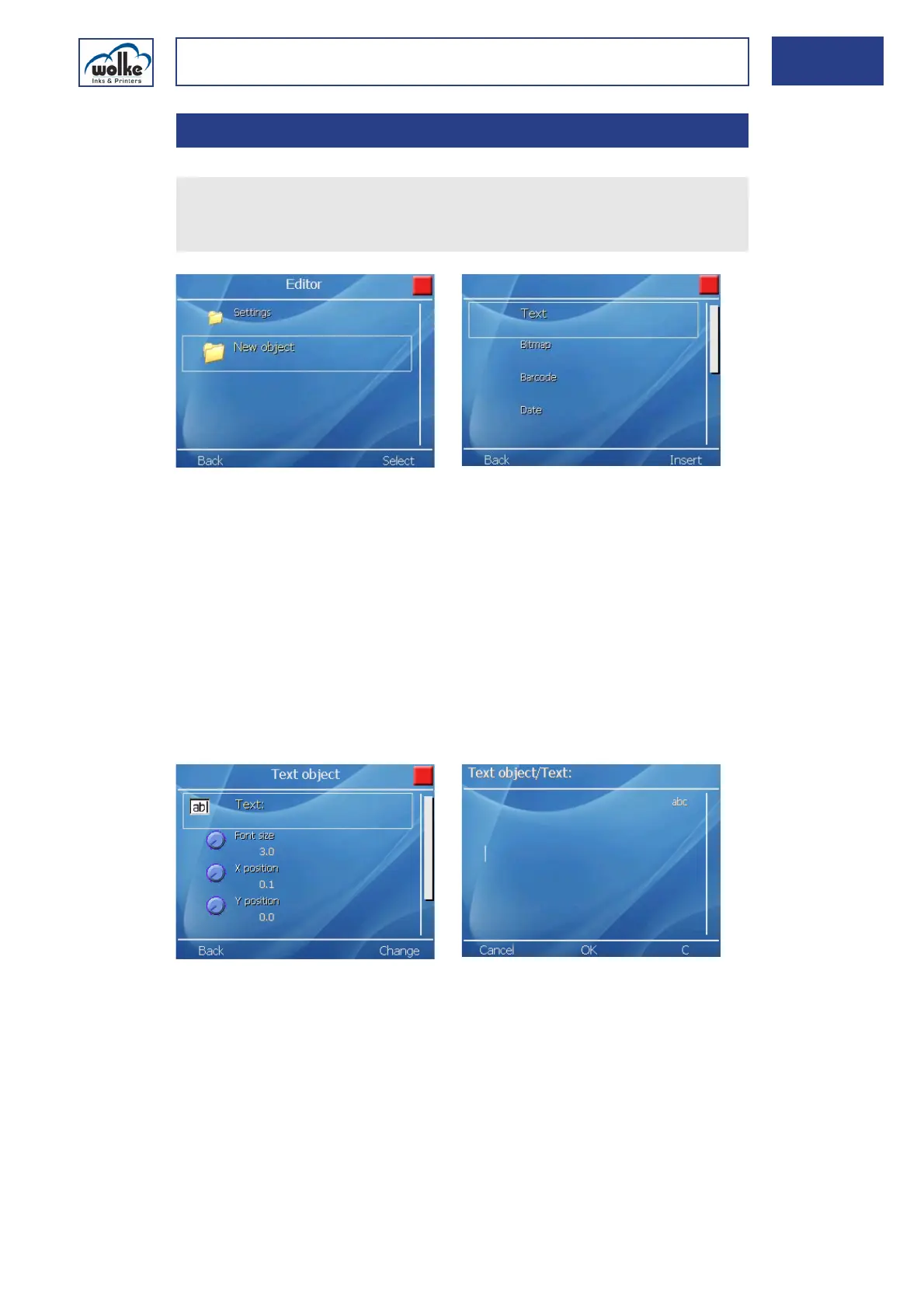
Fig. 7_119: Edit > New object > Text1
Field name
The field name appearing subsequently (here "Text1") is composed of the
type of field and an index. This is to help you find the fields more quickly
when editing labels.
Text
The "Text" line is for entering the text or information to be printed. Only
one line of text can be created at any time. If more lines are required, the
"Text field" menu must be opened again after entering the first text so
that you can make an entry in the next line. These may have different pa-
rameters, e.g. a different font size.
Fig. 7_120: Text input
Font size [mm]
The text height is for the entered text/information. The font size can be
set separately for every new line of text. The default value can be changed
and every print height between 0.3 mm and 24 mm, with 2 print heads,
can be selected in 0.1 mm increments.
7.3.1 Text
In the label, select the menu item "Edit".
Select "New object".
Select the text object.



 To Next Page